


Popular articles



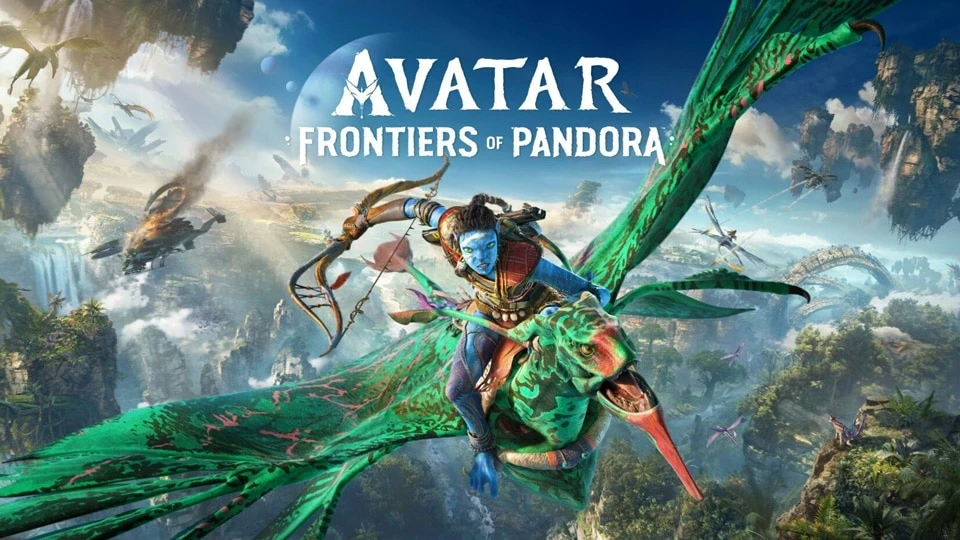
Avatar: Frontiers of Pandora – accessibility features explained
Table of Content

Avatar: Frontiers of Pandora is available now alongside two story packs – The Sky Breaker and Secrets of the Spires – and the From the Ashes expansion on PlayStation 5, Xbox Series X|S, Amazon Luna, and PC through Ubisoft Connect. Developer Massive Entertainment outlines a broad accessibility suite designed to help more players experience Pandora with fewer barriers. Speaking to Ubisoft News, Senior UX Designer Sandra Madsen described a development approach built on early planning, collaboration with Ubisoft’s internal accessibility team, and frequent testing. The result is a mix of control customization, comfort options, UI flexibility, and audio tools. The game supports both first‑ and third‑person perspectives, with features aimed at managing motion sensitivity and visual strain.
Design approach: build accessibility in from the start
According to the team, accessibility was discussed at the project level early in development, then iterated on continuously through playtests. The goal was to let players jump in without “layers of complexity,” while still offering deeper customization for those who need it.
“We want as many people as possible to live out their personal Avatar fantasy without friction,” said Senior UX Designer Sandra Madsen.
Madsen notes that learnings from development reinforced incorporating accessibility as part of core design.
“We take accessibility into account as part of our core design principles when working on something.”
Controls and input flexibility
The game leans heavily on input customization so players can tailor actions to their abilities and devices. Many settings are context‑sensitive – for example, flying – to better match different scenarios across Pandora.
- Controller/Mouse and Keyboard remapping – support for clicks, short/long holds, and chords.
- Controls presets – including right/left‑handed swaps and camera inversion options.
- Aim Assist – granular sub‑options and controls sensitivity sliders.
- Controller deadzone – adjust stick sensitivity.
- Vibration levels – configurable per situation.
- Hold‑action to toggles – convert holds to toggles for specific actions.
Comfort features across first‑ and third‑person play
The main story embraces a first‑person view for immersion, a choice that can increase motion sensitivity for some players. To address this, Massive iterated on comfort settings through repeated feedback. A third‑person perspective was added later, expanding options for those who prefer a wider field of view or different camera feel.
Players can adjust Camera Transition Intensity to make menu transitions instantaneous and disable Motion Blur. The team also introduced a slow‑motion mechanic in From the Ashes, with settings to customize how it behaves.
Read also our article: Netflix confirms Zachary Hart and Laura Marcus for Assassin’s Creed
Gameplay options: difficulty, navigation, and interaction
Several systems let players dial in pacing and complexity, from combat tuning to interaction shortcuts for more demanding sequences.
- Combat difficulty – tweak incoming and outgoing damage in single player.
- Navigation experience – choose between a guided UI mode or a more immersive, low‑UI approach.
- Puzzles/harvesting – autocomplete on interact, or switch to an alternative interaction model with a different control set/skillset.
- Aim Assist – detailed controls for targeting support.
- Motion Blur – can be turned off.
UI and language: readable, customizable, and color‑aware
Front‑end options focus on clarity and visibility, offering extensive control over text, colors, and on‑screen elements.
- Subtitles – on by default with size and background customization, previewable before starting.
- Speaker direction – an indicator shows where a speaker is located.
- UI color customization – general colorblind presets plus individual color selections.
- Customizable HUD – show, hide, or adjust elements for a more immersive view.
- Camera Transition Intensity – reduce animation time for faster transitions.
- Scalable UI text – for key gameplay elements.
Audio tools: clarity and comfort
Audio options aim to reduce discomfort and surface critical gameplay sounds more clearly.
- Tinnitus effects – can be disabled.
- Menu narration – supported on essential screens with adjustable volume and speed.
- Audio modes – Night Mode mix and Focus Mix for gameplay‑critical audio.
Final takeaway – more ways to explore Pandora
With extensive control remapping, comfort settings for both perspectives, and readable UI/audio options, Avatar: Frontiers of Pandora broadens how players can experience its world. If you need flexible inputs, clearer subtitles, or motion‑friendly camera behavior, the tools are built in – and they span the base game, story packs, and the latest expansion.
Category

Share the news


Meet the Author


Article:
Read all

Solid Snake joins Rainbow Six Siege on March 3 with intel‑driven tools and scavenging gameplay. A few weeks later, a limited‑time 4v4 infiltration mode arrives alongside map and balance updates.
 February 15, 2026
 3
3
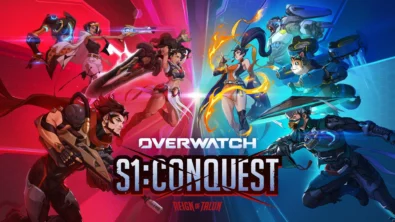
Season 1 opens the first chapter with Domina, Emre, Mizuki, Anran, and Jetpack Cat, plus the Conquest meta race between Overwatch and Talon. The world will update in real time as the story unfolds.
February 14, 2026
3
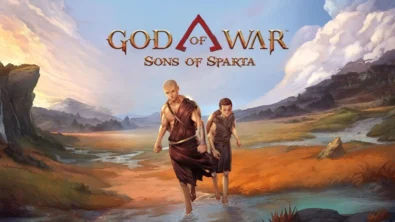
Kratos’ Spartan youth becomes playable in God of War Sons of Sparta – a canon, pixel‑art 2D prequel on PS5 with customizable spear‑and‑shield combat, Gifts of Olympus, and returning voice talent.
February 13, 2026
5
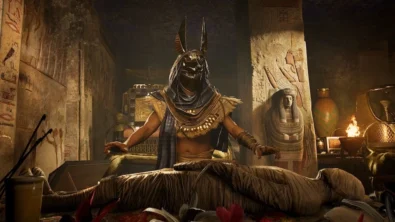
Ancient embalming, step by step – a new museum installation built on Assassin’s Creed Origins’ Discovery Tour lets visitors explore mummification interactively at Musée de l’Homme, open November 2025-May 2026.
February 13, 2026
6
Read also
Solid Snake joins Rainbow Six Siege on March 3 with intel‑driven tools and scavenging gameplay. A few weeks later, a limited‑time 4v4 infiltration mode arrives alongside map and balance updates.
February 15, 2026
3
Kratos’ Spartan youth becomes playable in God of War Sons of Sparta – a canon, pixel‑art 2D prequel on PS5 with customizable spear‑and‑shield combat, Gifts of Olympus, and returning voice talent.
February 13, 2026
5
Ancient embalming, step by step – a new museum installation built on Assassin’s Creed Origins’ Discovery Tour lets visitors explore mummification interactively at Musée de l’Homme, open November 2025-May 2026.
February 13, 2026
6
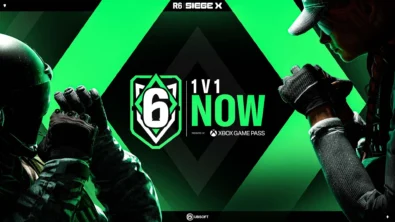
From training mode to centre stage: Rainbow Six Siege’s debut 1v1 circuit lands at the Six Invitational in Paris. Four regions, more than 3,200 entrants, semifinals Feb 14 and final Feb 15 for 5,000 US dollars.
February 13, 2026
5
Blizzard links its 2026 milestones with a cross‑franchise Showcase and confirms BlizzCon’s return later this year – with more announcements and “surprises” still queued, says president Johanna Faries.
February 13, 2026
5

High On Life 2 launches with day-one Game Pass Ultimate support, while Narrative Director Alec Robbins explains how the team crafts jokes with players—shaping character-driven, reactive comedy.
February 13, 2026
6
From a Star Trek survival-strategy take to stealth with Styx, eerie Backrooms horror, and management sims, Xbox’s February 17-20 slate packs 14 launches with Series X|S optimizations and cross-platform perks.
February 13, 2026
7
First full gameplay for CONTROL Resonant runs on PS5 Pro, spotlighting Dylan Faden in a reality-bending Manhattan with vast zones and Gravity Anomalies. Launch set for 2026 across console and PC ecosystems.
February 13, 2026
4
Borderlands 4 sets a co-op goal for this weekend: hit 500,000 successful teammate revives between February 12-15 to unlock a universal cosmetic skin. A minor update adds three Weekly Big Encore boss fights to raise the stakes.
February 13, 2026
6
A milestone collection bundles five classic Rayman versions, a first-ever playable SNES prototype, reimagined music, modern assist options, and over 50 minutes of developer interviews.
February 13, 2026
6

Співпраця
Співпраця - текст
TopGame Newsletter!
Unlock exclusive gaming deals, fresh guides, and insider picks — straight to your inbox. No spam, just real content for real players.
