


Popular articles



Borderlands 4 Debuts Robust Photo Mode – Here’s How It Works
Table of Content

Borderlands 4 has added a full-featured Photo Mode as part of the January 29 Major Update. The feature is available to all players and is accessible directly from the pause menu. In single‑player, entering Photo Mode halts gameplay by default, giving you time to line up the shot. In online multiplayer the world continues to run, but the same toolset is available. The mode focuses on flexible camera control and granular visual tweaks – with platform-native saving for your captures.
How to Access It and What Pauses When
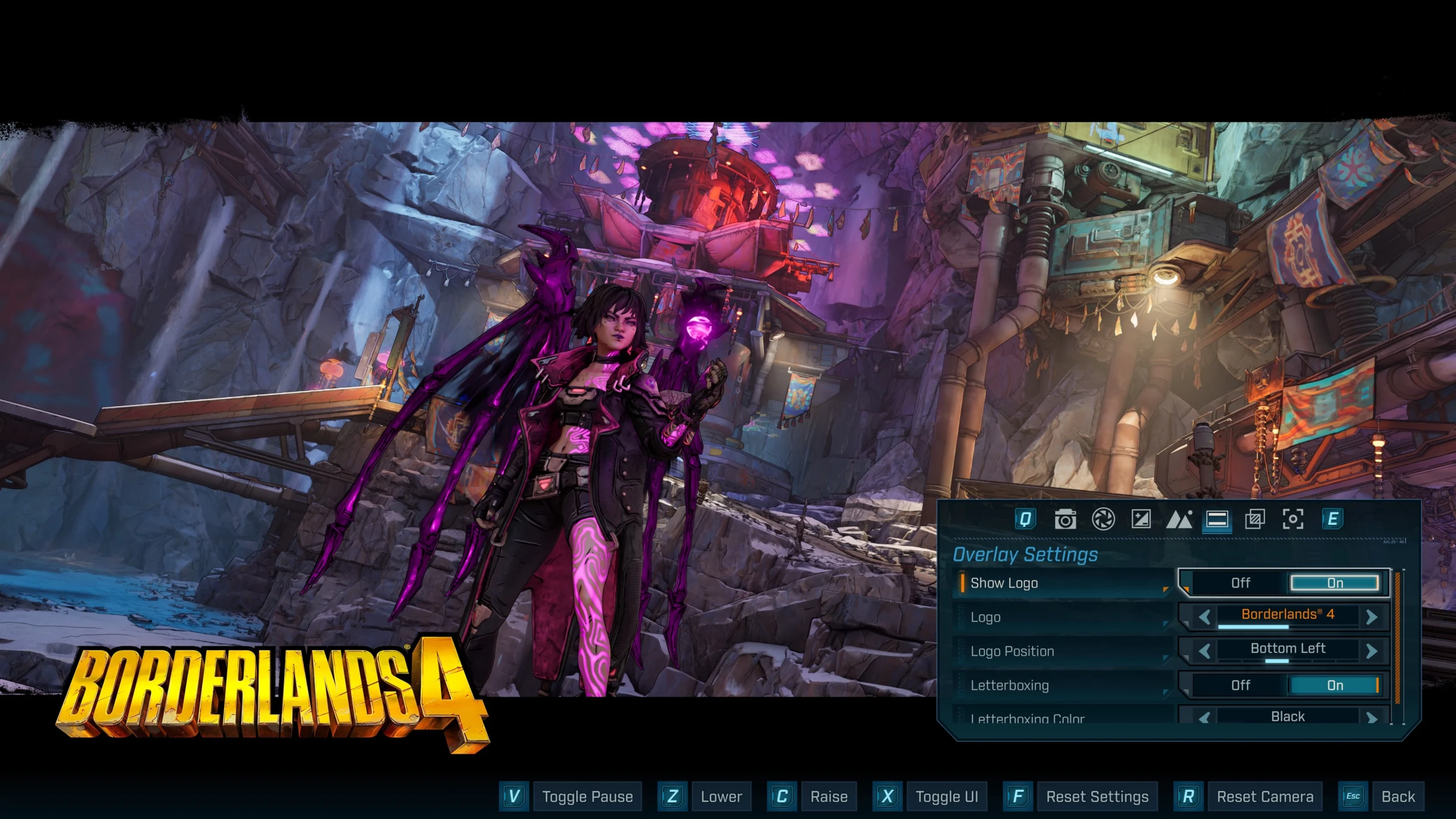
Photo Mode sits on the pause screen – launch it at any moment during gameplay and freely move the camera with standard movement controls. Single‑player sessions pause automatically, and you can resume or re‑pause the world as needed. Multiplayer sessions do not pause when Photo Mode is active. The tool is unavailable during cutscenes and not supported in splitscreen on consoles.
Saving and Managing Screenshots
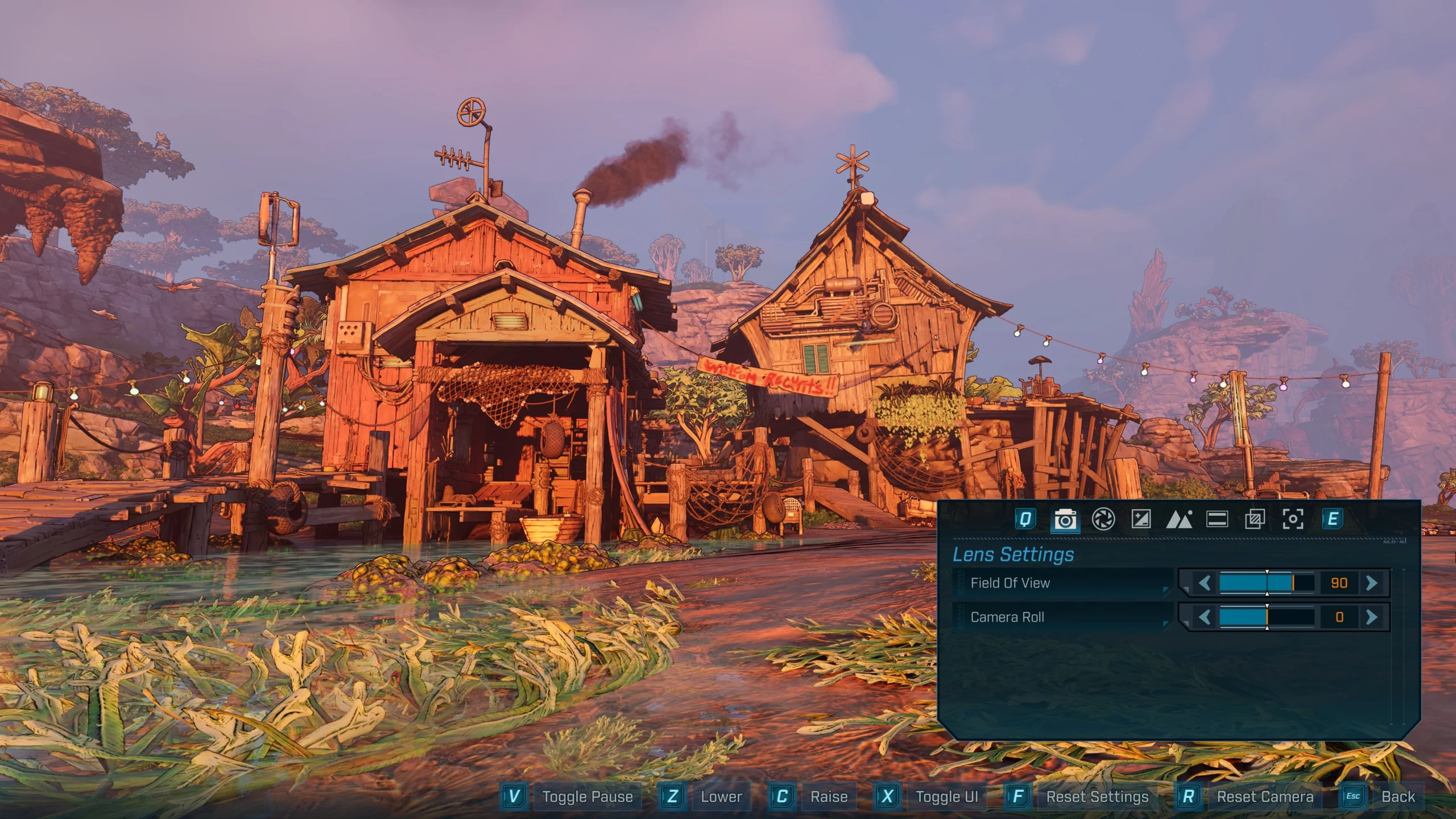
Photo Mode relies on your platform’s native screenshot system – images are not stored inside the game itself. On Steam, captures land in your account’s default screenshot folder; from the game’s library page you can browse “Recordings and Screenshots” and use “Show on disk” for the file location.
Screenshot Shortcuts by Platform – Quick Reference
This table summarizes the official capture inputs across each supported platform. Use these to save any Photo Mode composition.
Lens and Focus Controls
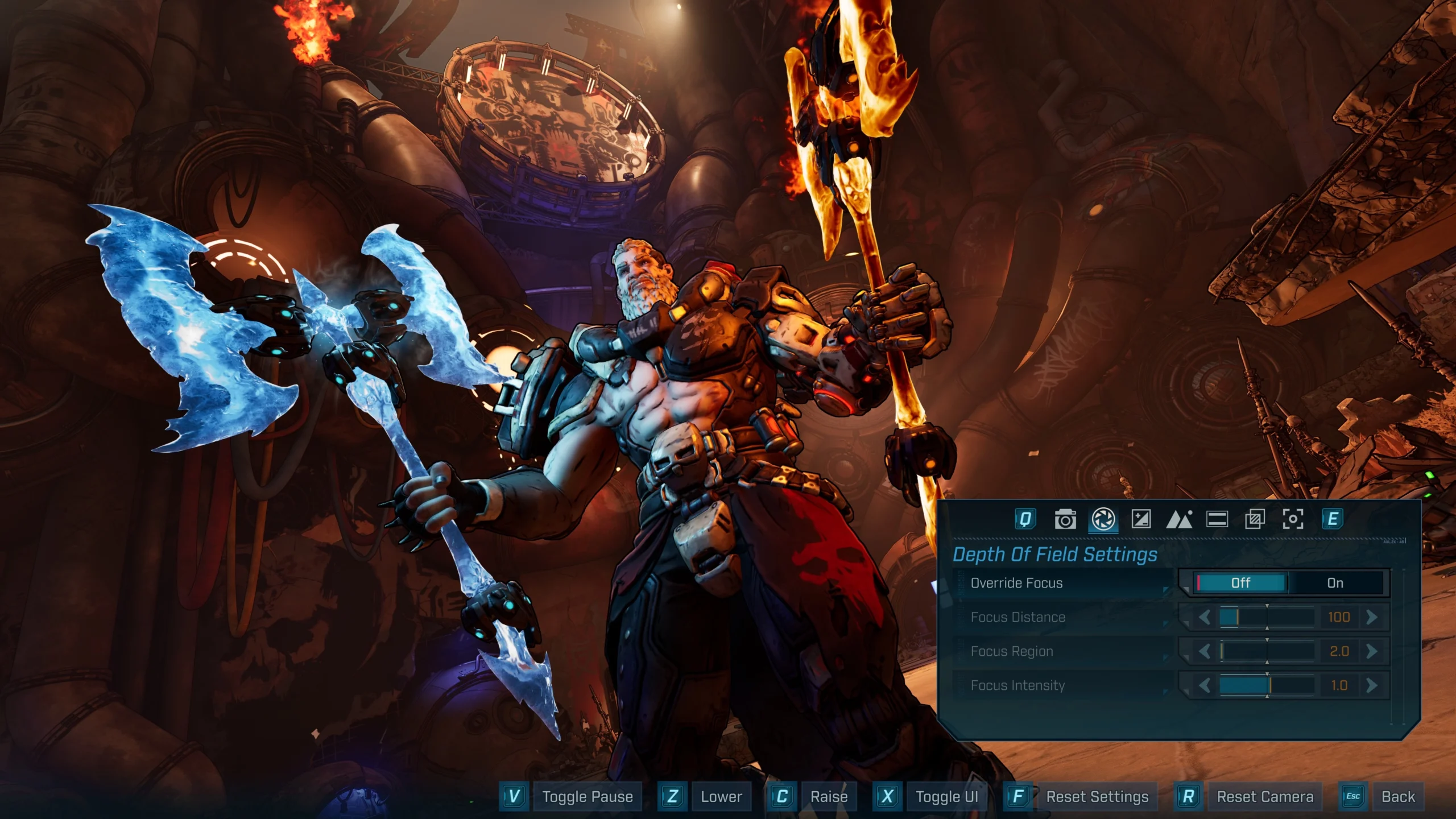
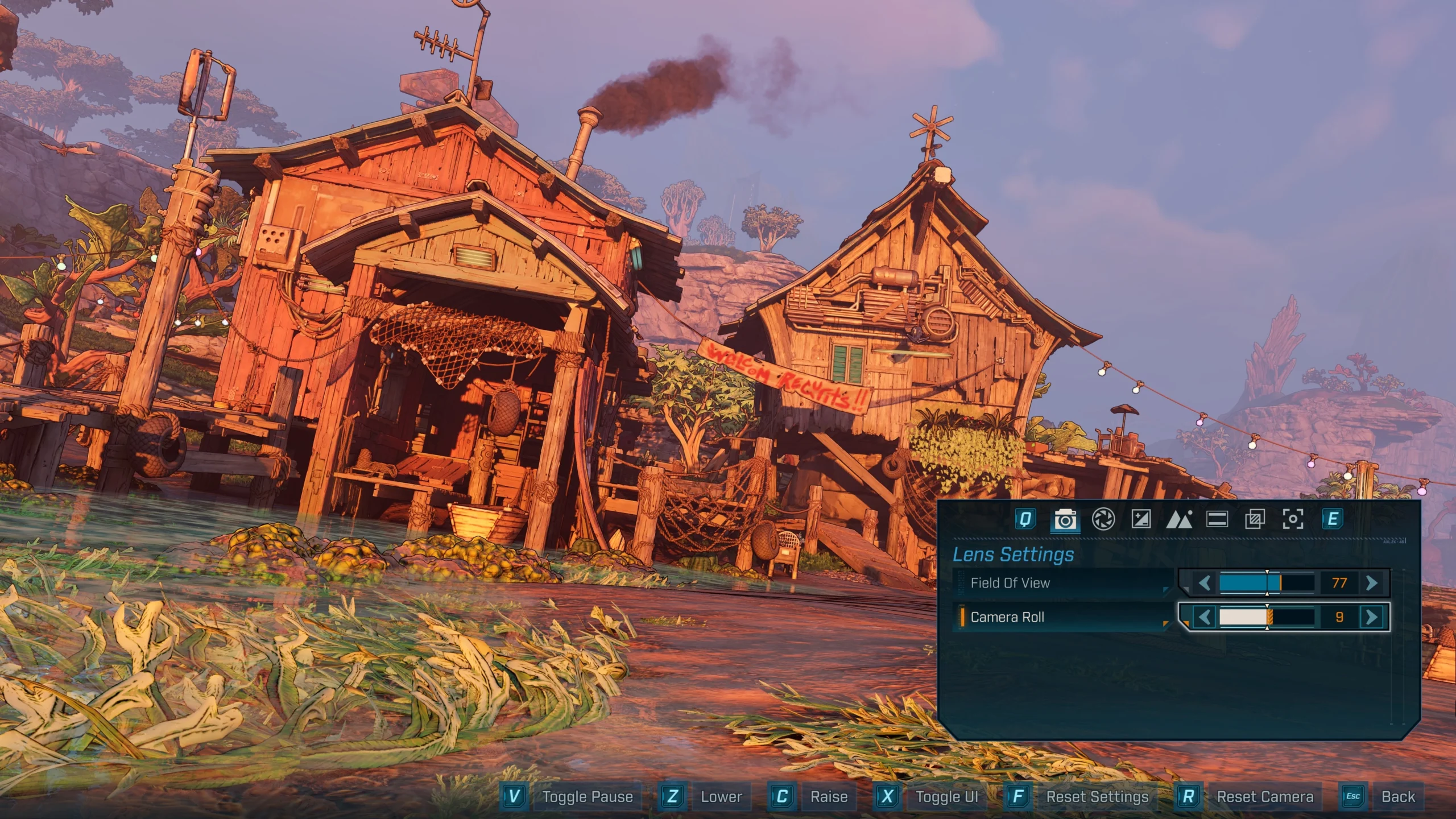
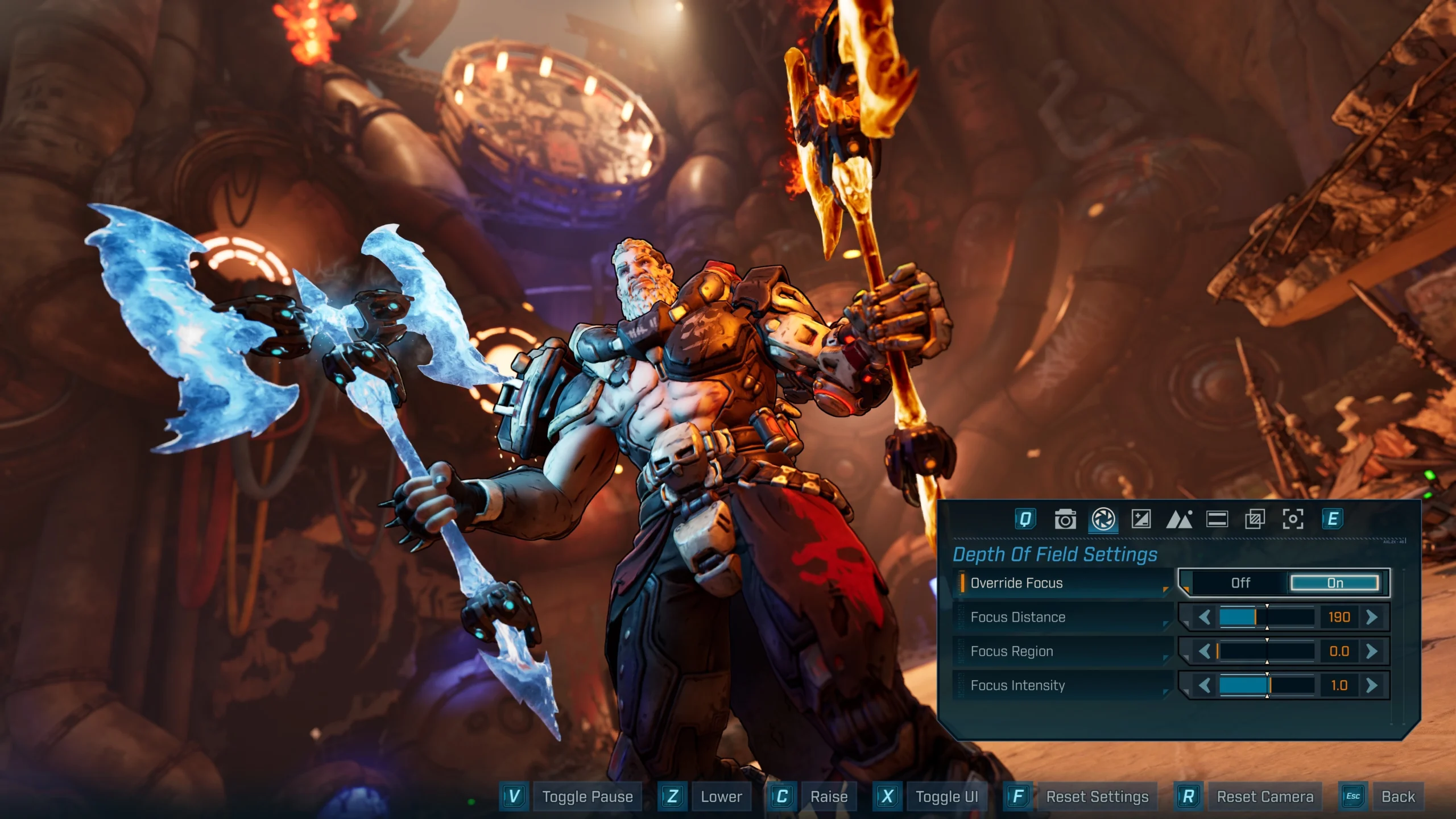
Core camera tools help define framing and subject clarity. Field of View shifts how much of Kairos’ environments you see, while Camera Roll lets you rotate for dynamic angles. Depth of Field options include Override Focus (On/Off), Focus Distance, Focus Region and Focus Intensity – useful for portrait‑style shots or isolating action.
Screen Tuning: Brightness, Contrast and Color
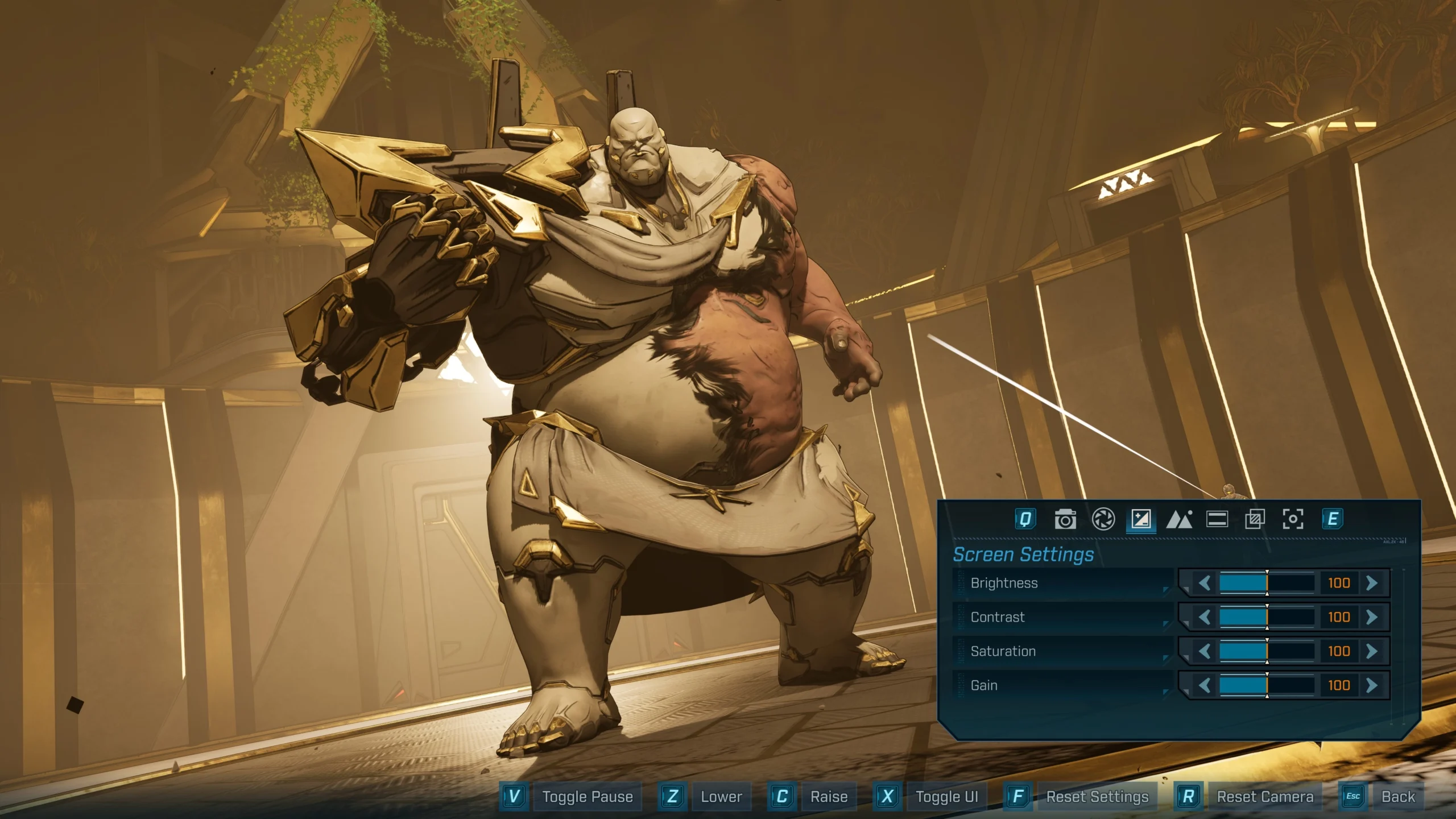
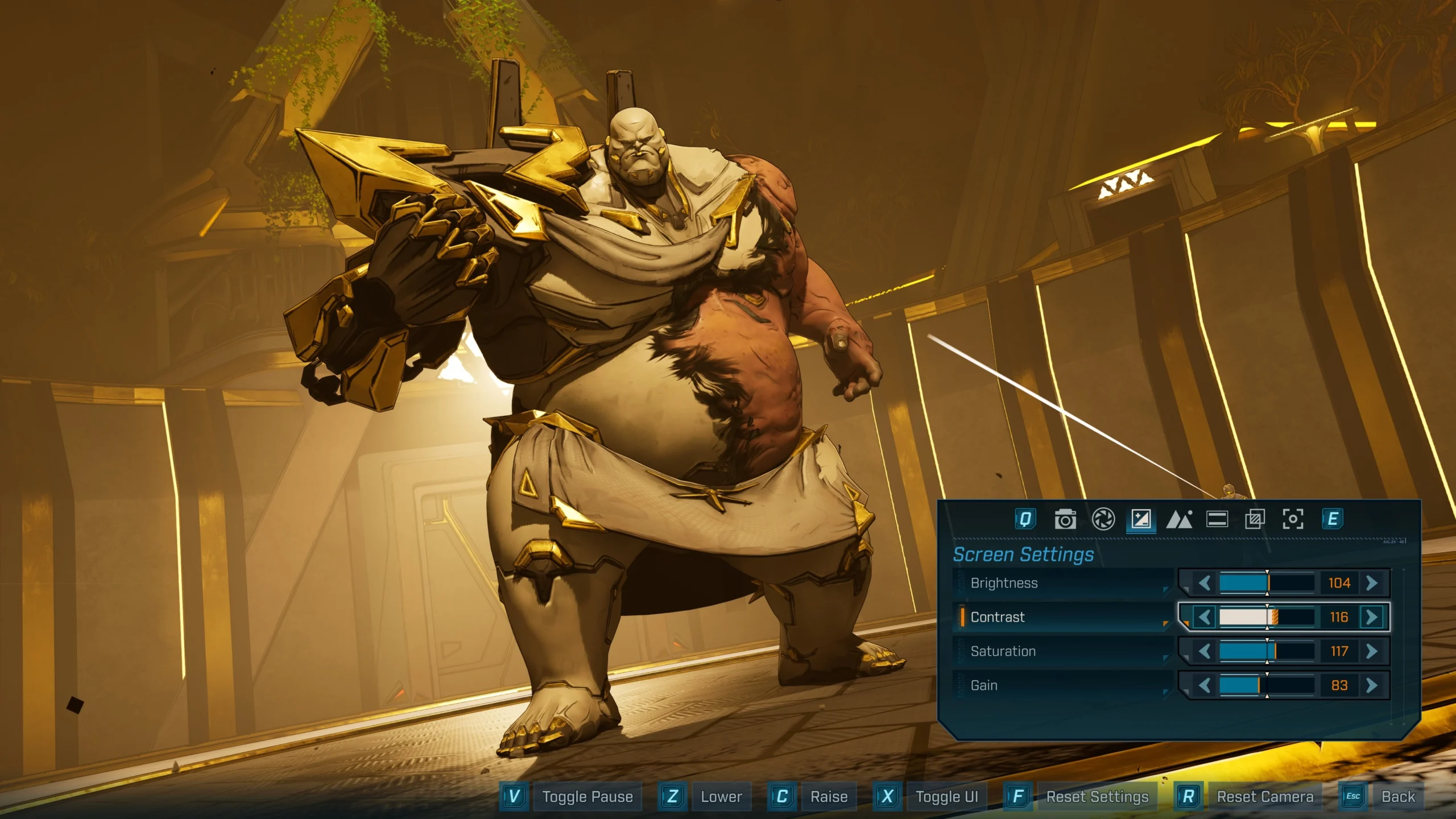
Fine‑tune the overall image with straightforward sliders: Brightness for exposure, Contrast for tonal separation, Saturation for color intensity and Gain as an alternate brightness/noise adjustment. These provide quick global tweaks before you layer on stylistic effects.
Gameplay Elements and Visibility
Read also our article: Borderlands 4 Maps 2026: Photo Mode Now, C4Sh in March, Q2 Raids
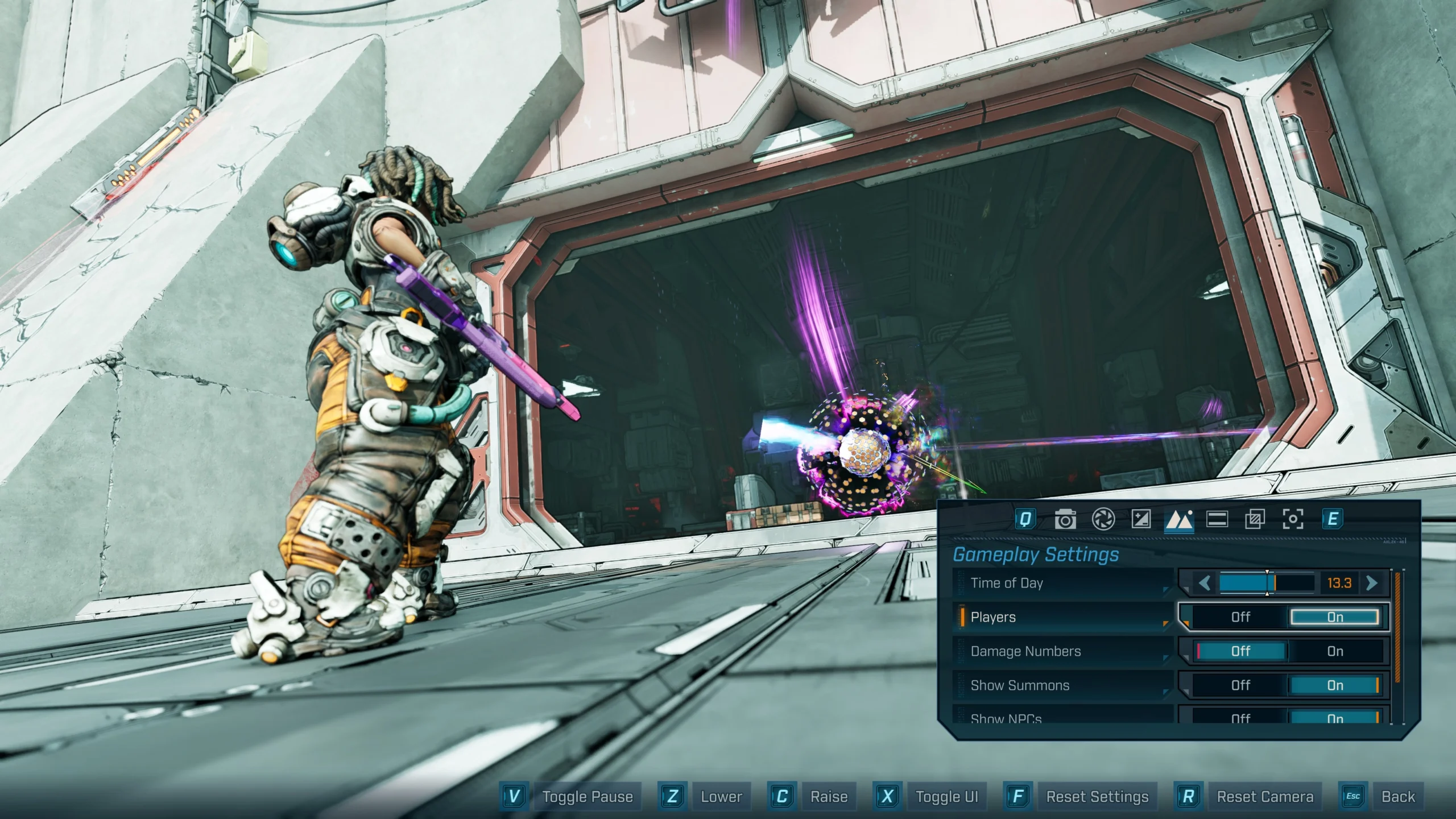
To declutter a shot or stage a scene, Photo Mode lets you adjust in‑world content. Time of Day shifts lighting; toggles control the presence of Players (On/Off) – including yourself – Damage Numbers (On/Off), Show Summons (On/Off) and Show NPCs (On/Off). In multiplayer, you can hide all Vault Hunters from your capture to avoid photobombs.
Overlay Options: Logos and Letterbox
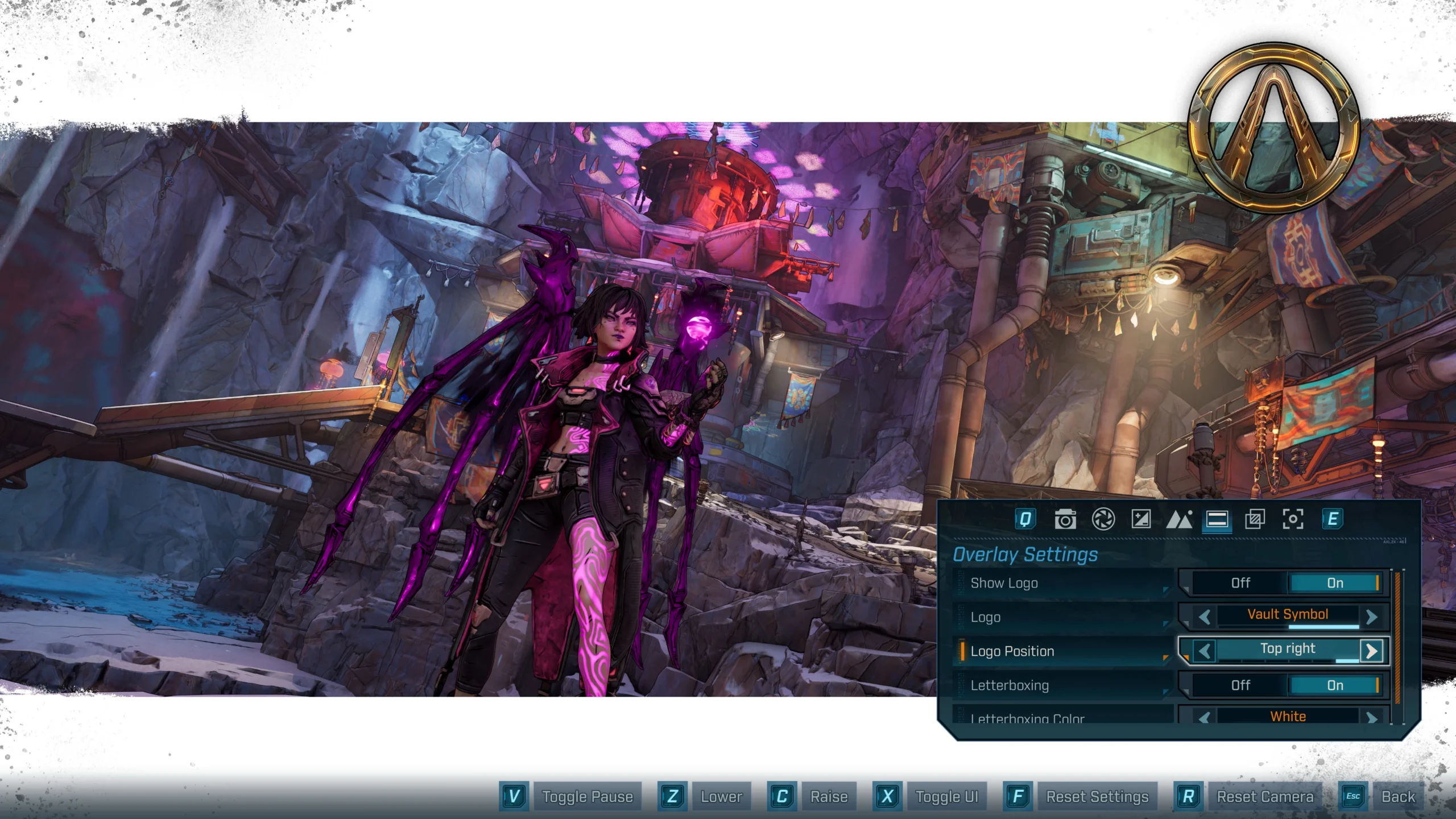
Overlays can make images look more official or cinematic. Logo options include the Borderlands 4 logo, the Vault Symbol or Off, with positions at Bottom Right, Bottom Center, Bottom Left, Top Left, Top Center or Top Right. Letterboxing can be toggled On/Off with color choices of black, white, red, yellow, dark blue, blue or orange.
Filters and Film Looks
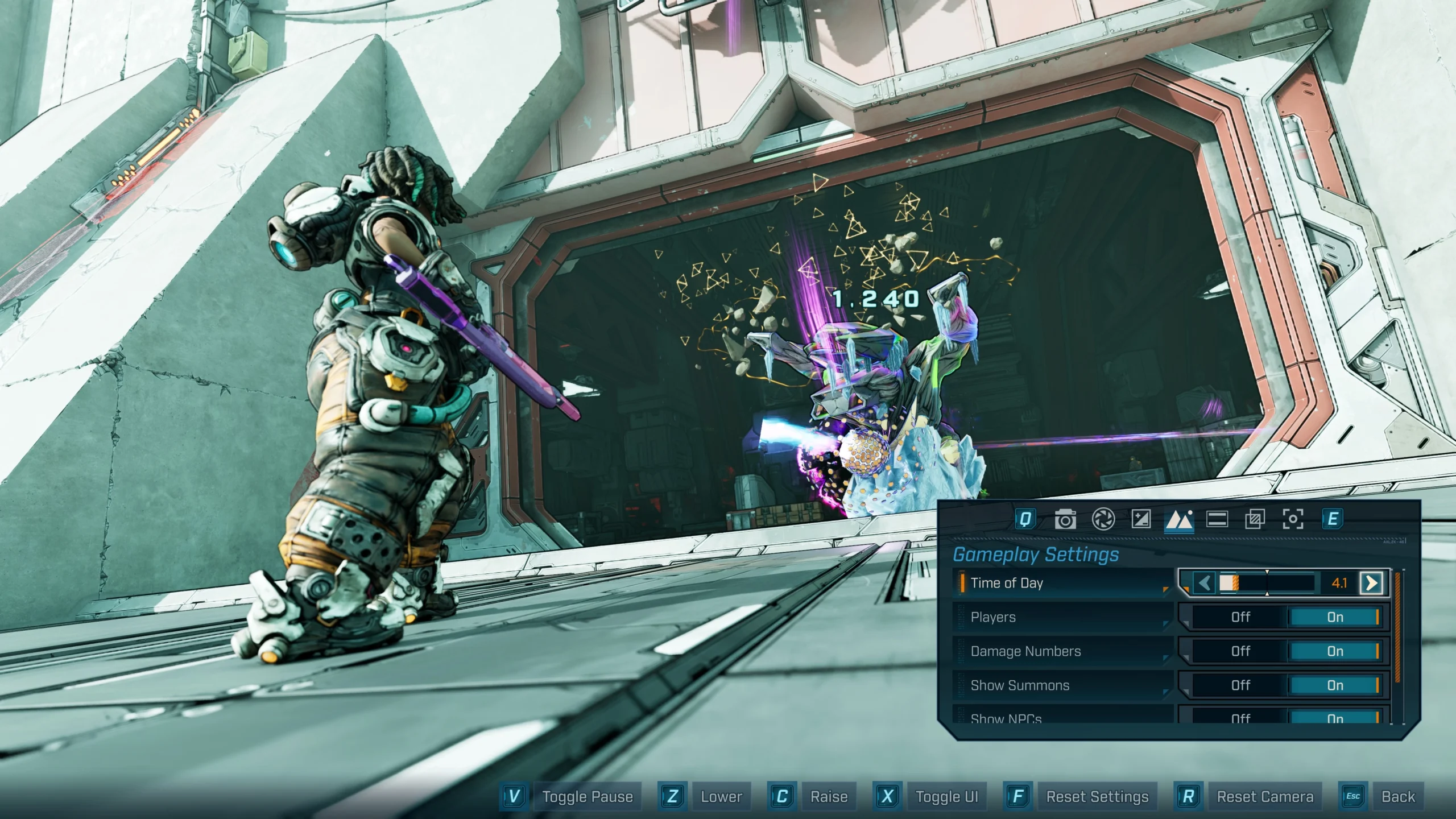
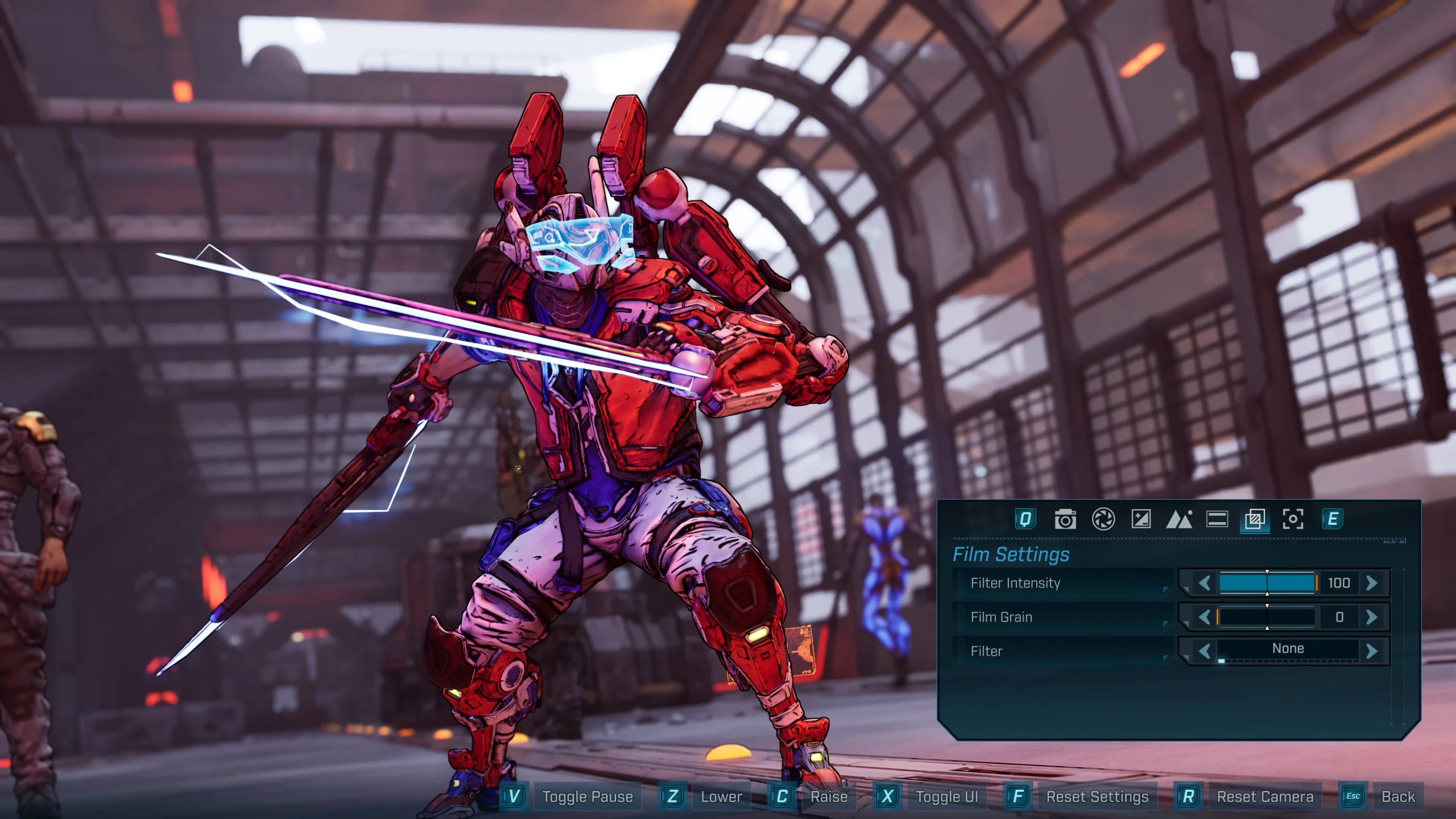
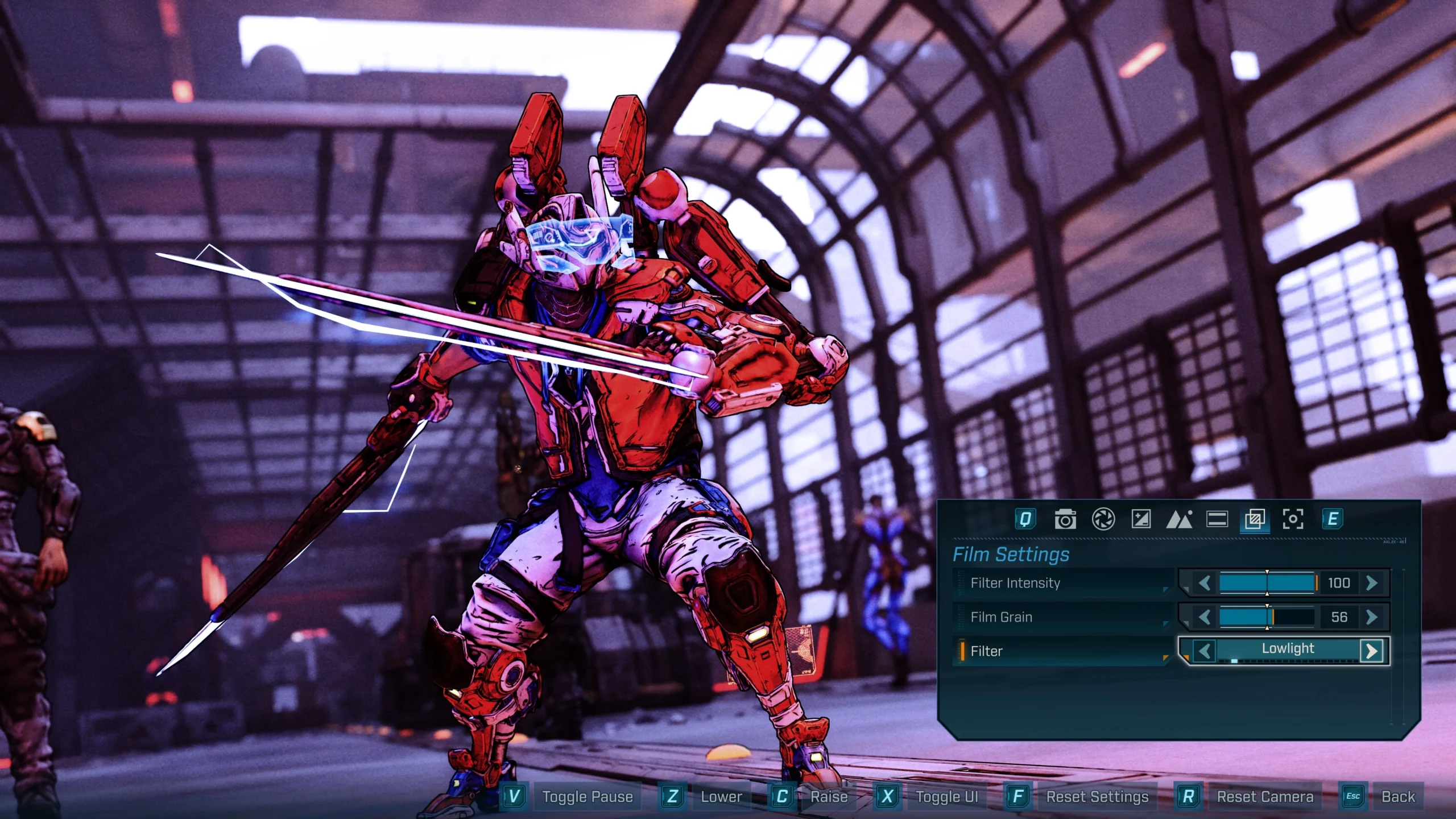
For stylistic treatment, adjust Filter Intensity and Film Grain, then choose from a broad filter set: None, Art House, Lowlight, Cinematic, Toxin, Sexwash, Moody, Negaton, Blue Shift, Dark Start, Pinky Dink, Shades of Atlas, Jakobs Authentic, Shades of Gray, Sketch, No Rest, Cyanoscope, Acid Funk, Predatory, Ultrasonic, Drowned, Meaty.
Vignette and Optical Effects
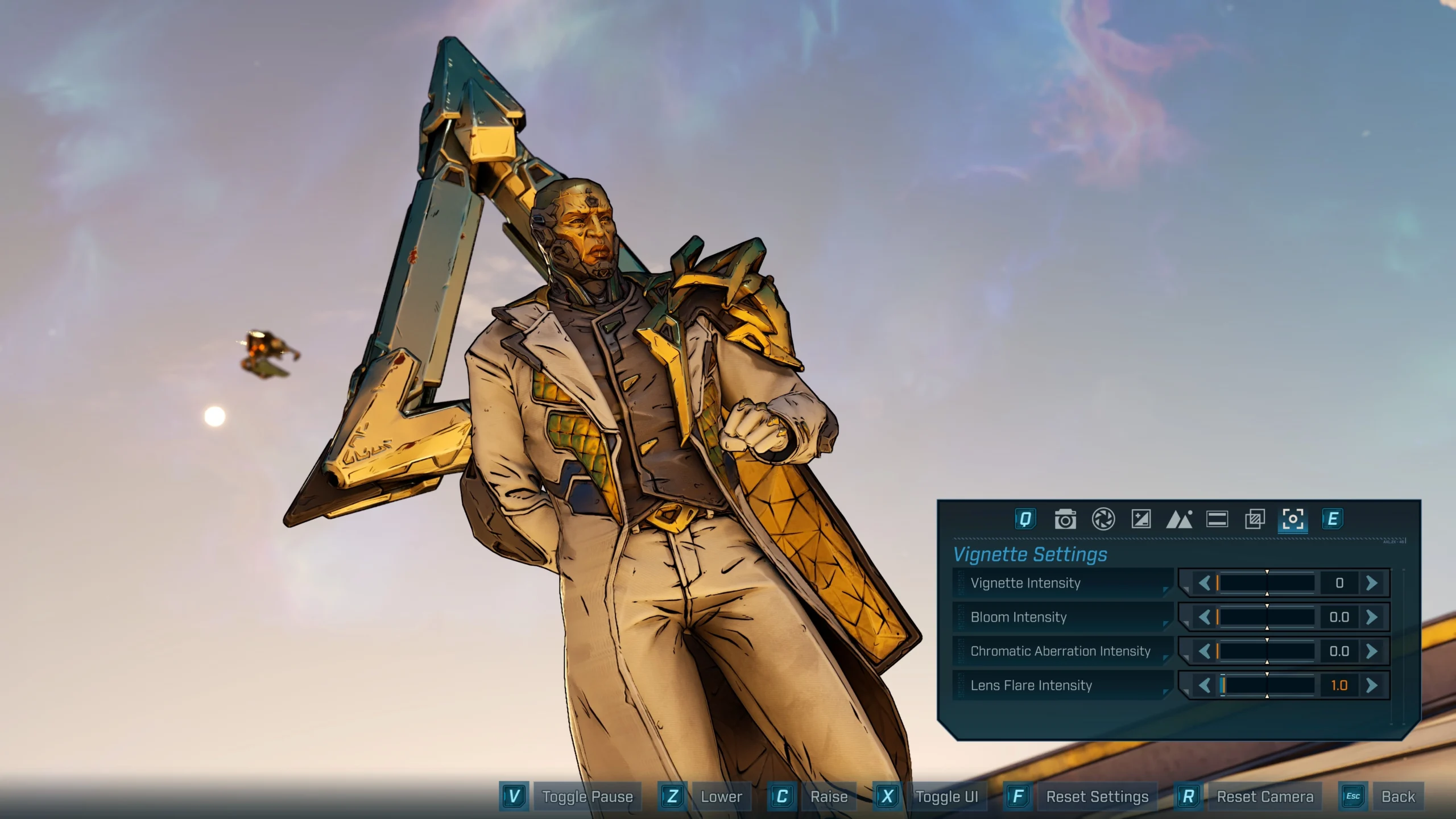
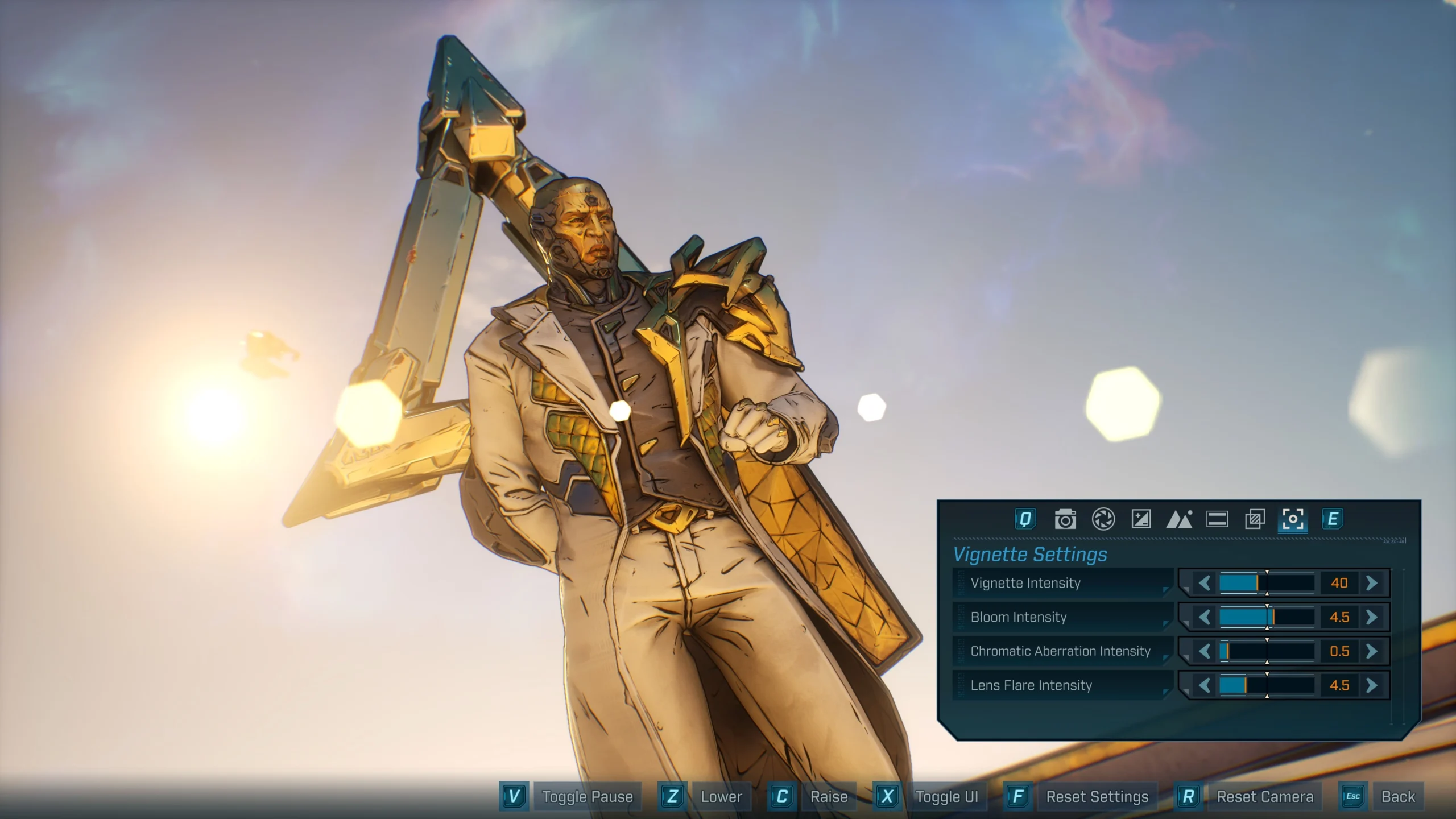
Additional effects help direct attention and add flair: Vignette Intensity darkens edges, while Bloom Intensity, Chromatic Aberration Intensity and Lens Flare Intensity add stylized highlights and optical artifacts.
Final Takeaway – a Flexible Toolkit for Controlled Chaos
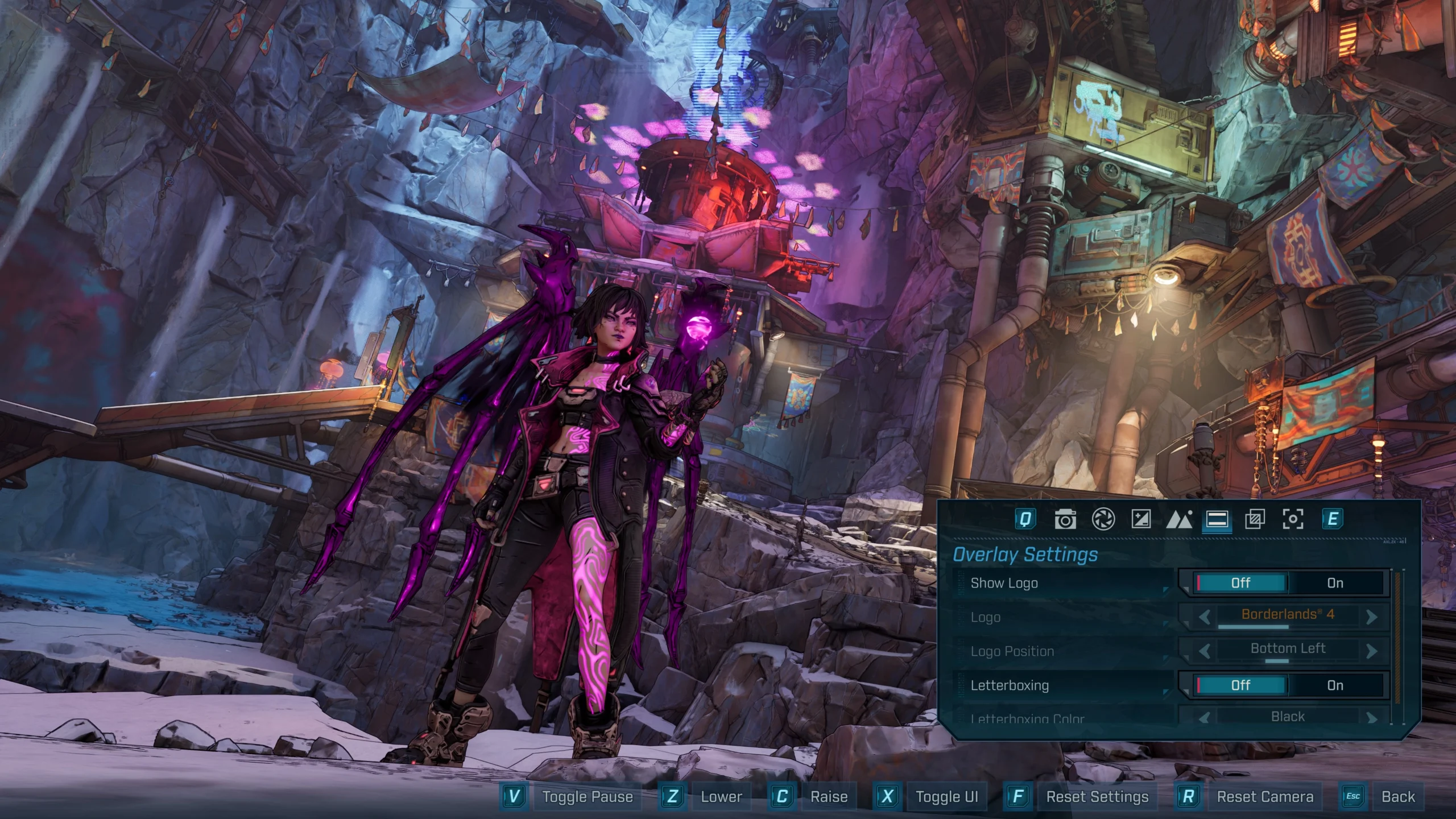
Photo Mode gives Borderlands 4 players a comprehensive, platform-agnostic way to capture both mayhem and scenery. With single‑player pausing, deep visual controls and HUD cleanup, it’s built for crafting clean action frames or atmospheric portraits on Kairos.
Category
Share the news


Meet the Author


Article:
Read all

Solid Snake joins Rainbow Six Siege on March 3 with intel‑driven tools and scavenging gameplay. A few weeks later, a limited‑time 4v4 infiltration mode arrives alongside map and balance updates.
 February 15, 2026
 6
6
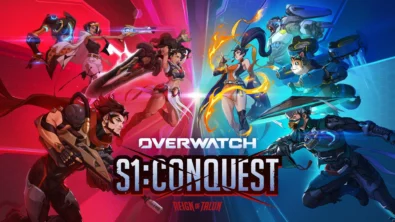
Season 1 opens the first chapter with Domina, Emre, Mizuki, Anran, and Jetpack Cat, plus the Conquest meta race between Overwatch and Talon. The world will update in real time as the story unfolds.
February 14, 2026
6
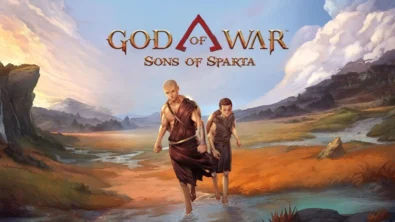
Kratos’ Spartan youth becomes playable in God of War Sons of Sparta – a canon, pixel‑art 2D prequel on PS5 with customizable spear‑and‑shield combat, Gifts of Olympus, and returning voice talent.
February 13, 2026
8
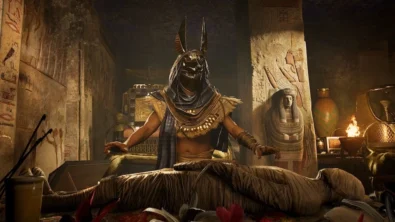
Ancient embalming, step by step – a new museum installation built on Assassin’s Creed Origins’ Discovery Tour lets visitors explore mummification interactively at Musée de l’Homme, open November 2025-May 2026.
February 13, 2026
9
Read also
Solid Snake joins Rainbow Six Siege on March 3 with intel‑driven tools and scavenging gameplay. A few weeks later, a limited‑time 4v4 infiltration mode arrives alongside map and balance updates.
February 15, 2026
6
Kratos’ Spartan youth becomes playable in God of War Sons of Sparta – a canon, pixel‑art 2D prequel on PS5 with customizable spear‑and‑shield combat, Gifts of Olympus, and returning voice talent.
February 13, 2026
8
Ancient embalming, step by step – a new museum installation built on Assassin’s Creed Origins’ Discovery Tour lets visitors explore mummification interactively at Musée de l’Homme, open November 2025-May 2026.
February 13, 2026
9
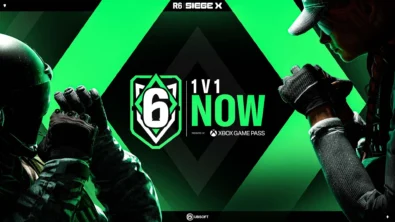
From training mode to centre stage: Rainbow Six Siege’s debut 1v1 circuit lands at the Six Invitational in Paris. Four regions, more than 3,200 entrants, semifinals Feb 14 and final Feb 15 for 5,000 US dollars.
February 13, 2026
8
Blizzard links its 2026 milestones with a cross‑franchise Showcase and confirms BlizzCon’s return later this year – with more announcements and “surprises” still queued, says president Johanna Faries.
February 13, 2026
7

High On Life 2 launches with day-one Game Pass Ultimate support, while Narrative Director Alec Robbins explains how the team crafts jokes with players—shaping character-driven, reactive comedy.
February 13, 2026
9
From a Star Trek survival-strategy take to stealth with Styx, eerie Backrooms horror, and management sims, Xbox’s February 17-20 slate packs 14 launches with Series X|S optimizations and cross-platform perks.
February 13, 2026
9
First full gameplay for CONTROL Resonant runs on PS5 Pro, spotlighting Dylan Faden in a reality-bending Manhattan with vast zones and Gravity Anomalies. Launch set for 2026 across console and PC ecosystems.
February 13, 2026
7
Borderlands 4 sets a co-op goal for this weekend: hit 500,000 successful teammate revives between February 12-15 to unlock a universal cosmetic skin. A minor update adds three Weekly Big Encore boss fights to raise the stakes.
February 13, 2026
8
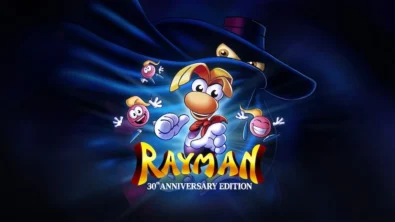
A milestone collection bundles five classic Rayman versions, a first-ever playable SNES prototype, reimagined music, modern assist options, and over 50 minutes of developer interviews.
February 13, 2026
9

Співпраця
Співпраця - текст
TopGame Newsletter!
Unlock exclusive gaming deals, fresh guides, and insider picks — straight to your inbox. No spam, just real content for real players.
