


Popular articles



Dragon Quest Vii Reimagined Debuts on Xbox – Features Recap
Table of Content

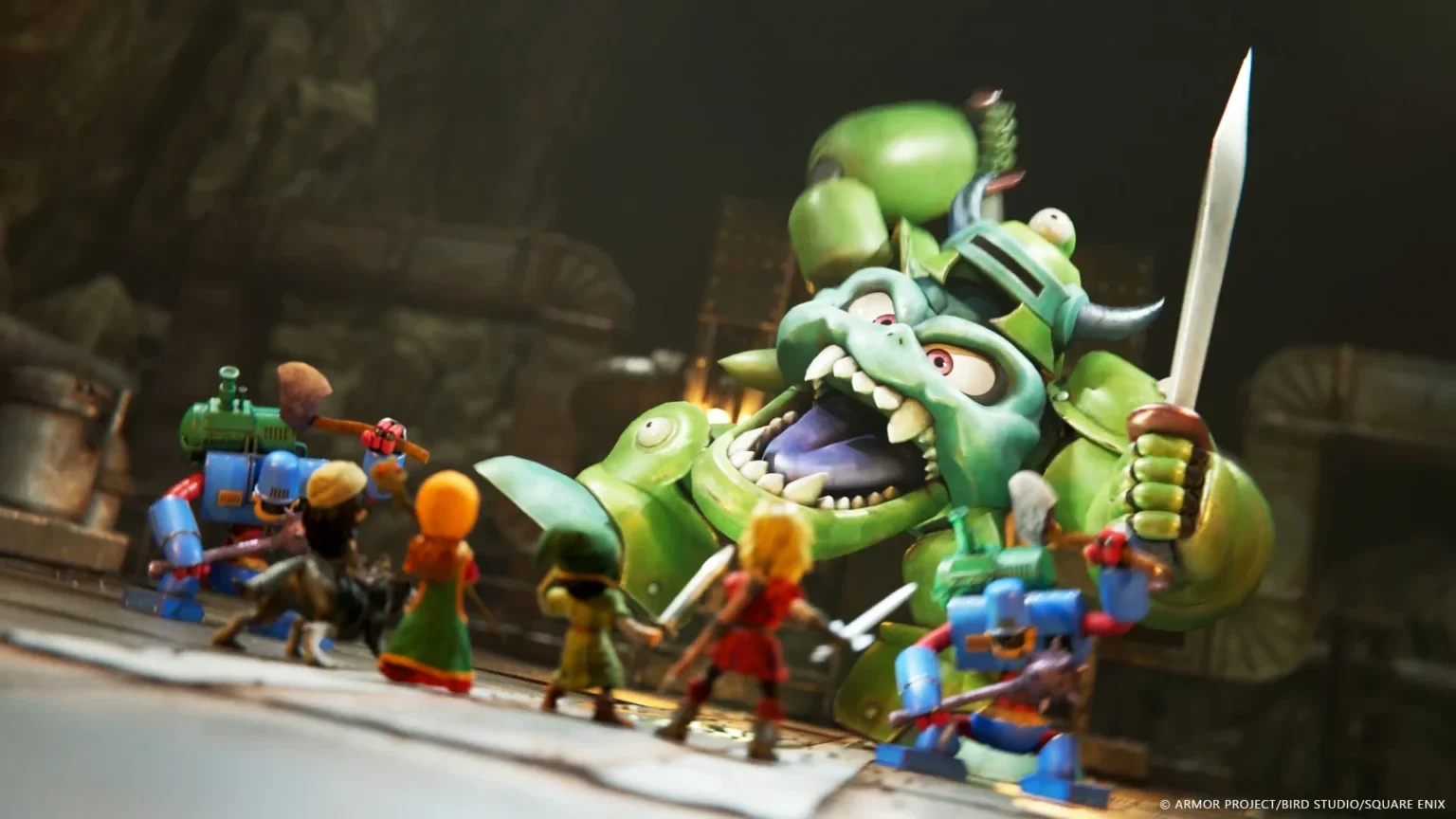
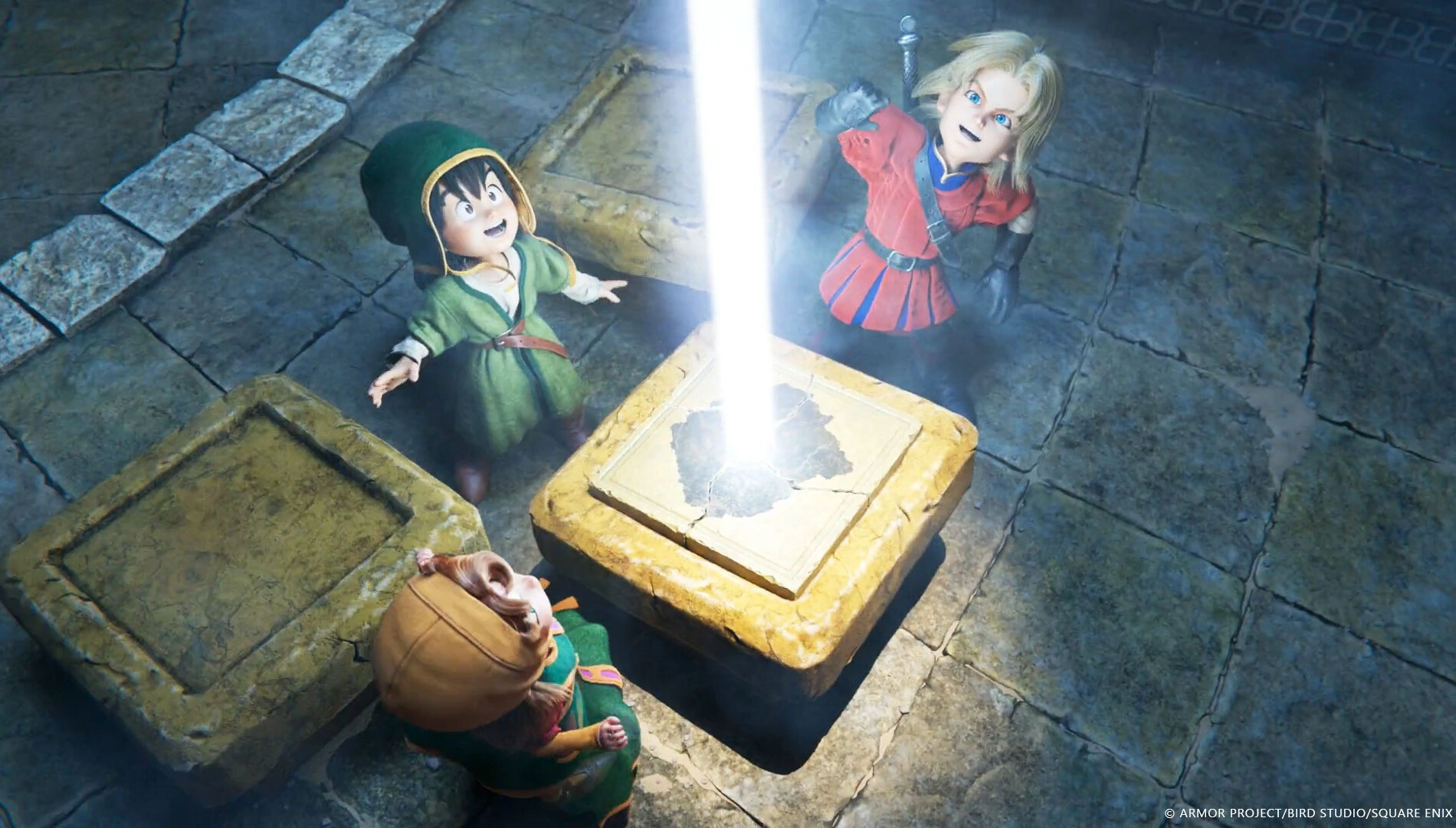
Dragon Quest VII Reimagined is out now for Xbox Series X|S and Xbox on PC as an Xbox Play Anywhere release. The turn‑based classic returns with updated visuals, refined systems and streamlined pacing, while preserving its time‑hopping RPG core. The official overview highlights a more flexible class setup, faster combat options and deeper difficulty controls. Quality‑of‑life changes also cover camera control and quick‑access commands. A free demo is available, and save data transfers to the full game.
Vocations Get a Rethink
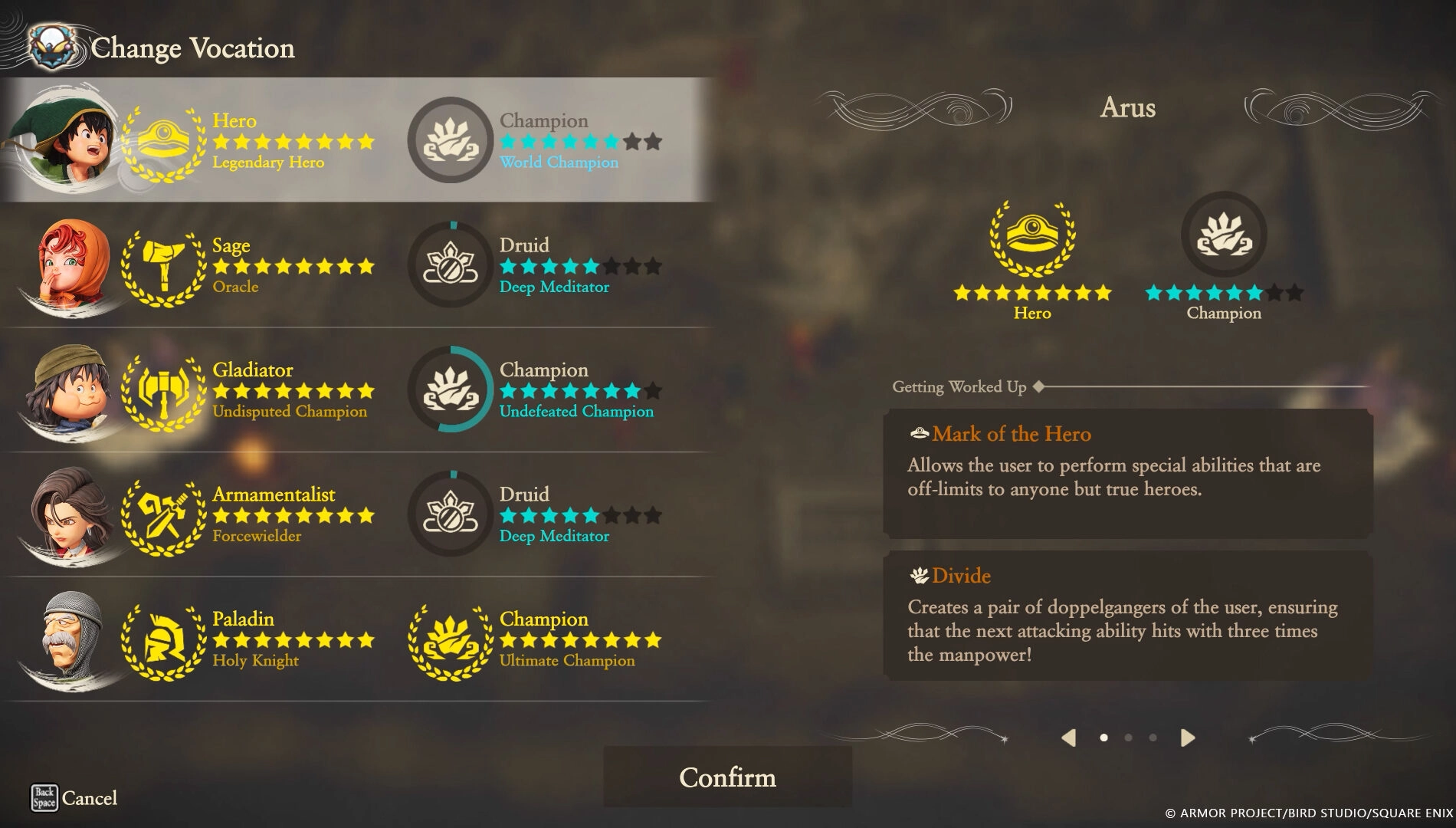
Characters can now use the Moonlighting system to hold two Vocations at once, giving parties more tactical variety. You can also switch Vocations mid‑dungeon to adapt to encounters. The blog advises keeping one Vocation maxed while testing a new one.
- Moonlighting – equip two Vocations simultaneously.
- On‑the‑fly swaps – change roles inside dungeons to fine‑tune strategy.
- Seed of Proficiency – an item that adds a level to your current Vocation.
- Note: after maxing a Vocation, its accompanying skills are removed once you switch to another.
Faster or Slower Fights, Your Call
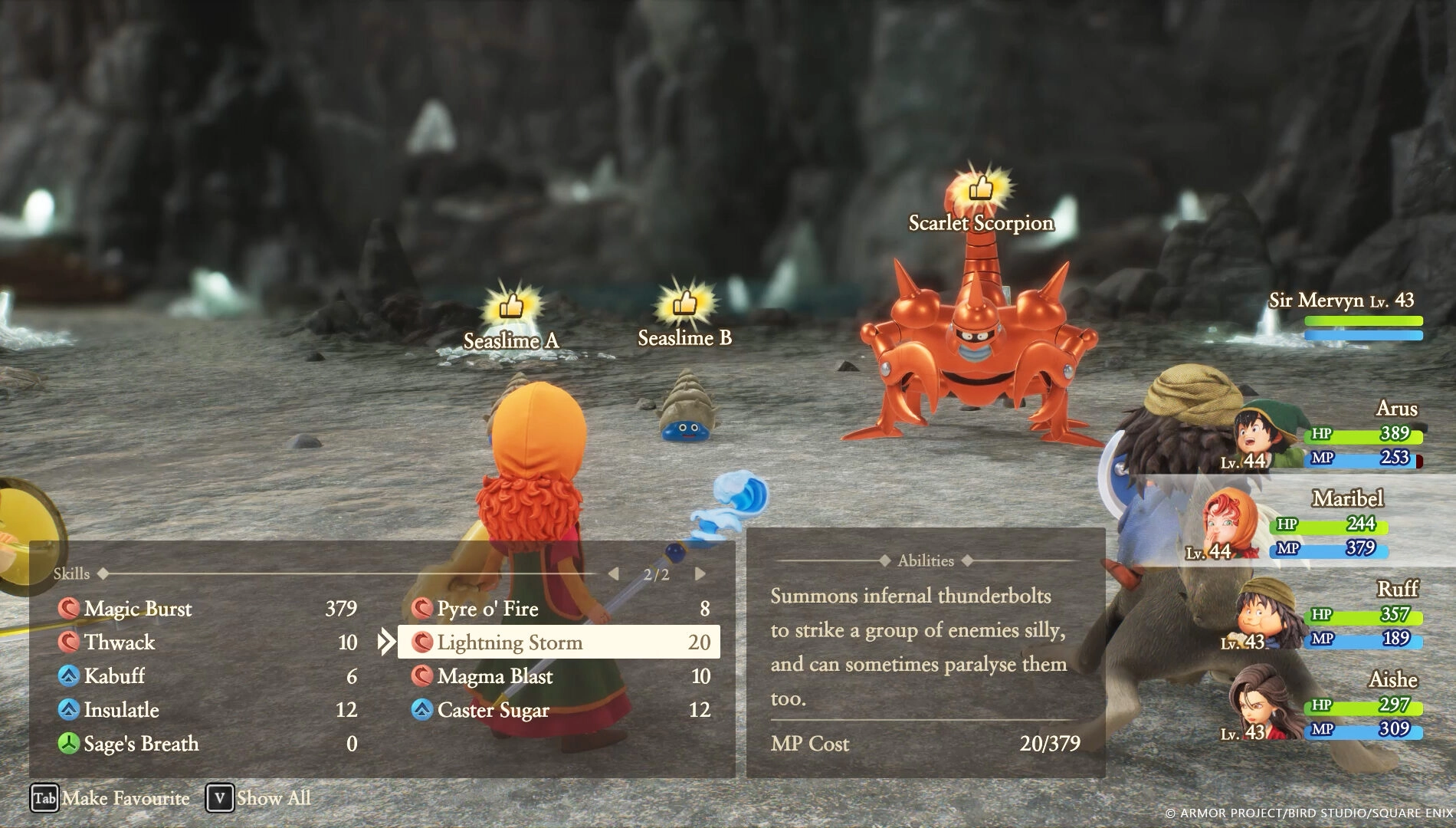
Combat pace is adjustable, letting you speed up or slow down battles to taste. There is also auto‑battle with per‑character behaviors, useful for routine encounters or grinding.
- Show No Mercy – high damage output, but quickly drains magic points.
- Focus on Healing – prioritizes survival, with a chance of healing loops.
- Fight Wisely – a balanced default for general use.
Bosses are tougher than regular foes – the guidance is to switch to manual control for these fights.
Difficulty as Sliders, Not Presets
Instead of fixed modes, the game offers granular difficulty settings. You can tweak damage dealt/taken, adjust Vocational Proficiency gains, and modify experience and gold rates. There is also a toggle to stop overworld enemy attacks if you want uninterrupted exploration.
Read also our article: Relooted Lands on Xbox and Pc with a Three-Phase Heist Blueprint
For players focused on class progression, setting proficiency gain to the maximum accelerates Vocation leveling while keeping other challenge elements intact.
Camera and Controller Shortcuts
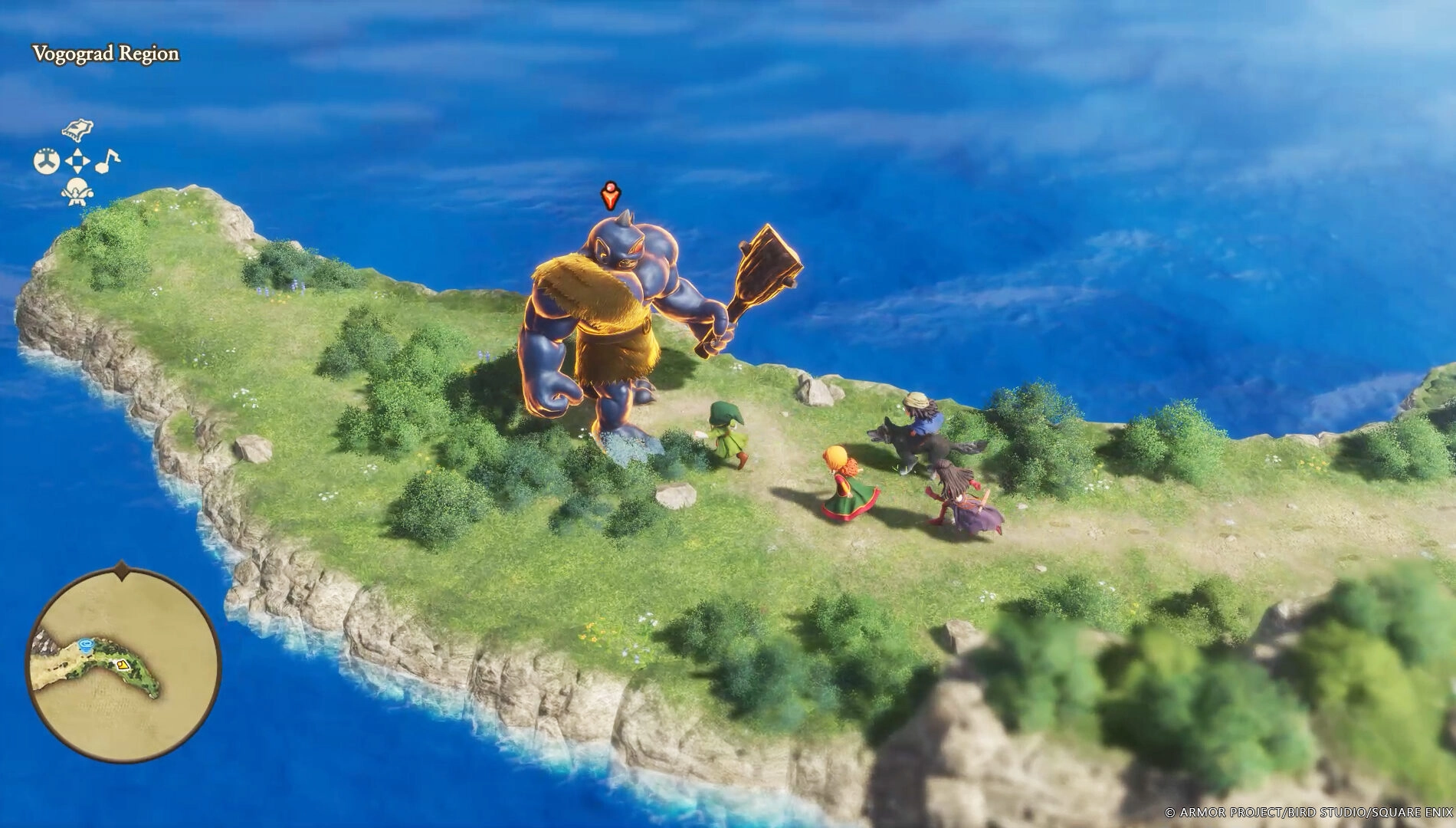
The reimagined diorama‑style presentation supports a camera distance toggle for closer inspections when needed. To cut menuing, useful commands can be mapped to the d‑pad, starting with “Heal All” and expanding as you advance.
- Heal All – early convenience option.
- Career Sphere – quick Vocation access once unlocked.
- Nose for Treasure – helps track down uncollected loot in an area.
Demo with Progress Carryover
A free Dragon Quest VII Reimagined demo covers the opening stretch – useful for learning systems and party roles. Saves from the demo transfer to the full version, so early progress is preserved.
Why It Matters for Returning and New Players
The rework’s dual‑Vocation flexibility, combat automation and tunable difficulty aim to modernize a lengthy classic without losing its turn‑based identity. Whether you’re optimizing builds or cruising through exploration, the new tools let you set the pace – and the demo makes onboarding straightforward.
Category

Share the news


Meet the Author


Article:
Read all


Solid Snake joins Rainbow Six Siege on March 3 with intel‑driven tools and scavenging gameplay. A few weeks later, a limited‑time 4v4 infiltration mode arrives alongside map and balance updates.
 February 15, 2026
 6
6

Season 1 opens the first chapter with Domina, Emre, Mizuki, Anran, and Jetpack Cat, plus the Conquest meta race between Overwatch and Talon. The world will update in real time as the story unfolds.
February 14, 2026
5
Kratos’ Spartan youth becomes playable in God of War Sons of Sparta – a canon, pixel‑art 2D prequel on PS5 with customizable spear‑and‑shield combat, Gifts of Olympus, and returning voice talent.
February 13, 2026
8
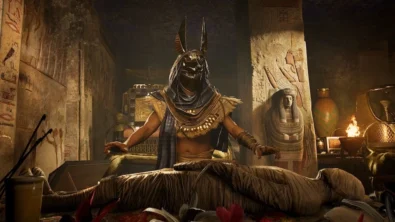
Ancient embalming, step by step – a new museum installation built on Assassin’s Creed Origins’ Discovery Tour lets visitors explore mummification interactively at Musée de l’Homme, open November 2025-May 2026.
February 13, 2026
9
Read also
Solid Snake joins Rainbow Six Siege on March 3 with intel‑driven tools and scavenging gameplay. A few weeks later, a limited‑time 4v4 infiltration mode arrives alongside map and balance updates.
February 15, 2026
6
Kratos’ Spartan youth becomes playable in God of War Sons of Sparta – a canon, pixel‑art 2D prequel on PS5 with customizable spear‑and‑shield combat, Gifts of Olympus, and returning voice talent.
February 13, 2026
8
Ancient embalming, step by step – a new museum installation built on Assassin’s Creed Origins’ Discovery Tour lets visitors explore mummification interactively at Musée de l’Homme, open November 2025-May 2026.
February 13, 2026
9
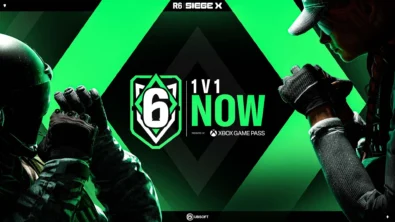
From training mode to centre stage: Rainbow Six Siege’s debut 1v1 circuit lands at the Six Invitational in Paris. Four regions, more than 3,200 entrants, semifinals Feb 14 and final Feb 15 for 5,000 US dollars.
February 13, 2026
8
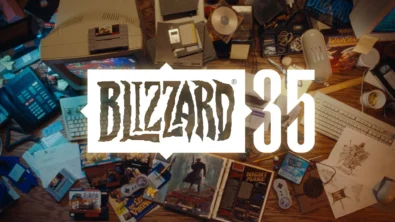
Blizzard links its 2026 milestones with a cross‑franchise Showcase and confirms BlizzCon’s return later this year – with more announcements and “surprises” still queued, says president Johanna Faries.
February 13, 2026
7

High On Life 2 launches with day-one Game Pass Ultimate support, while Narrative Director Alec Robbins explains how the team crafts jokes with players—shaping character-driven, reactive comedy.
February 13, 2026
9
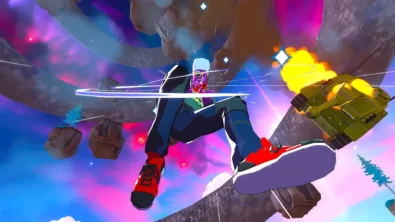
From a Star Trek survival-strategy take to stealth with Styx, eerie Backrooms horror, and management sims, Xbox’s February 17-20 slate packs 14 launches with Series X|S optimizations and cross-platform perks.
February 13, 2026
9
First full gameplay for CONTROL Resonant runs on PS5 Pro, spotlighting Dylan Faden in a reality-bending Manhattan with vast zones and Gravity Anomalies. Launch set for 2026 across console and PC ecosystems.
February 13, 2026
7
Borderlands 4 sets a co-op goal for this weekend: hit 500,000 successful teammate revives between February 12-15 to unlock a universal cosmetic skin. A minor update adds three Weekly Big Encore boss fights to raise the stakes.
February 13, 2026
7
A milestone collection bundles five classic Rayman versions, a first-ever playable SNES prototype, reimagined music, modern assist options, and over 50 minutes of developer interviews.
February 13, 2026
8

Співпраця
Співпраця - текст
TopGame Newsletter!
Unlock exclusive gaming deals, fresh guides, and insider picks — straight to your inbox. No spam, just real content for real players.
