


Popular articles



Photo Mode lands in Mafia: The Old Country – how it works
Table of Content

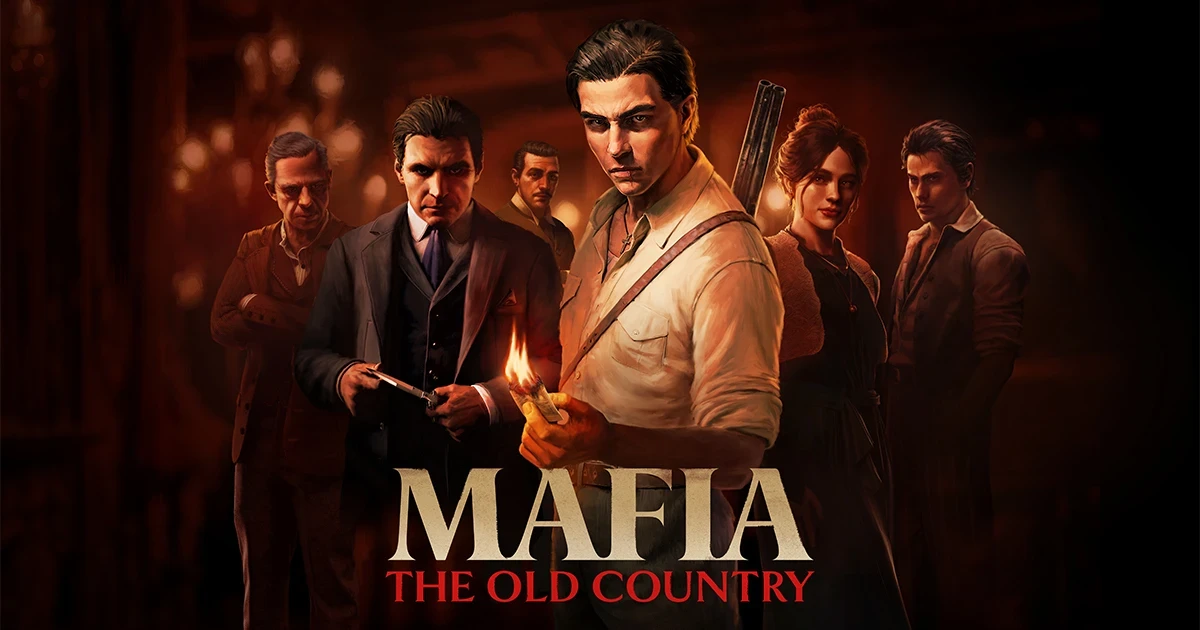
Mafia: The Old Country now supports a full-fledged Photo Mode, delivered as part of the game’s Free Ride Update. The feature is available to all players and can be used across the main campaign and Free Ride modes, excluding cutscenes. It allows you to freeze the action, reposition the camera, and tune a range of image settings. Hangar 13’s overview also outlines platform shortcuts, how screenshots are saved, and scenic spots around Valle Dorata worth framing.
The Free Ride Update also includes additional content such as new challenges and collectibles, but the studio’s detailed breakdown focuses on the imaging toolkit.
Access and availability
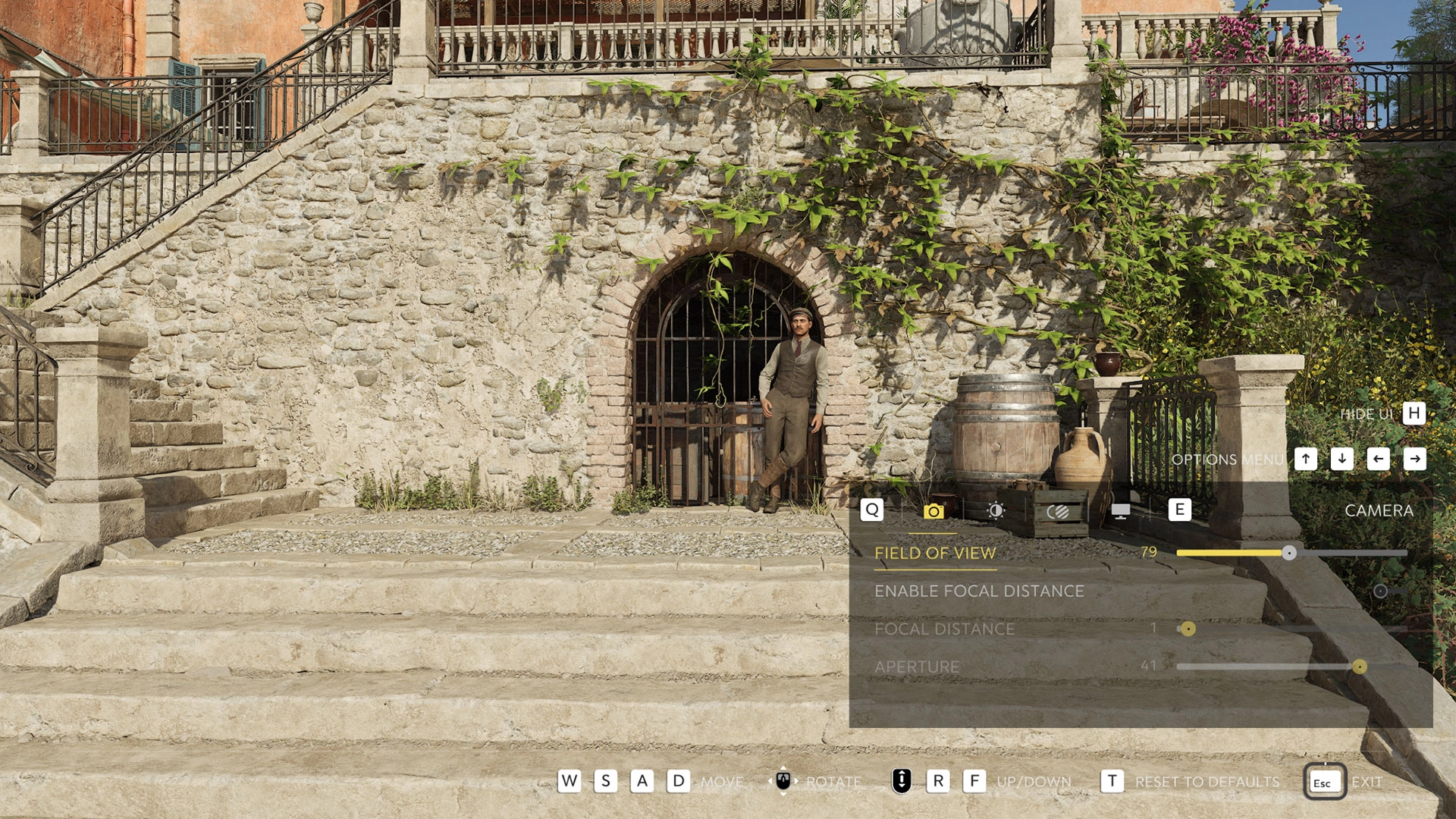
You can enable Photo Mode at any time during gameplay in Free Ride or the main campaign (cutscenes are excluded) by pausing, opening Options, and activating the mode. A default shortcut is enabled on each platform and can be toggled via Settings – Controls – Photo Mode Shortcut. Once the update is installed, Photo Mode works offline and always pauses gameplay while active.
- PlayStation – press L1 and the left side of the Touchpad
- Xbox – press LB and the View button
- PC (keyboard) – press the P key
Camera movement and core image controls
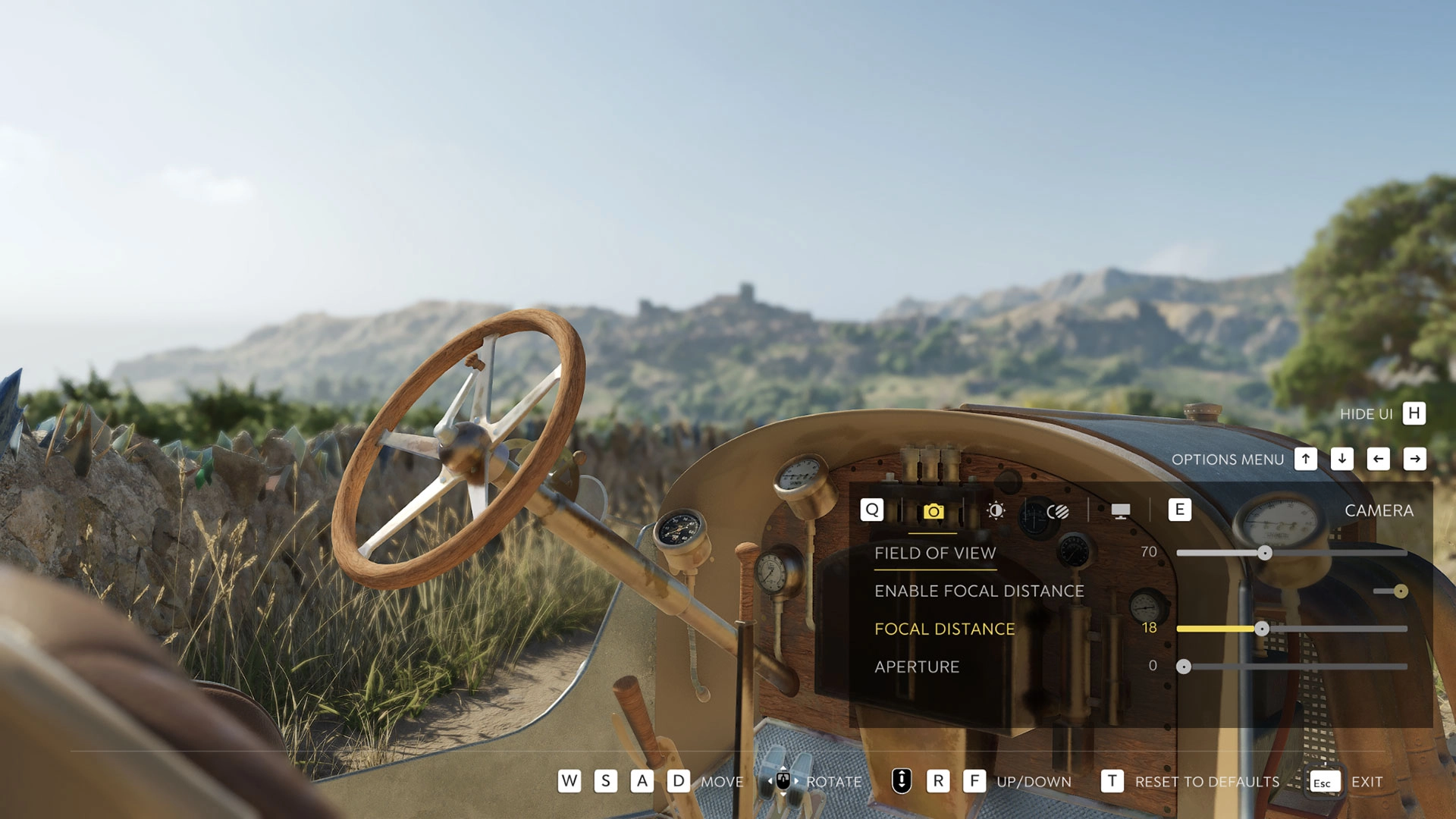
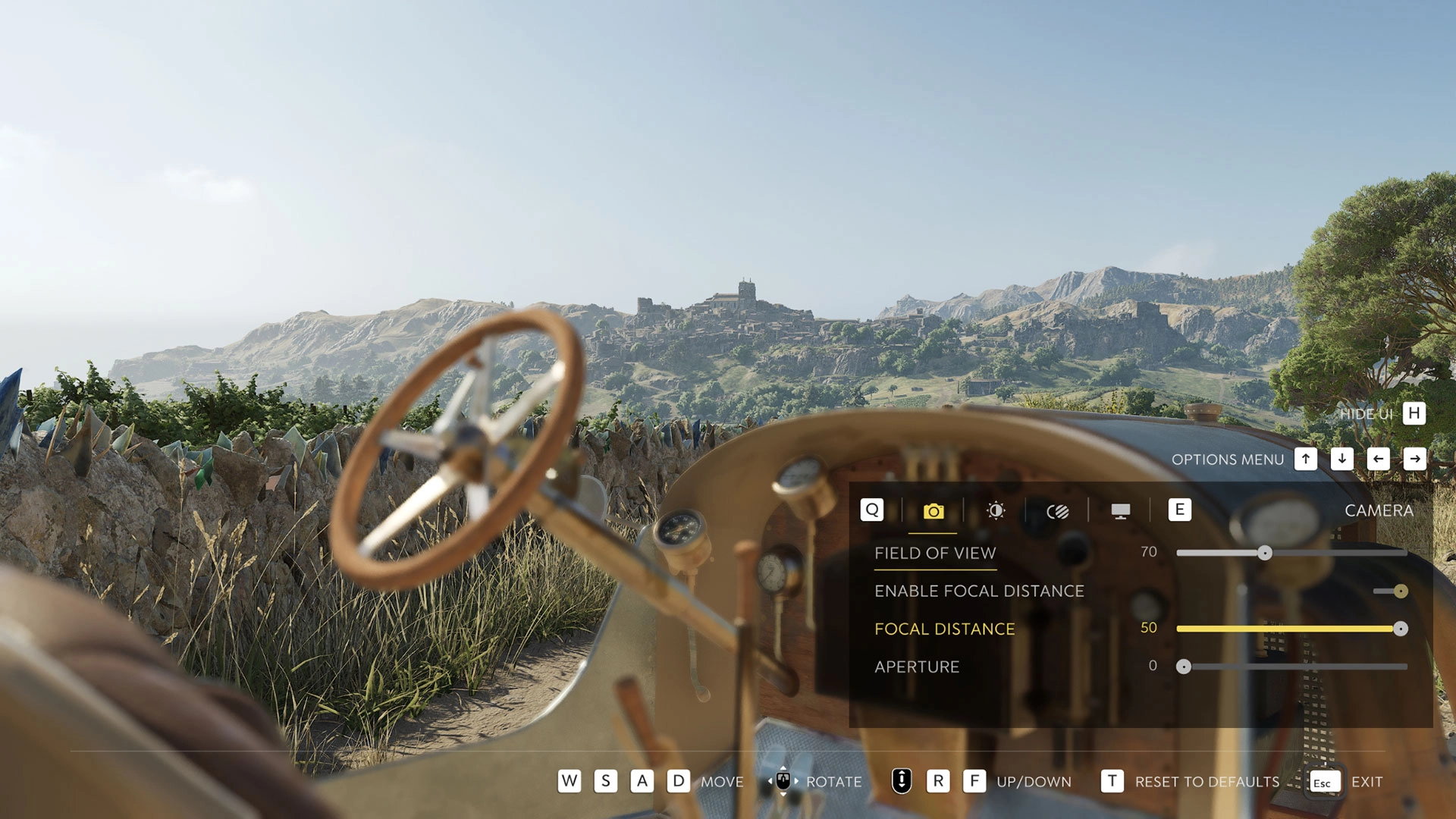
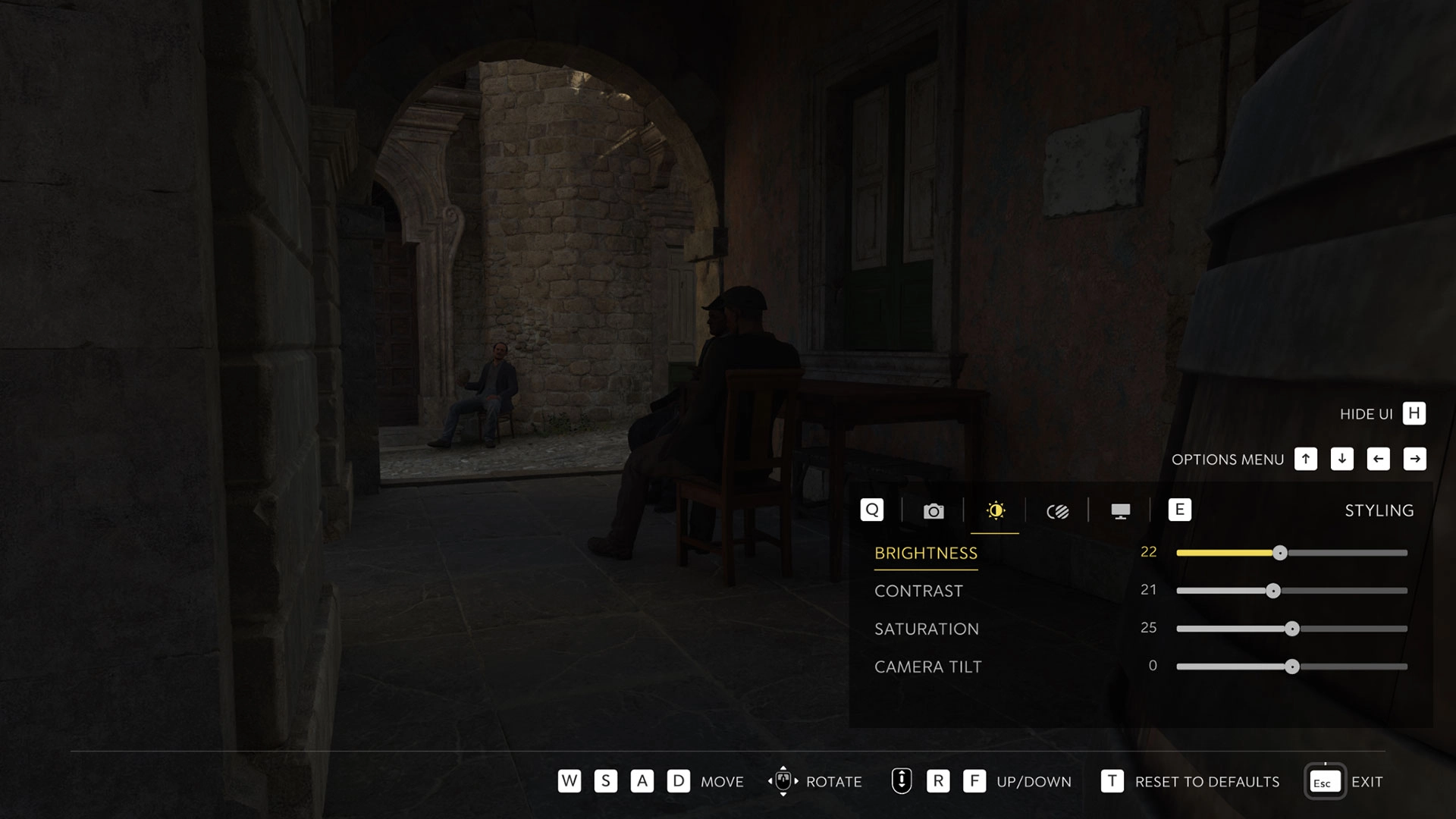
While in Photo Mode, you can reposition the free camera using standard movement inputs to find your framing. The toolkit provides granular control over composition and look.
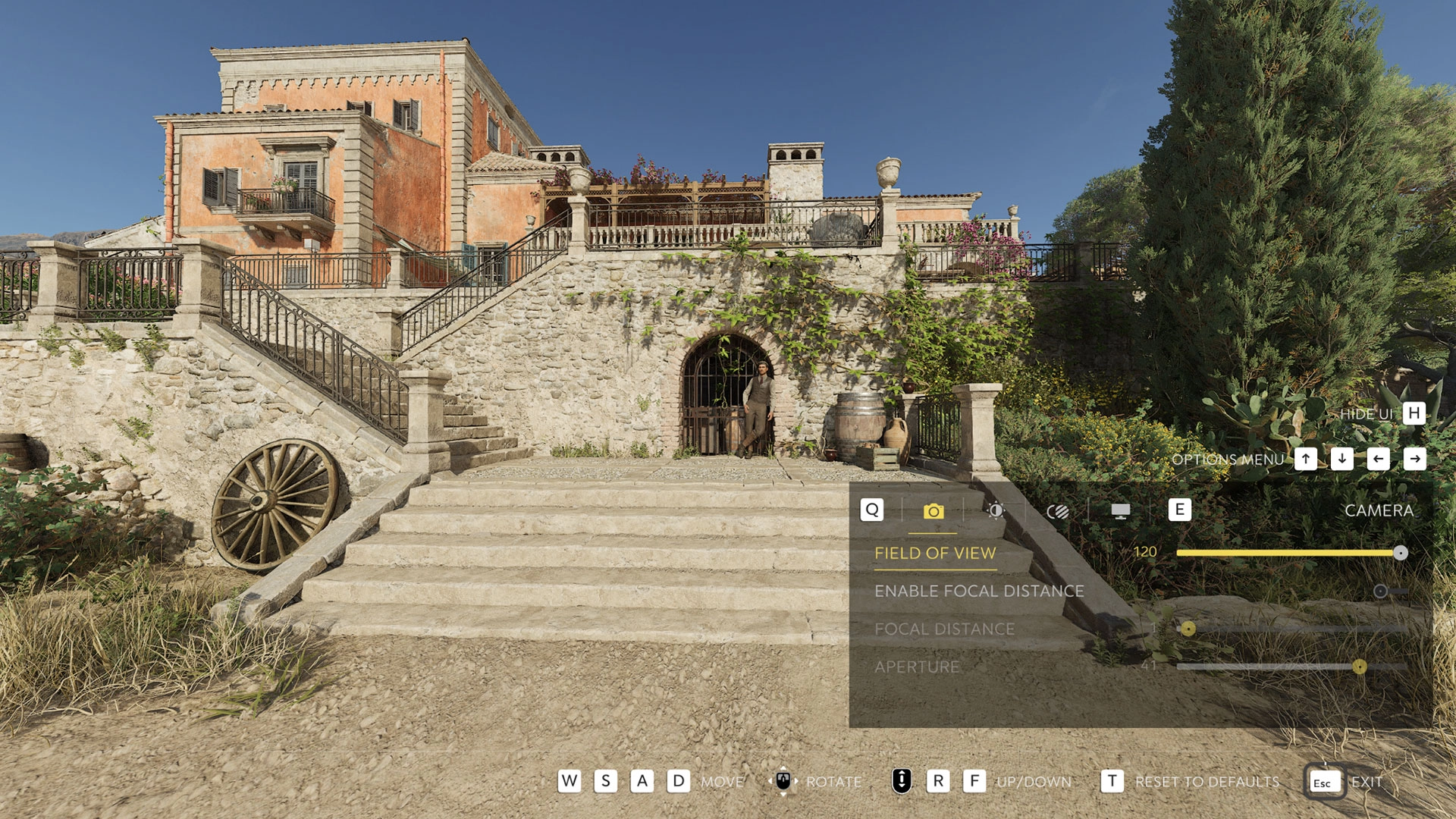
- Field of View – widens or narrows what fits in the frame.
- Focal Distance & Aperture – define depth of field to keep scenes sharp end-to-end or isolate a subject by blurring foreground or background.
- Brightness, Contrast, Saturation – adjust overall exposure, tonal separation, and color intensity.
- Camera Tilt – rotate the horizon for dynamic angles.
Filters and film-style effects
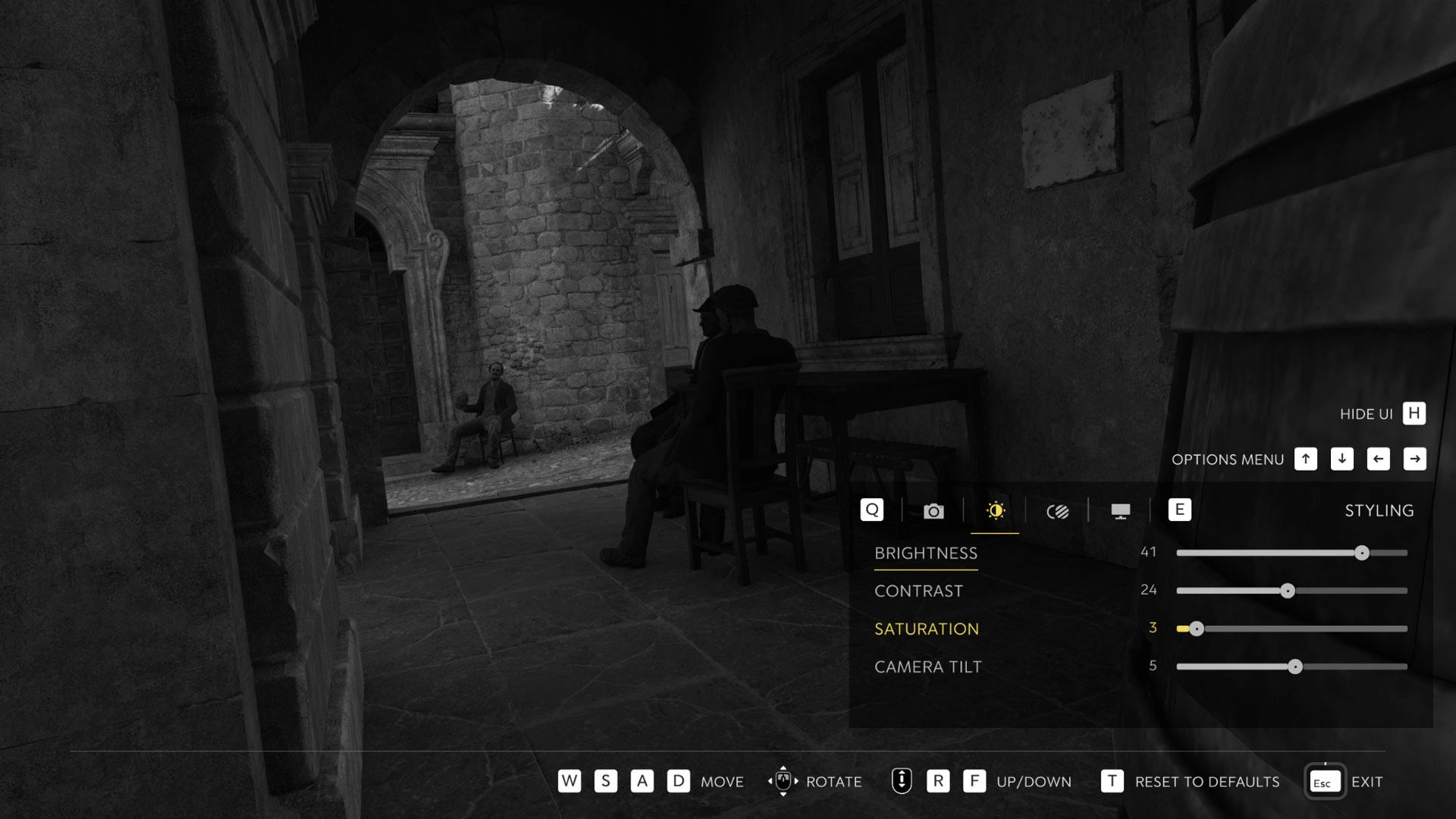
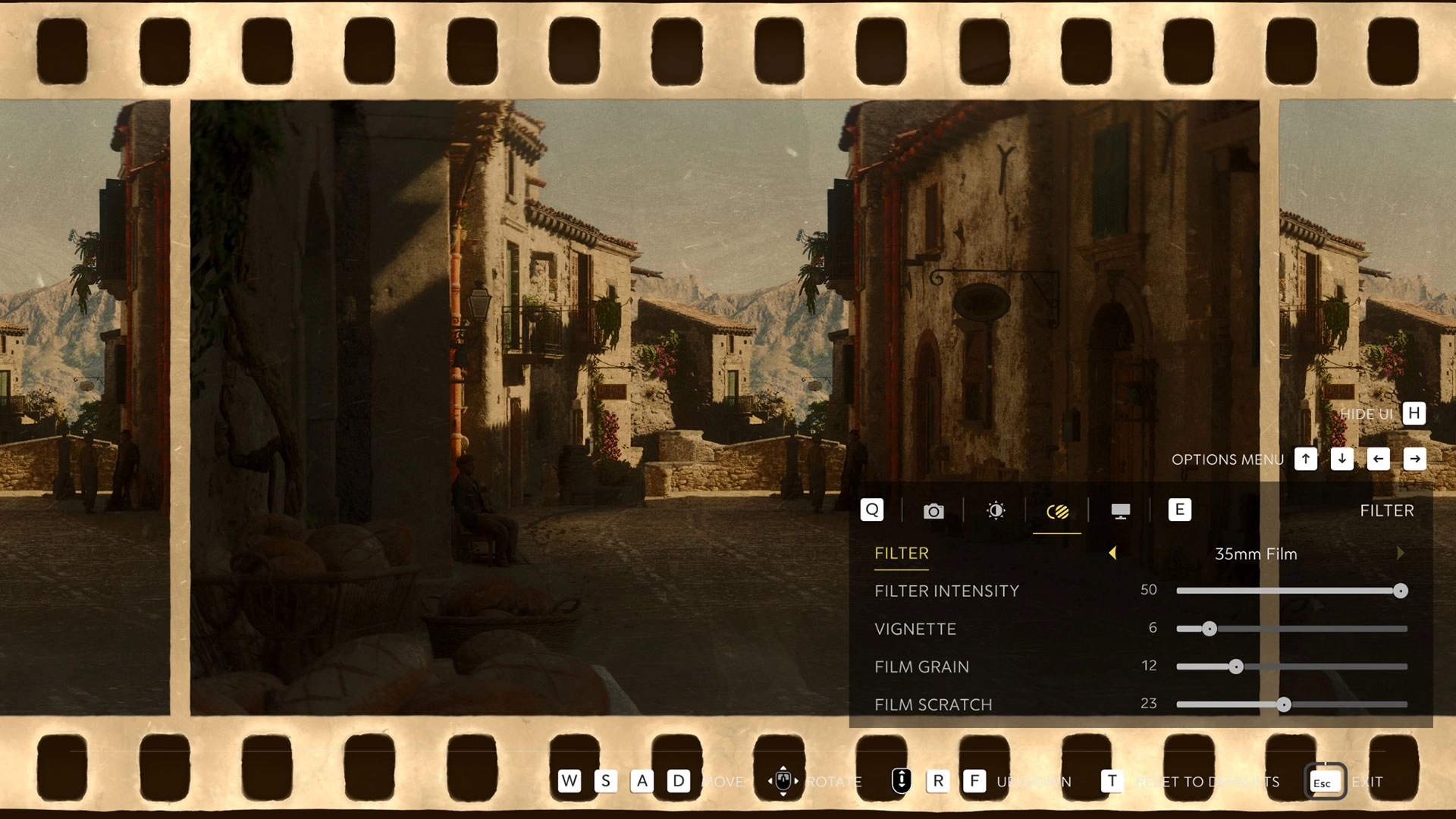
Photo Mode includes a set of filters and fine-tuning options to shape the final image. The filter list includes: Cinema Siciliano, Cinema Siciliano Sepia, High Contrast, Soft Glow, Analog, Split Tone, 35mm Film (plus a None option). You can adjust Filter Intensity and layer stylistic effects:
- Vignette – darkens image edges.
- Film Grain – adds texture via noise.
- Film Scratch – emulates aged film artifacts.
Display toggles and UI
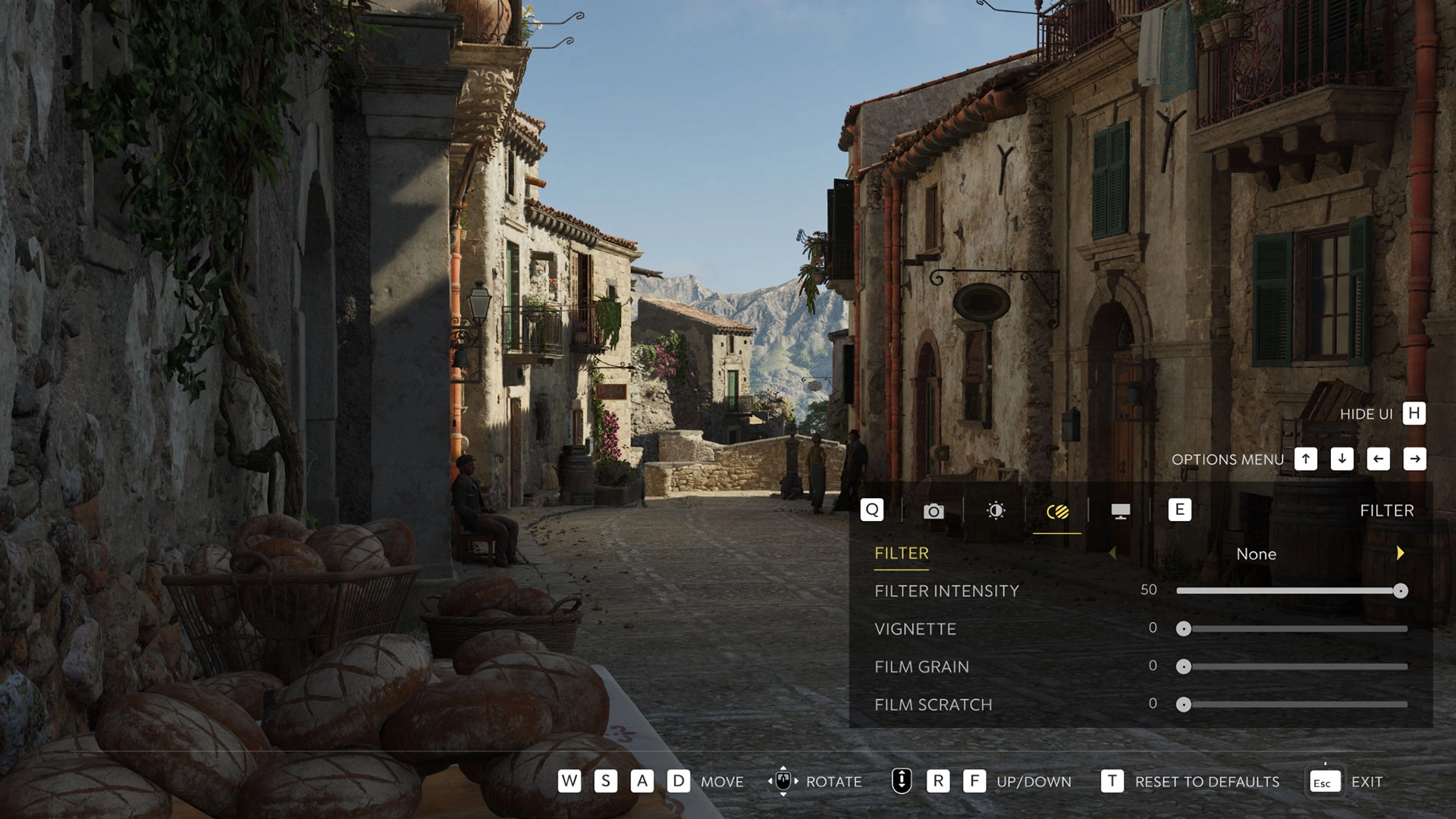
For cleaner compositions, there are display options to quickly declutter your shot. When ready, you can hide the overlay before capturing.
- Show Player Character – on/off
- Show Other Characters – on/off
- Show Grid – on/off
Read also our article: Xbox weekly drops: 2XKO, FF7 Remake Intergrade, Pathologic 3 land January 20-23
Hide Photo Mode UI: Square (PlayStation), X (Xbox), or H (keyboard).
Saving and finding your screenshots
Screenshots are saved through each platform’s native capture tools rather than inside the game. The process differs slightly by system.
Core controls at a glance – platform shortcuts
The table below summarizes default inputs for opening Photo Mode, hiding the UI, and saving captures across platforms.
On PC, images are stored in your Steam screenshots folder. In your Steam Library, open Mafia: The Old Country and browse the Recordings and Screenshots section (lower right). While viewing a screenshot, right-click and select Show on disk to open the file’s location.
Recommended locations to shoot
Hangar 13 highlights several spots around Valle Dorata that lend themselves to striking compositions:
- Approach to Porto Almaro – a seaside road near the old watchtower overlooking the town.
- Lavender field near Villa Torrisi – a vivid splash of color in the countryside.
- Chapel in Tannery Village – a hillside path that benefits from the right light.
- San Celeste’s alleys – narrow streets, busy hubs, local life, and early 1900s architecture.
- Byzantine Ruins in Fontanella – near the northern bridge, history framed by nature.
Official video overview
Watch the Photo Mode in action, alongside other features introduced in the Free Ride Update:
Why it matters – a flexible toolkit for virtual photography
The update gives players a pause-anywhere, offline-capable camera suite with depth-of-field, filmic effects, and platform-native saving. If you enjoy framing action and scenery, Valle Dorata’s variety and the mode’s granular controls make it easier to document your run without missing a moment.
Category

Share the news


Meet the Author


Article:
Read all

Solid Snake joins Rainbow Six Siege on March 3 with intel‑driven tools and scavenging gameplay. A few weeks later, a limited‑time 4v4 infiltration mode arrives alongside map and balance updates.
 February 15, 2026
 80
80
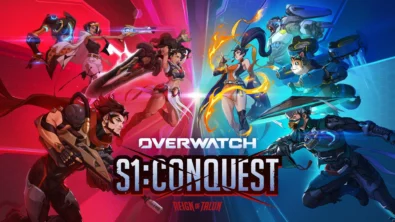
Season 1 opens the first chapter with Domina, Emre, Mizuki, Anran, and Jetpack Cat, plus the Conquest meta race between Overwatch and Talon. The world will update in real time as the story unfolds.
February 14, 2026
87
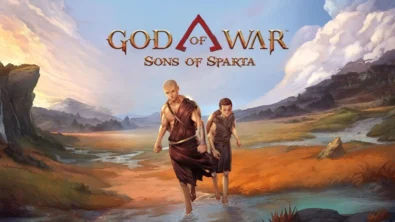
Kratos’ Spartan youth becomes playable in God of War Sons of Sparta – a canon, pixel‑art 2D prequel on PS5 with customizable spear‑and‑shield combat, Gifts of Olympus, and returning voice talent.
February 13, 2026
73
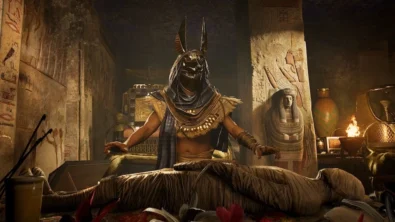
Ancient embalming, step by step – a new museum installation built on Assassin’s Creed Origins’ Discovery Tour lets visitors explore mummification interactively at Musée de l’Homme, open November 2025-May 2026.
February 13, 2026
72
Read also
Solid Snake joins Rainbow Six Siege on March 3 with intel‑driven tools and scavenging gameplay. A few weeks later, a limited‑time 4v4 infiltration mode arrives alongside map and balance updates.
February 15, 2026
80
Kratos’ Spartan youth becomes playable in God of War Sons of Sparta – a canon, pixel‑art 2D prequel on PS5 with customizable spear‑and‑shield combat, Gifts of Olympus, and returning voice talent.
February 13, 2026
73
Ancient embalming, step by step – a new museum installation built on Assassin’s Creed Origins’ Discovery Tour lets visitors explore mummification interactively at Musée de l’Homme, open November 2025-May 2026.
February 13, 2026
72
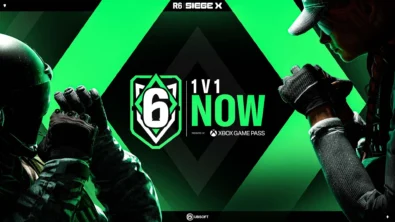
From training mode to centre stage: Rainbow Six Siege’s debut 1v1 circuit lands at the Six Invitational in Paris. Four regions, more than 3,200 entrants, semifinals Feb 14 and final Feb 15 for 5,000 US dollars.
February 13, 2026
73
Blizzard links its 2026 milestones with a cross‑franchise Showcase and confirms BlizzCon’s return later this year – with more announcements and “surprises” still queued, says president Johanna Faries.
February 13, 2026
64

High On Life 2 launches with day-one Game Pass Ultimate support, while Narrative Director Alec Robbins explains how the team crafts jokes with players—shaping character-driven, reactive comedy.
February 13, 2026
67
From a Star Trek survival-strategy take to stealth with Styx, eerie Backrooms horror, and management sims, Xbox’s February 17-20 slate packs 14 launches with Series X|S optimizations and cross-platform perks.
February 13, 2026
58
First full gameplay for CONTROL Resonant runs on PS5 Pro, spotlighting Dylan Faden in a reality-bending Manhattan with vast zones and Gravity Anomalies. Launch set for 2026 across console and PC ecosystems.
February 13, 2026
68
Borderlands 4 sets a co-op goal for this weekend: hit 500,000 successful teammate revives between February 12-15 to unlock a universal cosmetic skin. A minor update adds three Weekly Big Encore boss fights to raise the stakes.
February 13, 2026
75
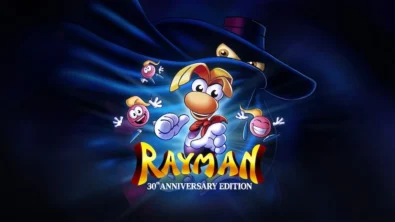
A milestone collection bundles five classic Rayman versions, a first-ever playable SNES prototype, reimagined music, modern assist options, and over 50 minutes of developer interviews.
February 13, 2026
62

Співпраця
Співпраця - текст
TopGame Newsletter!
Unlock exclusive gaming deals, fresh guides, and insider picks — straight to your inbox. No spam, just real content for real players.
