


Popular articles



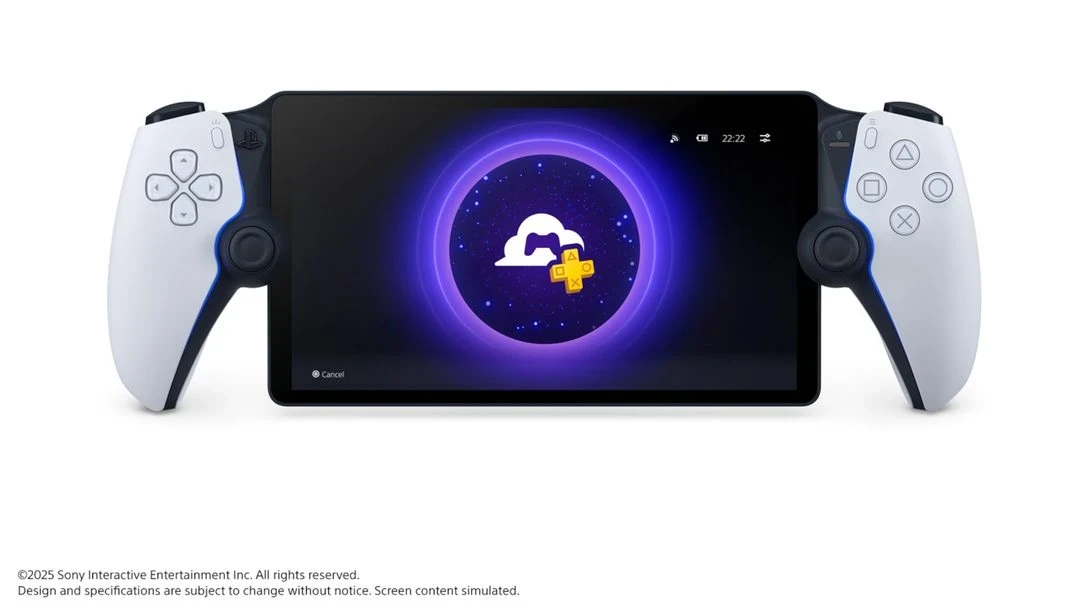
PlayStation Portal rolls out PS5 Cloud Streaming and new UI
Table of Content

PlayStation is deploying a major system update for the PlayStation Portal remote player. Cloud Streaming for PS5 games officially launches on November 5 at 6pm PT – November 6 at 2am GMT – expanding how owners can play when away from their console. The feature is available to PlayStation Plus Premium members with adult accounts and does not require a Remote Play connection to a PS5. Alongside streaming, PS Portal gets a redesigned home screen and a set of audio, security, network, accessibility, and social improvements. Below are the key facts and what changes for players.
Cloud Streaming on PS Portal – what’s included at launch
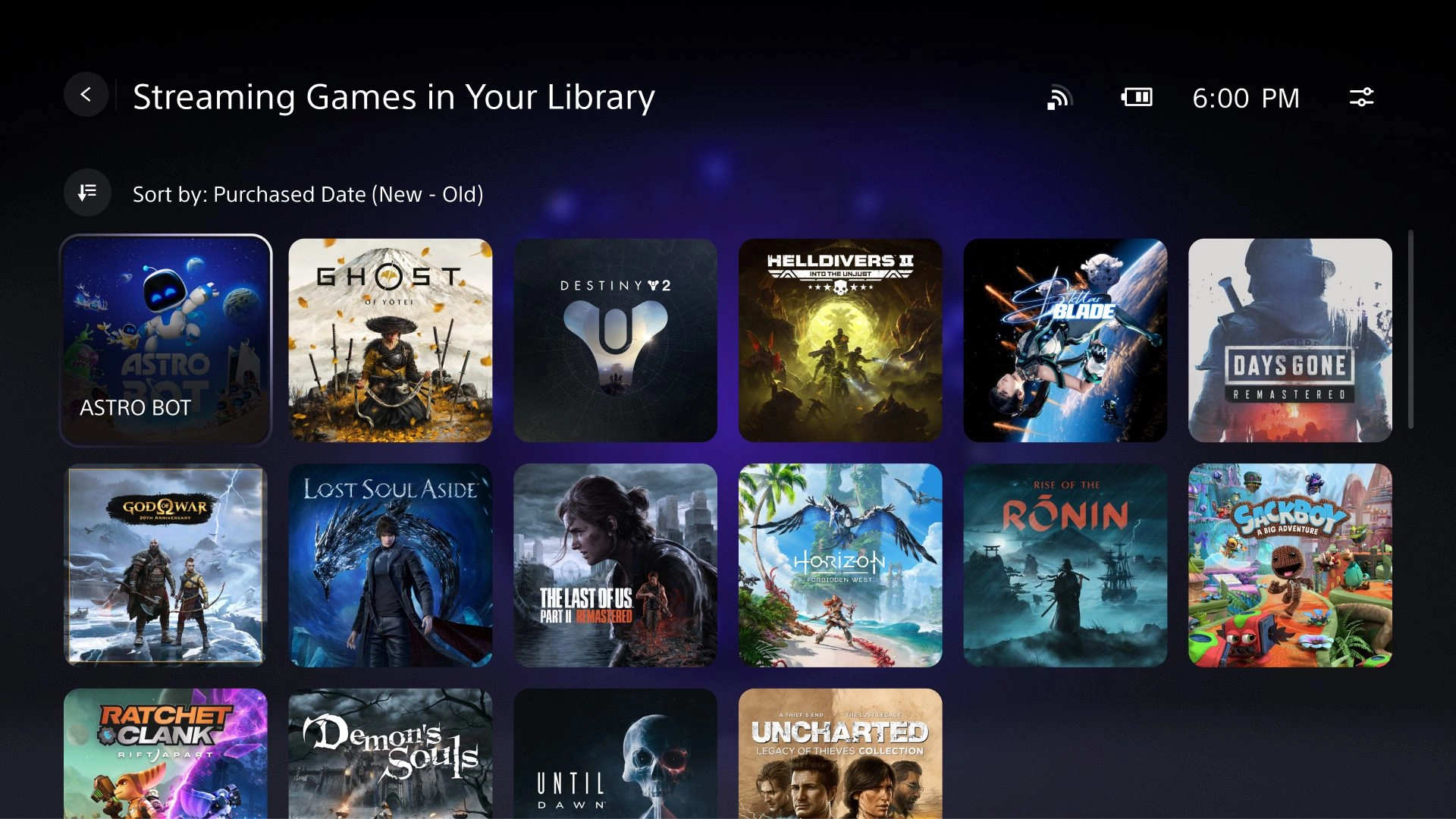
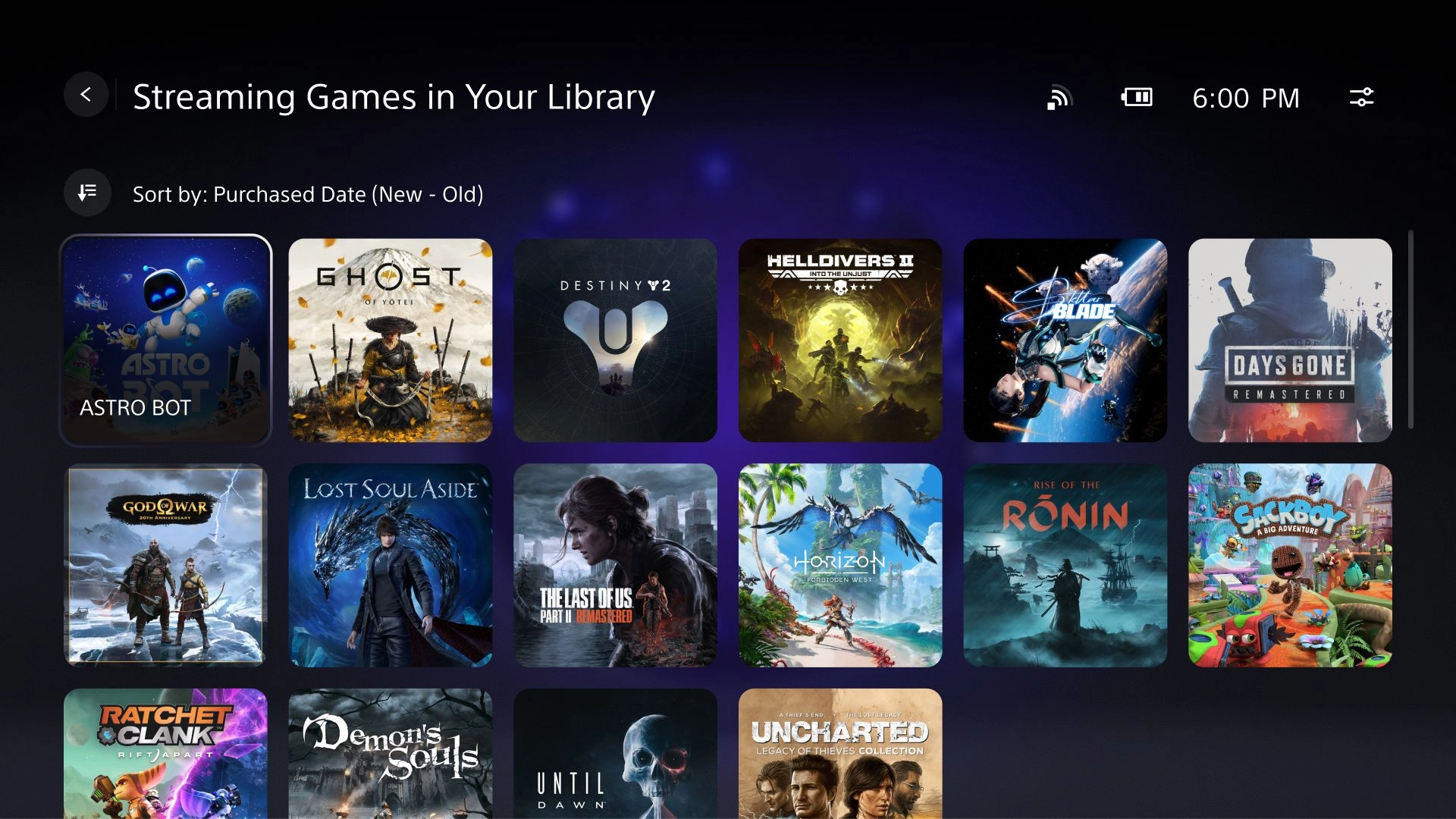
PS Plus Premium members can now stream select digital PS5 games from their own library, as well as compatible titles from the PlayStation Plus Game Catalog and Classics Catalog. Sony states that thousands of PS5 games support Cloud Streaming at launch, including examples such as Astro Bot, Borderlands 4, Final Fantasy VII Rebirth, Fortnite, Ghost of Yōtei, Grand Theft Auto V, and Resident Evil 4. From the catalogs, streamable titles include Cyberpunk 2077, God of War Ragnarök, Hogwarts Legacy, Sword of the Sea, and The Last of Us Part II Remastered. The full, continuously updated list is available at playstation.com/ps5-game-cloud-streaming.
Cloud Streaming is designed for flexible play. You can stream a game while someone else uses the PS5 under a different account or watches a movie, and you can play on the go over high‑speed Wi‑Fi without powering on the console at home.
Rollout timing
The launch window is confirmed as follows:
Streaming requires broadband Wi‑Fi of at least 5 Mbps, with 15 Mbps recommended for a better experience. Network quality will vary by environment.
New home screen – Remote Play, Cloud Streaming, Search
PS Portal’s UI now centers on three tabs: Remote Play, Cloud Streaming, and Search. Remote Play still connects to the paired PS5 to run installed games and does not require a PS Plus membership. The Cloud Streaming tab lets Premium members launch compatible PS5 titles instantly without downloads. The Search tab surfaces all games that support Cloud Streaming; if you lack streaming entitlement, the device displays a QR code to continue via the PlayStation App or a web browser on another device.
Availability note: the new UI is limited to adult accounts in regions where PlayStation Plus Premium is offered: Austria, Belgium, Bulgaria, Canada, Croatia, Czech Republic, Denmark, Finland, France, Germany, Greece, Hungary, Ireland, Italy, Japan, Luxembourg, Malta, Netherlands, Norway, Poland, Portugal, Republic of Cyprus, Romania, Slovakia, Slovenia, Spain, Sweden, Switzerland, United Kingdom, and United States.
Gameplay upgrades – audio, security, network, accessibility
The update introduces several quality‑of‑life features across Remote Play and Cloud Streaming.
- 3D Audio support – Available in supported games when using a compatible audio device, delivering spatial sound during Remote Play and Cloud Streaming.
- Passcode Lock – Add a device passcode via Settings → System → Passcode.
- Network Status screen – Check connection quality in‑session via Quick menu → Troubleshoot → Show Network Status.
Read also our article: Flat2VR maps out PS VR2 releases – four in November, one for 2025
Cloud Streaming also gains its own set of tools:
- In‑game purchases during Cloud Streaming – Buy add‑ons and in‑game currencies without leaving the stream; benefits apply immediately. (This remains supported during Remote Play as well.)
- Accessibility options – Enable a screen reader and adjust text size via Settings → Cloud Streaming → Accessibility Settings for Cloud Streaming. These controls apply to select streaming screens; Remote Play uses the PS5 system’s accessibility settings.
- Game invitations – Receive invites from friends playing the same title and join multiplayer directly from the Quick menu.
How this changes playing away from the console
Cloud Streaming lets PS Portal run PS5 games when the home console is powered off or in use by another account. It supports scenarios like playing side‑by‑side with a friend on the same PS5 or keeping your session going over hotel or café Wi‑Fi, provided the connection meets the stated speed requirements.
Availability of streamable titles – The lineup of digital PS5 games eligible from Your Library and the PlayStation Plus catalogs can change over time and varies by region and country. Cloud Streaming features are limited to adult accounts with an active PlayStation Plus Premium membership.
Official trailer
Watch the overview from PlayStation:
Bottom line – what players should expect
Cloud Streaming on PS Portal expands access to PS5 games with instant play from Your Library and the PlayStation Plus catalogs, a clearer three‑tab UI, and practical session tools for audio, security, network checks, accessibility, and multiplayer. If you’re on PS Plus Premium and meet the connection requirements, this update opens up more flexible ways to keep your PS5 sessions going anywhere with reliable Wi‑Fi.
Category

Share the news


Meet the Author


Article:
Read all


Solid Snake joins Rainbow Six Siege on March 3 with intel‑driven tools and scavenging gameplay. A few weeks later, a limited‑time 4v4 infiltration mode arrives alongside map and balance updates.
 February 15, 2026
 3
3
Season 1 opens the first chapter with Domina, Emre, Mizuki, Anran, and Jetpack Cat, plus the Conquest meta race between Overwatch and Talon. The world will update in real time as the story unfolds.
February 14, 2026
3
Kratos’ Spartan youth becomes playable in God of War Sons of Sparta – a canon, pixel‑art 2D prequel on PS5 with customizable spear‑and‑shield combat, Gifts of Olympus, and returning voice talent.
February 13, 2026
5

Ancient embalming, step by step – a new museum installation built on Assassin’s Creed Origins’ Discovery Tour lets visitors explore mummification interactively at Musée de l’Homme, open November 2025-May 2026.
February 13, 2026
6
Read also
Solid Snake joins Rainbow Six Siege on March 3 with intel‑driven tools and scavenging gameplay. A few weeks later, a limited‑time 4v4 infiltration mode arrives alongside map and balance updates.
February 15, 2026
3
Kratos’ Spartan youth becomes playable in God of War Sons of Sparta – a canon, pixel‑art 2D prequel on PS5 with customizable spear‑and‑shield combat, Gifts of Olympus, and returning voice talent.
February 13, 2026
5
Ancient embalming, step by step – a new museum installation built on Assassin’s Creed Origins’ Discovery Tour lets visitors explore mummification interactively at Musée de l’Homme, open November 2025-May 2026.
February 13, 2026
6
From training mode to centre stage: Rainbow Six Siege’s debut 1v1 circuit lands at the Six Invitational in Paris. Four regions, more than 3,200 entrants, semifinals Feb 14 and final Feb 15 for 5,000 US dollars.
February 13, 2026
5
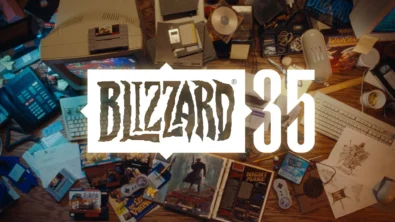
Blizzard links its 2026 milestones with a cross‑franchise Showcase and confirms BlizzCon’s return later this year – with more announcements and “surprises” still queued, says president Johanna Faries.
February 13, 2026
5

High On Life 2 launches with day-one Game Pass Ultimate support, while Narrative Director Alec Robbins explains how the team crafts jokes with players—shaping character-driven, reactive comedy.
February 13, 2026
6
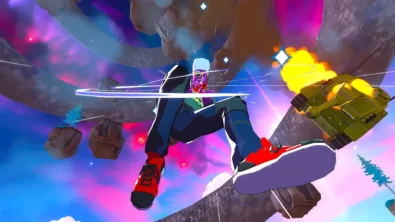
From a Star Trek survival-strategy take to stealth with Styx, eerie Backrooms horror, and management sims, Xbox’s February 17-20 slate packs 14 launches with Series X|S optimizations and cross-platform perks.
February 13, 2026
7

First full gameplay for CONTROL Resonant runs on PS5 Pro, spotlighting Dylan Faden in a reality-bending Manhattan with vast zones and Gravity Anomalies. Launch set for 2026 across console and PC ecosystems.
February 13, 2026
4
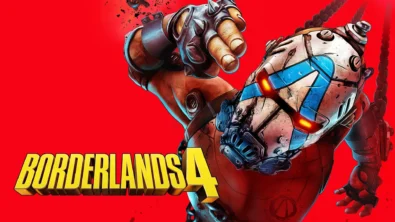
Borderlands 4 sets a co-op goal for this weekend: hit 500,000 successful teammate revives between February 12-15 to unlock a universal cosmetic skin. A minor update adds three Weekly Big Encore boss fights to raise the stakes.
February 13, 2026
6
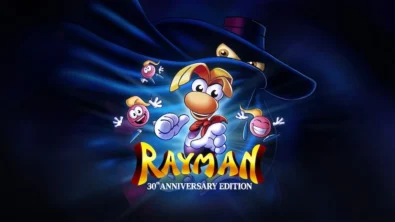
A milestone collection bundles five classic Rayman versions, a first-ever playable SNES prototype, reimagined music, modern assist options, and over 50 minutes of developer interviews.
February 13, 2026
6

Співпраця
Співпраця - текст
TopGame Newsletter!
Unlock exclusive gaming deals, fresh guides, and insider picks — straight to your inbox. No spam, just real content for real players.
