


Popular articles



Digital Xbox gifts in 2025 – a quick guide for console and PC
Table of Content

Microsoft has refreshed its guidance for gifting digital games on Xbox and PC for 2025, laying out where and how the feature works across its storefronts. The process is available on Xbox consoles, the Xbox app on PC (including ROG Ally handhelds), the Microsoft Store on Windows, and via a web browser. The company clarifies delivery and redemption details, plus a key regional restriction. A short tutorial video accompanies the update for players who prefer a visual walkthrough.
What’s supported where
Gifting is consistent across Microsoft’s platforms, with a few notable differences. Below is the high-level view of how you can send a digital title, add-on, or subscription.
- Xbox console – choose a friend from your Xbox list or enter an email address.
- Xbox app on PC (including ROG Ally) – same options as console: Xbox friend or email.
- Web browser – email only.
- Microsoft Store on Windows – email only.
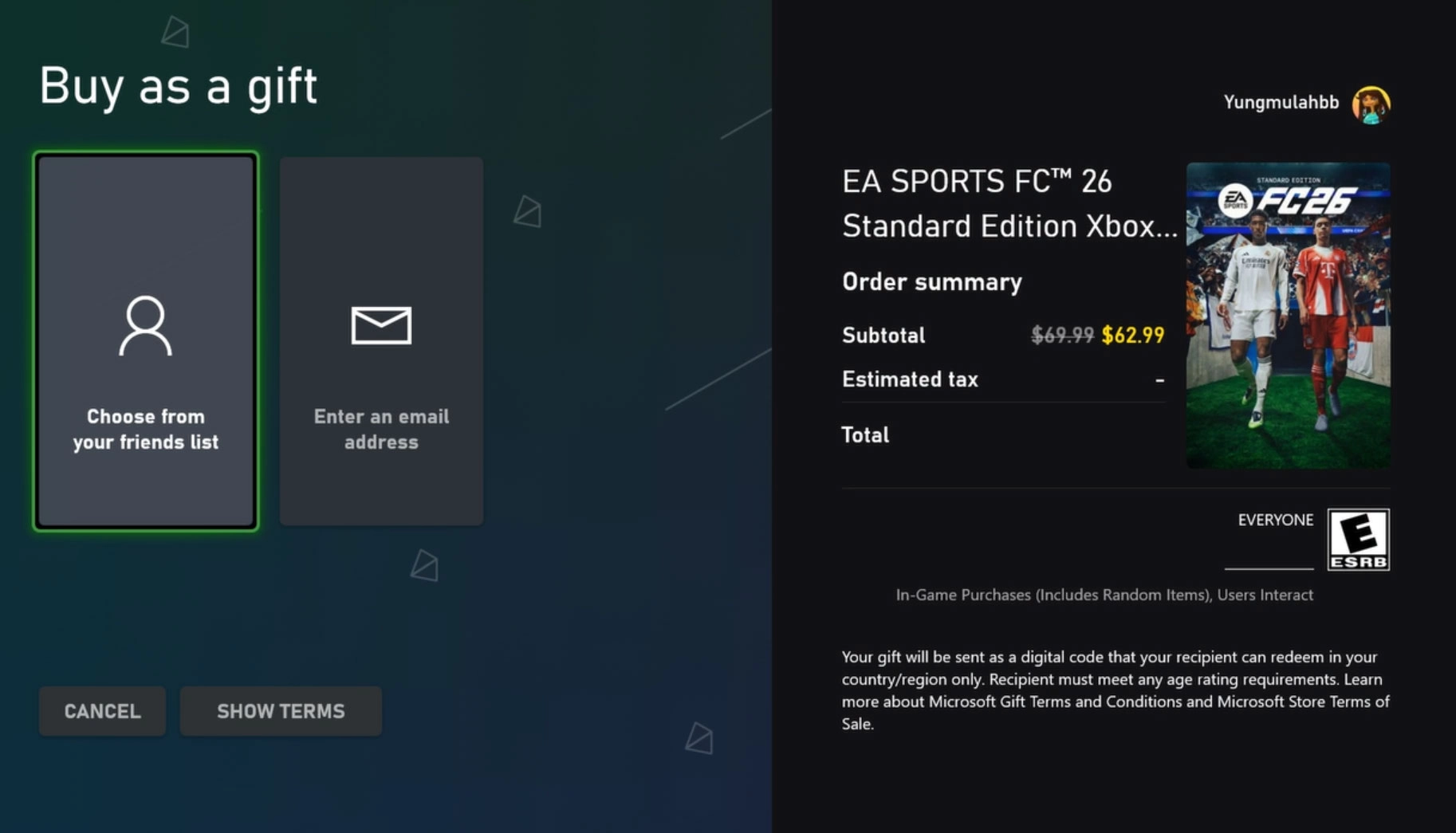
Gifting on Xbox console
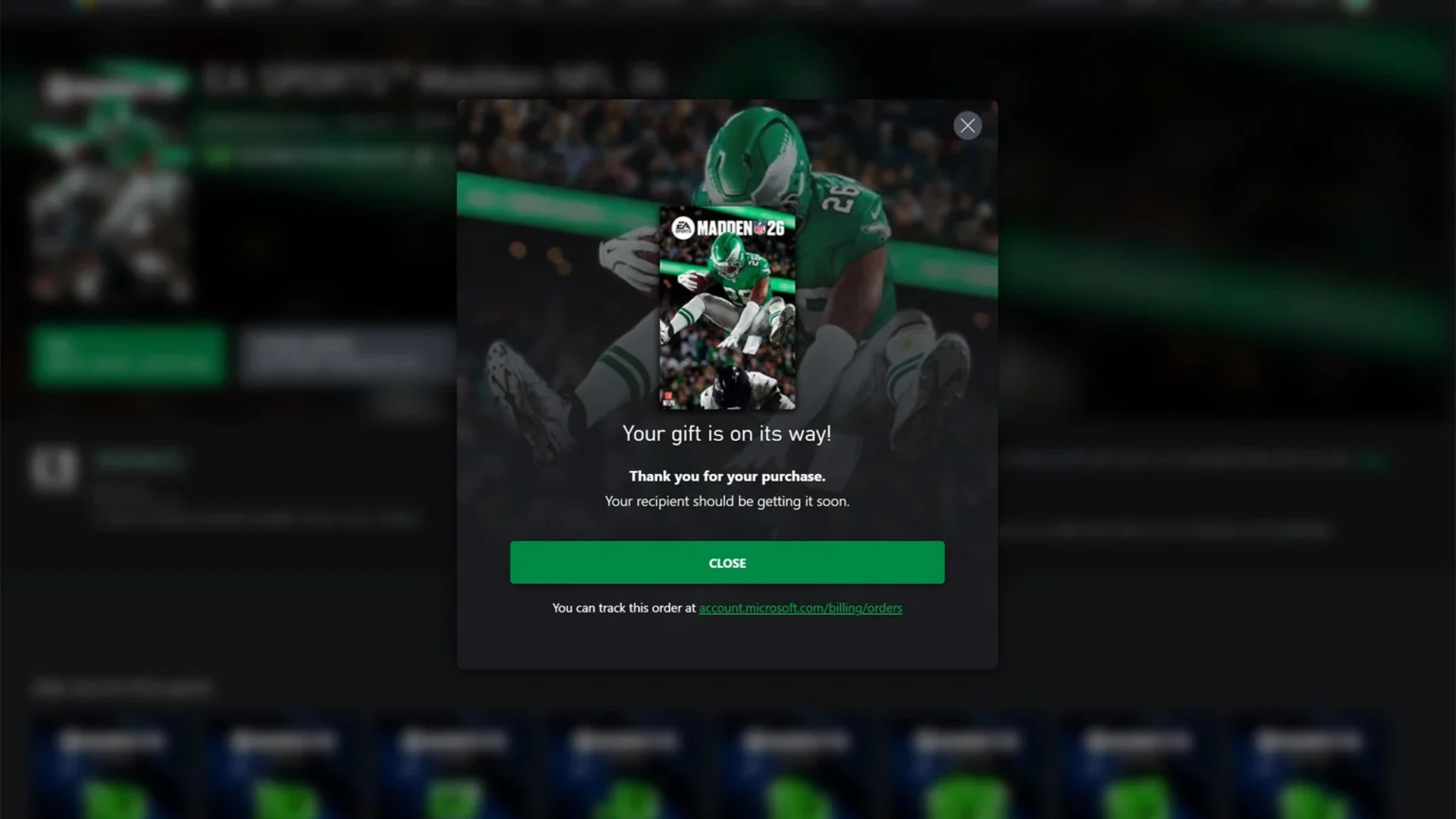
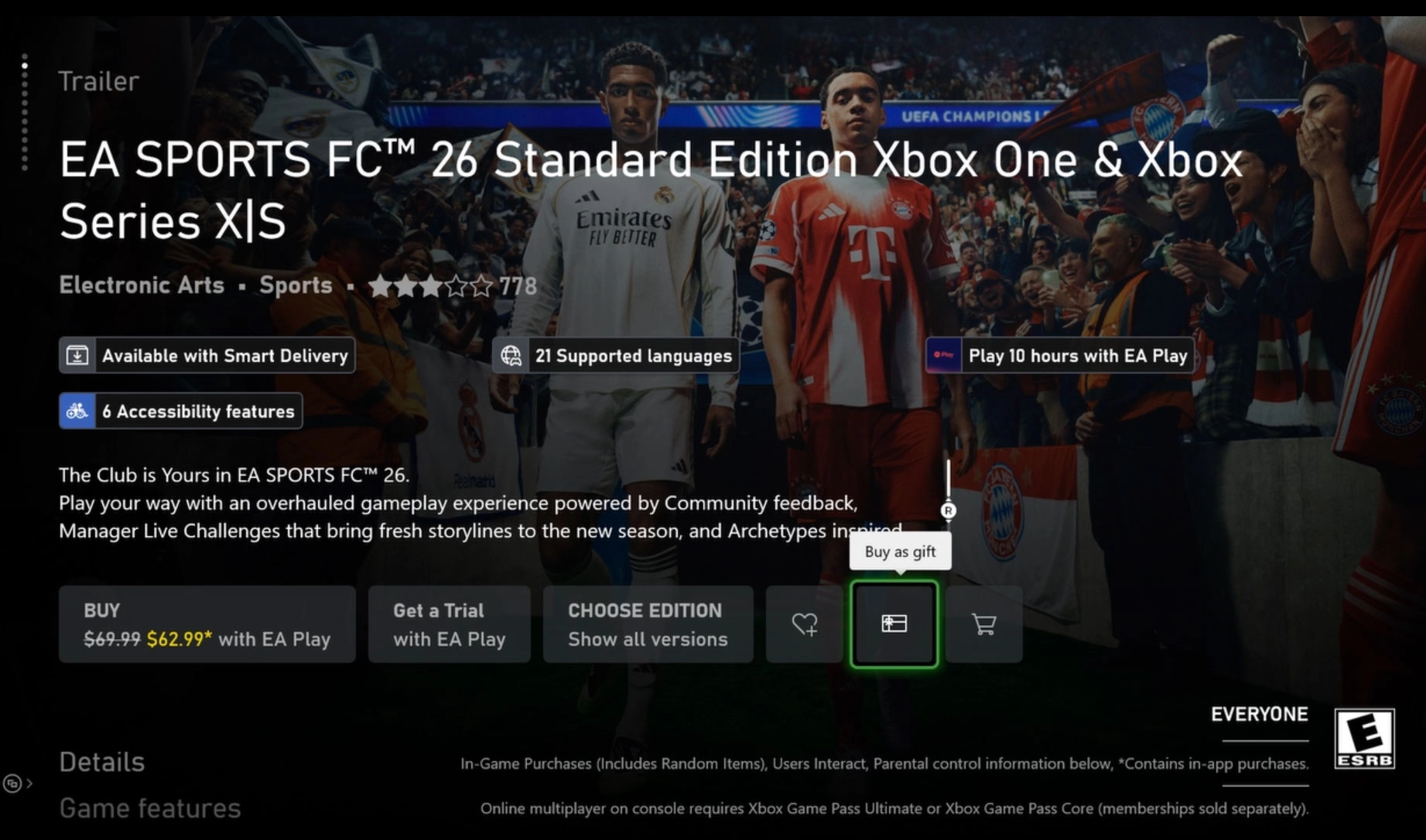
On console, locate the game in the Microsoft Store and select the gift icon to open the “Buy as gift” flow. You can pick a recipient from your Xbox friends list or type an email address. The sender and recipient must be in the same country for the gift to be eligible.
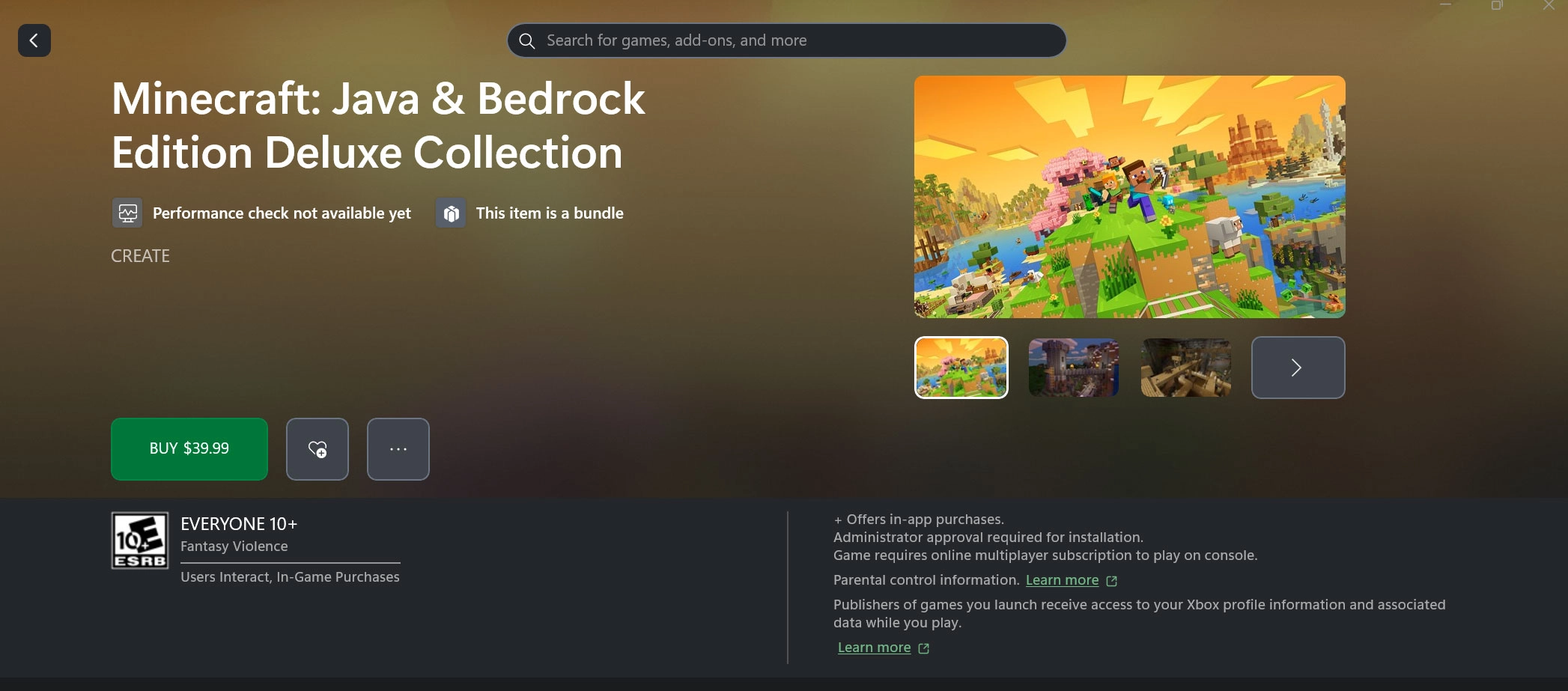
Xbox app on PC (including ROG Ally)
In the Xbox app on PC, search for the game, open the options menu (“…”) and choose “Buy as gift”. You can send to an Xbox friend or to an email address. Microsoft notes this process is identical on ROG Ally when using the Store tab in the Xbox Full Screen Experience.
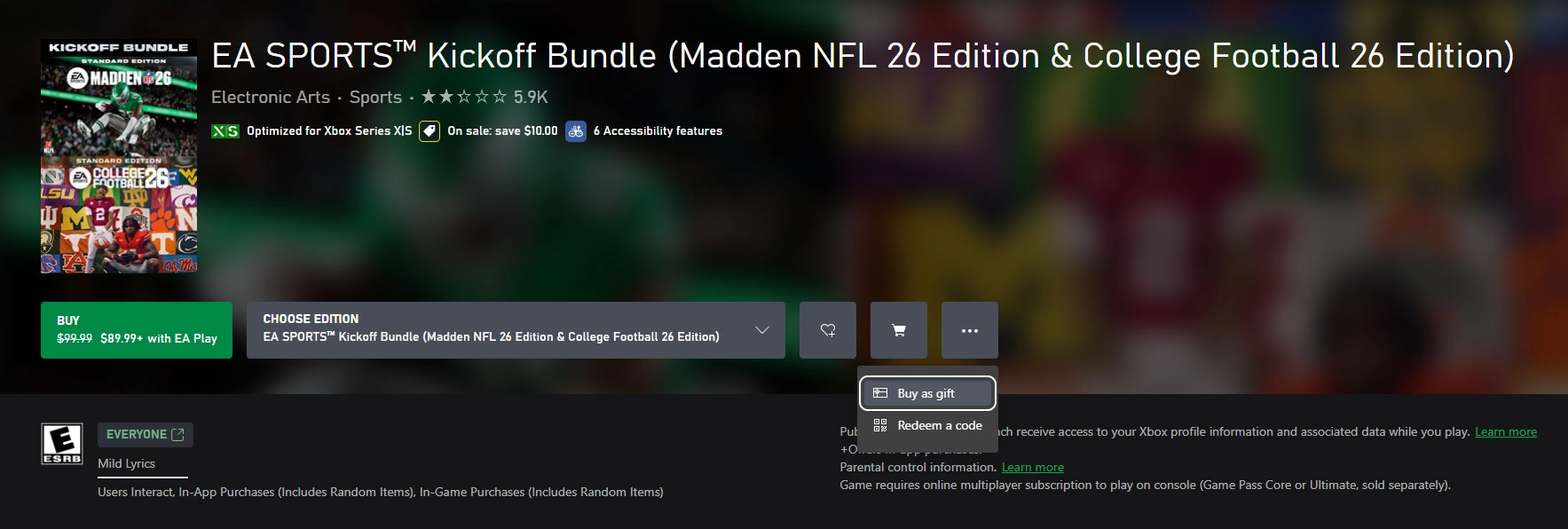
Gifting via web browser
On the web, the flow is similar but limited to email delivery. Find the game, add-on, or subscription you want to gift and use the “Buy as a gift” option found in the “…” menu next to the purchase button. Sign in, select a payment method, and complete the send.
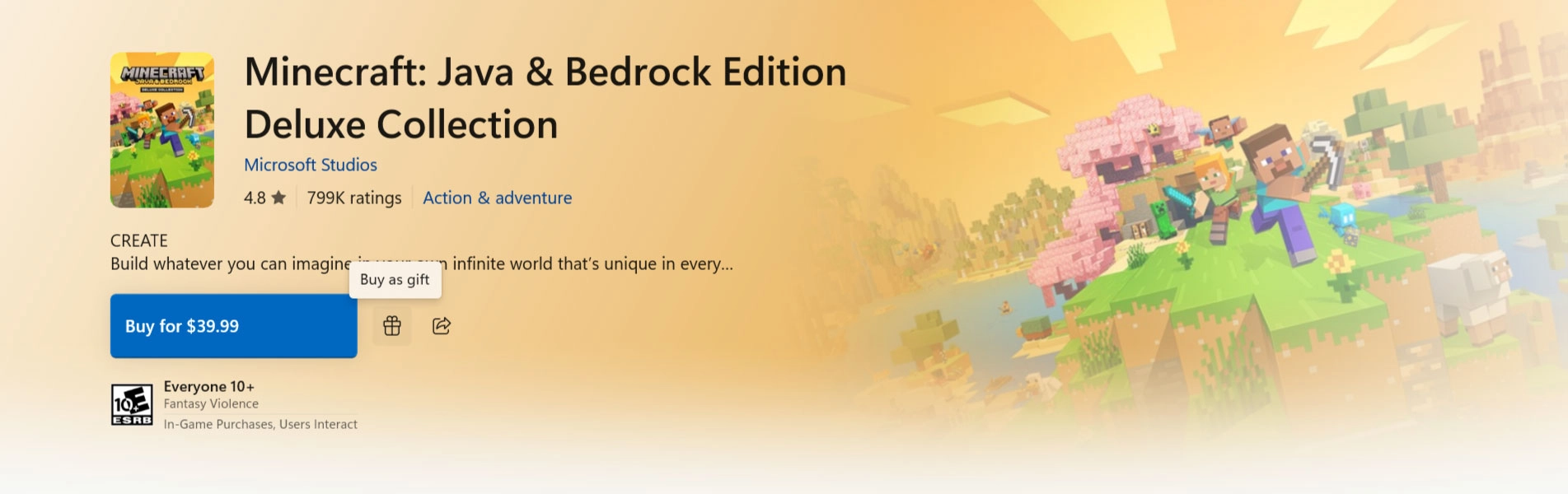
Microsoft Store on Windows
Within the Microsoft Store on Windows, gifting is also email-only. Choose the title or subscription, select “Buy as a Gift” (the icon to the right of the purchase button), sign in, and finish the send.
Delivery, redemption, and limits
- Delivery method – recipients get a message on their Xbox console and to the email associated with their Xbox account.
- Redemption – recipients select “Redeem code” from the message to add the game or content to their library.
- Region rule – the sender and recipient must be in the same country.
- What you can gift – full games, add-ons, and subscriptions, including Xbox Game Pass Ultimate.
Read also our article: Third-person arrives in Avatar: Frontiers of Pandora – plus New Game+
Watch the walkthrough
Official tutorial video:
More details and source note
Full rules and support guidance: https://support.xbox.com/en-US/help/subscriptions-billing/buy-games-apps/gifting-digital-xbox-game-help
This guidance was updated for 2025. The original article credit: Daniel Martins.
Why it matters – a cleaner way to share games
With consistent flows across console, PC, Windows, and the web, gifting digital games is straightforward and near-instant. Keep the same-country rule in mind, decide whether to send to a friend or email, and your recipient can be playing after a quick code redemption.
Category
Share the news


Meet the Author


Article:
Read all

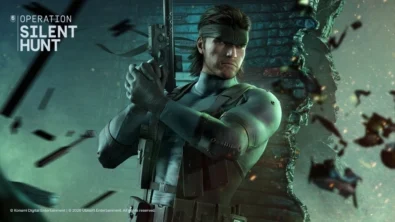
Solid Snake joins Rainbow Six Siege on March 3 with intel‑driven tools and scavenging gameplay. A few weeks later, a limited‑time 4v4 infiltration mode arrives alongside map and balance updates.
 February 15, 2026
 3
3
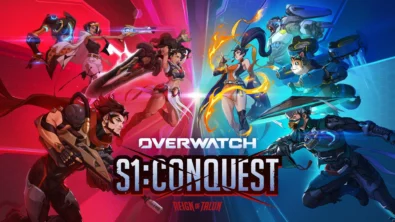
Season 1 opens the first chapter with Domina, Emre, Mizuki, Anran, and Jetpack Cat, plus the Conquest meta race between Overwatch and Talon. The world will update in real time as the story unfolds.
February 14, 2026
3
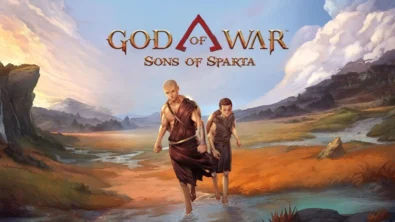
Kratos’ Spartan youth becomes playable in God of War Sons of Sparta – a canon, pixel‑art 2D prequel on PS5 with customizable spear‑and‑shield combat, Gifts of Olympus, and returning voice talent.
February 13, 2026
5
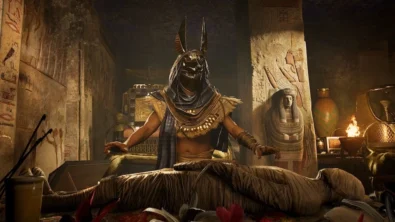
Ancient embalming, step by step – a new museum installation built on Assassin’s Creed Origins’ Discovery Tour lets visitors explore mummification interactively at Musée de l’Homme, open November 2025-May 2026.
February 13, 2026
6
Read also
Solid Snake joins Rainbow Six Siege on March 3 with intel‑driven tools and scavenging gameplay. A few weeks later, a limited‑time 4v4 infiltration mode arrives alongside map and balance updates.
February 15, 2026
3
Kratos’ Spartan youth becomes playable in God of War Sons of Sparta – a canon, pixel‑art 2D prequel on PS5 with customizable spear‑and‑shield combat, Gifts of Olympus, and returning voice talent.
February 13, 2026
5
Ancient embalming, step by step – a new museum installation built on Assassin’s Creed Origins’ Discovery Tour lets visitors explore mummification interactively at Musée de l’Homme, open November 2025-May 2026.
February 13, 2026
6
From training mode to centre stage: Rainbow Six Siege’s debut 1v1 circuit lands at the Six Invitational in Paris. Four regions, more than 3,200 entrants, semifinals Feb 14 and final Feb 15 for 5,000 US dollars.
February 13, 2026
5
Blizzard links its 2026 milestones with a cross‑franchise Showcase and confirms BlizzCon’s return later this year – with more announcements and “surprises” still queued, says president Johanna Faries.
February 13, 2026
5

High On Life 2 launches with day-one Game Pass Ultimate support, while Narrative Director Alec Robbins explains how the team crafts jokes with players—shaping character-driven, reactive comedy.
February 13, 2026
6
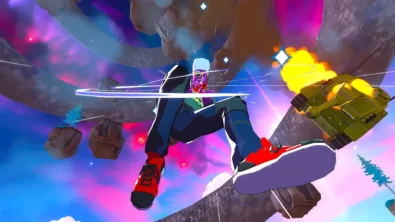
From a Star Trek survival-strategy take to stealth with Styx, eerie Backrooms horror, and management sims, Xbox’s February 17-20 slate packs 14 launches with Series X|S optimizations and cross-platform perks.
February 13, 2026
7
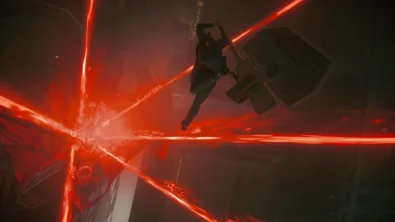
First full gameplay for CONTROL Resonant runs on PS5 Pro, spotlighting Dylan Faden in a reality-bending Manhattan with vast zones and Gravity Anomalies. Launch set for 2026 across console and PC ecosystems.
February 13, 2026
4
Borderlands 4 sets a co-op goal for this weekend: hit 500,000 successful teammate revives between February 12-15 to unlock a universal cosmetic skin. A minor update adds three Weekly Big Encore boss fights to raise the stakes.
February 13, 2026
6
A milestone collection bundles five classic Rayman versions, a first-ever playable SNES prototype, reimagined music, modern assist options, and over 50 minutes of developer interviews.
February 13, 2026
6

Співпраця
Співпраця - текст
TopGame Newsletter!
Unlock exclusive gaming deals, fresh guides, and insider picks — straight to your inbox. No spam, just real content for real players.
