


Popular articles



Xbox Design Lab 2025: every controller tweak that’s on the table
Table of Content

Microsoft has refreshed its official breakdown of Xbox Design Lab for 2025, outlining how players can build a custom Xbox controller across 10 distinct components. The service supports two base models and lets you preview and save designs before finalizing. Options span finishes, patterns, metallic parts, and button treatments, with an optional 16-character engraving for personalization. Below – a concise look at what’s available, model by model.
Where customization starts – two controller bases
Xbox Design Lab supports two first-party gamepads, each serving a different use case and price point. Both are eligible for the same high-level workflow of configuring parts and aesthetics.
- Xbox Wireless Controller – Starts at $79.99 USD; features textured triggers and grips, a hybrid D-Pad, and Bluetooth for multi-device use.
- Xbox Elite Wireless Controller Series 2 – Starts at $169.99 USD; adds refined components, adjustable thumbsticks, hair trigger locks, paddle slots, and rubberized grips.
10-part customization – what you can change
Design Lab splits customization into ten areas. Some options vary by model, especially around finishes and materials on the Elite Series 2. You can preview any change live and save multiple versions to a personal gallery.
1) Body
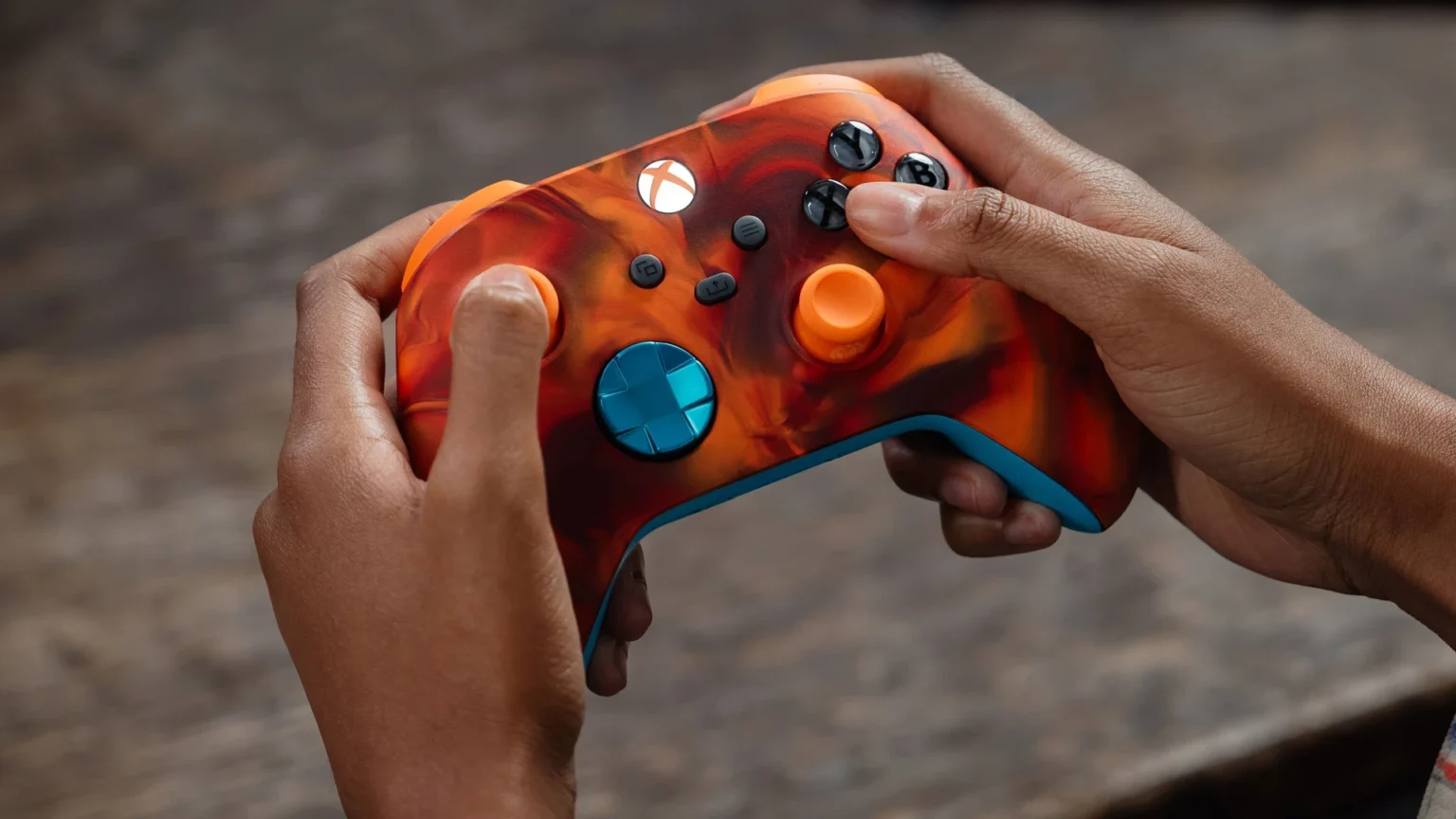
The entire front case. Xbox Wireless Controller offers matte finishes and patterns including Vapor, Shift, Camo, a Pride option, and game-inspired looks such as a Fallout top case. Elite Series 2 includes matte choices, game-inspired designs, and the Cipher series – a transparent front case that shows internal components.
2) Back
The rear shell behind the grips. Available in the standard color set used on the Body, enabling matching or two-tone layouts.
3) Grips
Rubberized back and side grips are available as an optional add-on for the Xbox Wireless Controller; they are standard on Elite Series 2.
4) Bumpers
Top bumper buttons and the center bridge. Xbox Wireless Controller offers the standard color palette; Elite Series 2 adds metallic finishes.
5) Triggers
Triggers can be configured in standard colors on the Xbox Wireless Controller, with additional metallic options. On Elite Series 2, you can pick from multiple metallic treatments to match or offset the bumpers.
Read also our article: PlayStation opens PS Blog GOTY 2025 polls – deadline December 8 PT
6) D-Pad
Xbox Wireless Controller supports standard colors and metallic hues. Elite Series 2 lets you choose between a four-direction D-Pad or a Faceted variant, with single-tone metallic and multi-toned Chroma designs.
7) Thumbsticks
On the Xbox Wireless Controller, thumbsticks use the standard color set. Elite Series 2 separates customization into metal base, thumbstick ring, and topper, each with its own color choice.
8) ABXY buttons
Xbox Wireless Controller offers seven button treatments, including the classic colored layout and various two-tone options. Elite Series 2 expands this to 20 treatments, with additional colored variants.
9) View, Menu, Share buttons
Central buttons on the Xbox Wireless Controller have five design choices. Elite Series 2 provides 24 color options.
10) Engraving
Both controllers support a 16-character engraving – for a name, Gamertag, or message.
Game-inspired looks and pre-configured ideas
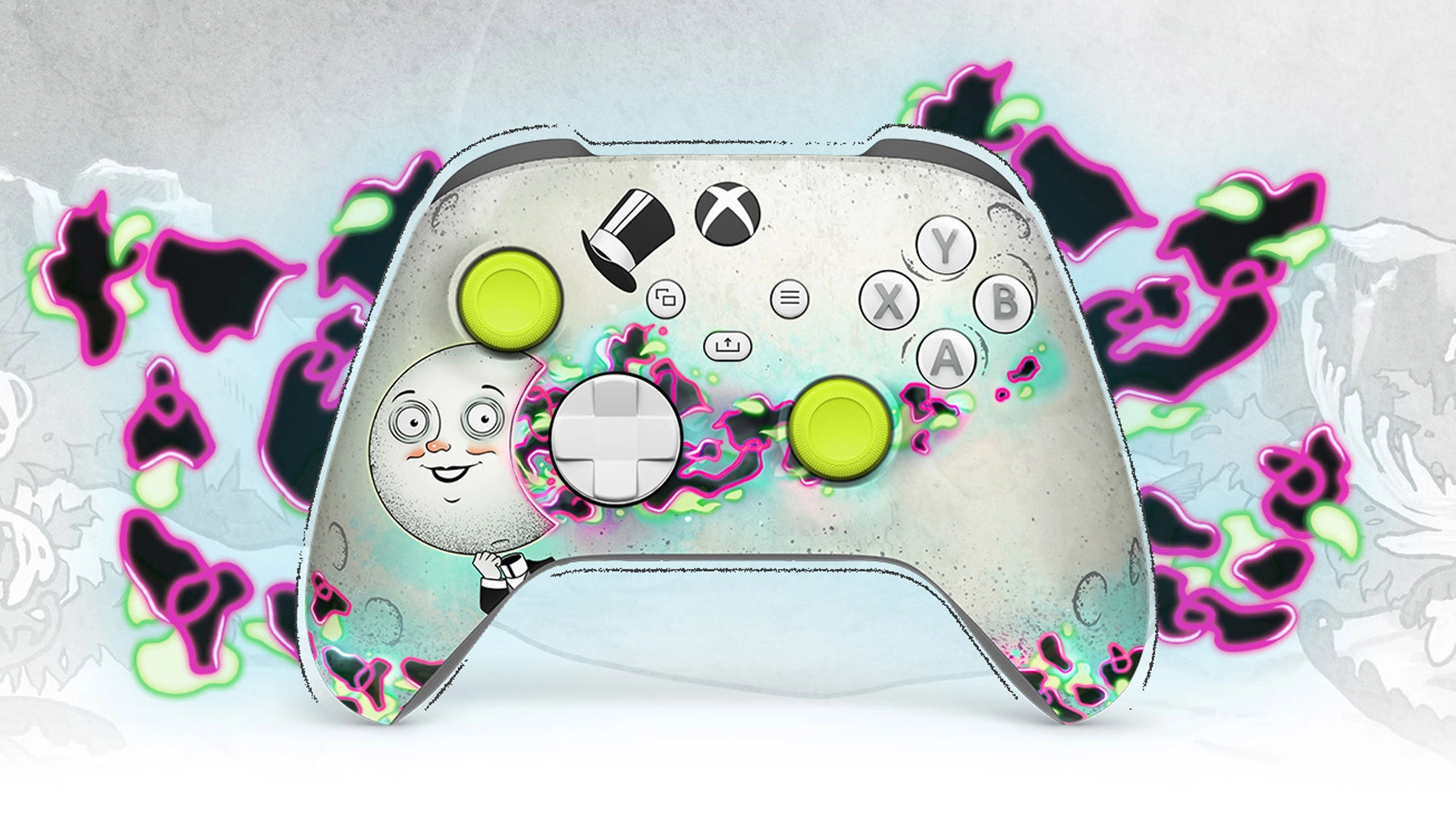
Beyond color-by-color tweaking, Xbox highlights pre-configured designs linked to specific games. Options span customizable special editions tied to titles like The Outer Worlds 2 and Ninja Gaiden 4, plus an “Inspired By” set for games such as Hollow Knight: Silksong and Silent Hill F. These presets can be used as a base and then adjusted.
At-a-glance differences by model
The table below summarizes several notable differences between the Xbox Wireless Controller and the Xbox Elite Wireless Controller Series 2 inside Design Lab.
Final takeaway – a clearer roadmap for personal builds
The 2025 update consolidates how Xbox Design Lab handles 10-part customization across its two controllers, making it easier to compare finishes, button treatments, and special patterns. For players, it means a more transparent path to a design that matches their setup – from understated matte to transparent Cipher and Chroma accents – with the option to lock it in with a 16-character engraving.
Category

Share the news


Meet the Author


Article:
Read all

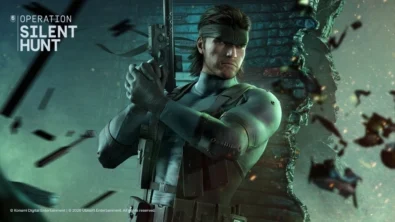
Solid Snake joins Rainbow Six Siege on March 3 with intel‑driven tools and scavenging gameplay. A few weeks later, a limited‑time 4v4 infiltration mode arrives alongside map and balance updates.
 February 15, 2026
 3
3
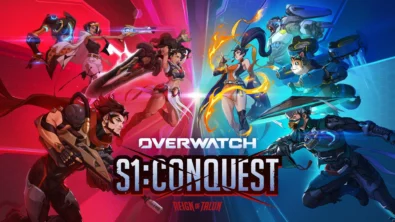
Season 1 opens the first chapter with Domina, Emre, Mizuki, Anran, and Jetpack Cat, plus the Conquest meta race between Overwatch and Talon. The world will update in real time as the story unfolds.
February 14, 2026
3

Kratos’ Spartan youth becomes playable in God of War Sons of Sparta – a canon, pixel‑art 2D prequel on PS5 with customizable spear‑and‑shield combat, Gifts of Olympus, and returning voice talent.
February 13, 2026
5

Ancient embalming, step by step – a new museum installation built on Assassin’s Creed Origins’ Discovery Tour lets visitors explore mummification interactively at Musée de l’Homme, open November 2025-May 2026.
February 13, 2026
6
Read also
Solid Snake joins Rainbow Six Siege on March 3 with intel‑driven tools and scavenging gameplay. A few weeks later, a limited‑time 4v4 infiltration mode arrives alongside map and balance updates.
February 15, 2026
3
Kratos’ Spartan youth becomes playable in God of War Sons of Sparta – a canon, pixel‑art 2D prequel on PS5 with customizable spear‑and‑shield combat, Gifts of Olympus, and returning voice talent.
February 13, 2026
5
Ancient embalming, step by step – a new museum installation built on Assassin’s Creed Origins’ Discovery Tour lets visitors explore mummification interactively at Musée de l’Homme, open November 2025-May 2026.
February 13, 2026
6
From training mode to centre stage: Rainbow Six Siege’s debut 1v1 circuit lands at the Six Invitational in Paris. Four regions, more than 3,200 entrants, semifinals Feb 14 and final Feb 15 for 5,000 US dollars.
February 13, 2026
5
Blizzard links its 2026 milestones with a cross‑franchise Showcase and confirms BlizzCon’s return later this year – with more announcements and “surprises” still queued, says president Johanna Faries.
February 13, 2026
5

High On Life 2 launches with day-one Game Pass Ultimate support, while Narrative Director Alec Robbins explains how the team crafts jokes with players—shaping character-driven, reactive comedy.
February 13, 2026
6
From a Star Trek survival-strategy take to stealth with Styx, eerie Backrooms horror, and management sims, Xbox’s February 17-20 slate packs 14 launches with Series X|S optimizations and cross-platform perks.
February 13, 2026
7
First full gameplay for CONTROL Resonant runs on PS5 Pro, spotlighting Dylan Faden in a reality-bending Manhattan with vast zones and Gravity Anomalies. Launch set for 2026 across console and PC ecosystems.
February 13, 2026
4
Borderlands 4 sets a co-op goal for this weekend: hit 500,000 successful teammate revives between February 12-15 to unlock a universal cosmetic skin. A minor update adds three Weekly Big Encore boss fights to raise the stakes.
February 13, 2026
6
A milestone collection bundles five classic Rayman versions, a first-ever playable SNES prototype, reimagined music, modern assist options, and over 50 minutes of developer interviews.
February 13, 2026
6

Співпраця
Співпраця - текст
TopGame Newsletter!
Unlock exclusive gaming deals, fresh guides, and insider picks — straight to your inbox. No spam, just real content for real players.
