


Popular articles



How Xbox’s Family Settings app helps tailor kids’ play
Table of Content

Microsoft has detailed how families can configure child accounts and use the Xbox Family Settings app to manage safety on Xbox consoles. The guidance focuses on creating a separate profile for younger players, enabling fine-grained controls over content, screen time, purchases, and communication. The tools work remotely via Android and iOS, so adults can adjust settings without being on the console. Xbox also points to accessibility features available on Xbox Series X|S.
Start with a dedicated child account
When setting up a console, Xbox recommends confirming that the system will be used by kids and creating an Xbox Child Account instead of sharing an adult profile. This approach enables adults to approve which games are playable, set daily playtime, and determine who the child can communicate with. Existing game entitlements do not need to be repurchased for the same console, with one caveat – sharing applies when the child uses the console designated as the Home console.
Manage safety remotely with the Family Settings app
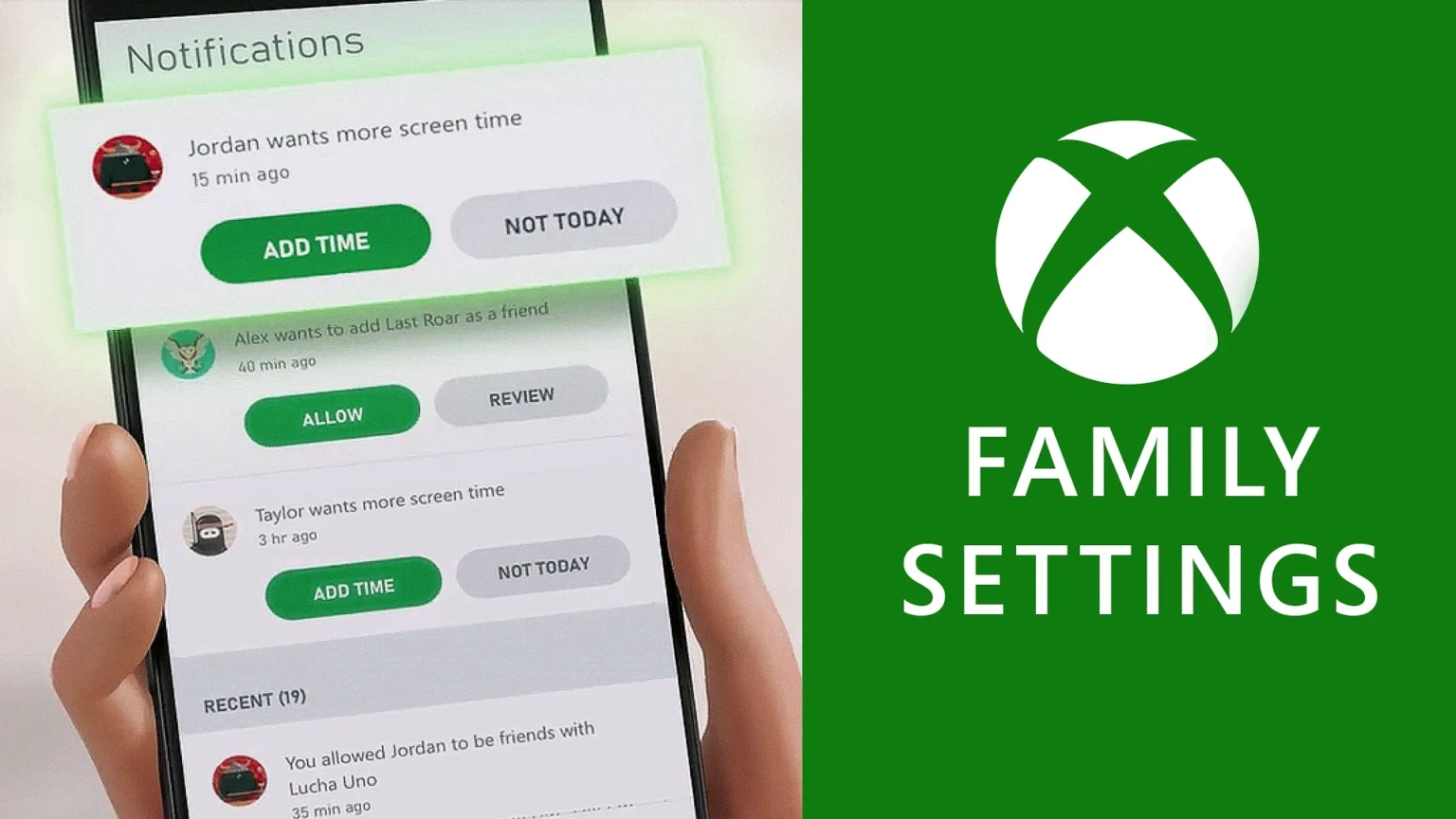
The Xbox Family Settings app is available on Android and iOS. It allows adults to configure and adjust a child’s gaming experience from anywhere – covering time limits, content access, purchases, and social features.
Key controls available in the app
- Screen time management – Set per-day limits and schedules. Kids can request extra time from within the app, and adults can temporarily pause gameplay.
- Content filters – Restrict access to titles based on age ratings, ensuring younger players see only age-appropriate content.
- Purchase limits and approvals – Use ask-to-buy to require approval for every transaction. Adults can add funds to a child’s account for controlled spending.
- Communication controls – Manage friend lists and incoming requests. Limit communication to friends only or disable it entirely.
- Activity reporting – Receive weekly summaries showing what was played, total time spent, and any requests for additional time or new games.
Read also our article: CarbonX 2024: Tencent highlights 50 finalists and US$28m pilots
Accessibility on Xbox Series X|S
Xbox highlights a range of accessibility options on Series X|S designed to make play more inclusive. Settings cover interface, input, visuals, and audio – adults can fine-tune them alongside family controls to match a child’s needs.
Entitlements and Home console note
Game access can be shared between adult and child accounts on the same hardware when the system is set as the Home console. This setting governs entitlement sharing – families should verify the correct device is designated to ensure expected access.
Why this matters
Family play thrives when controls are clear and flexible – separating child profiles and using the Family Settings app gives adults oversight without interrupting the fun. With granular limits, content filters, and communication settings, Xbox provides tools to keep sessions safer and more predictable for younger players.
Category
Share the news


Meet the Author


Article:
Read all


Solid Snake joins Rainbow Six Siege on March 3 with intel‑driven tools and scavenging gameplay. A few weeks later, a limited‑time 4v4 infiltration mode arrives alongside map and balance updates.
 February 15, 2026
 3
3

Season 1 opens the first chapter with Domina, Emre, Mizuki, Anran, and Jetpack Cat, plus the Conquest meta race between Overwatch and Talon. The world will update in real time as the story unfolds.
February 14, 2026
3
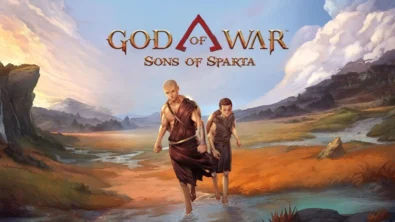
Kratos’ Spartan youth becomes playable in God of War Sons of Sparta – a canon, pixel‑art 2D prequel on PS5 with customizable spear‑and‑shield combat, Gifts of Olympus, and returning voice talent.
February 13, 2026
5

Ancient embalming, step by step – a new museum installation built on Assassin’s Creed Origins’ Discovery Tour lets visitors explore mummification interactively at Musée de l’Homme, open November 2025-May 2026.
February 13, 2026
6
Read also
Solid Snake joins Rainbow Six Siege on March 3 with intel‑driven tools and scavenging gameplay. A few weeks later, a limited‑time 4v4 infiltration mode arrives alongside map and balance updates.
February 15, 2026
3
Kratos’ Spartan youth becomes playable in God of War Sons of Sparta – a canon, pixel‑art 2D prequel on PS5 with customizable spear‑and‑shield combat, Gifts of Olympus, and returning voice talent.
February 13, 2026
5
Ancient embalming, step by step – a new museum installation built on Assassin’s Creed Origins’ Discovery Tour lets visitors explore mummification interactively at Musée de l’Homme, open November 2025-May 2026.
February 13, 2026
6
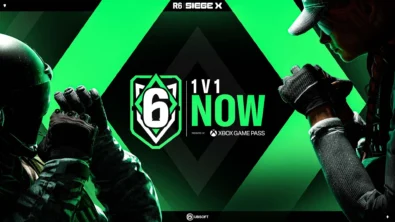
From training mode to centre stage: Rainbow Six Siege’s debut 1v1 circuit lands at the Six Invitational in Paris. Four regions, more than 3,200 entrants, semifinals Feb 14 and final Feb 15 for 5,000 US dollars.
February 13, 2026
5
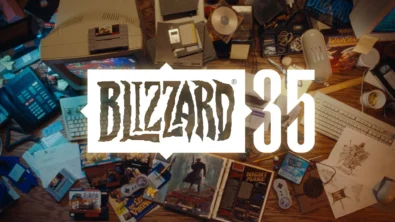
Blizzard links its 2026 milestones with a cross‑franchise Showcase and confirms BlizzCon’s return later this year – with more announcements and “surprises” still queued, says president Johanna Faries.
February 13, 2026
5

High On Life 2 launches with day-one Game Pass Ultimate support, while Narrative Director Alec Robbins explains how the team crafts jokes with players—shaping character-driven, reactive comedy.
February 13, 2026
6
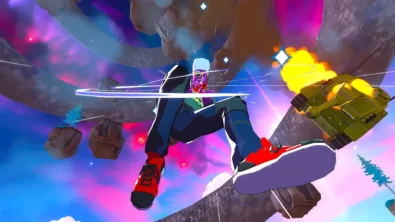
From a Star Trek survival-strategy take to stealth with Styx, eerie Backrooms horror, and management sims, Xbox’s February 17-20 slate packs 14 launches with Series X|S optimizations and cross-platform perks.
February 13, 2026
7

First full gameplay for CONTROL Resonant runs on PS5 Pro, spotlighting Dylan Faden in a reality-bending Manhattan with vast zones and Gravity Anomalies. Launch set for 2026 across console and PC ecosystems.
February 13, 2026
4
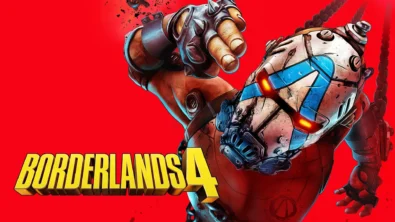
Borderlands 4 sets a co-op goal for this weekend: hit 500,000 successful teammate revives between February 12-15 to unlock a universal cosmetic skin. A minor update adds three Weekly Big Encore boss fights to raise the stakes.
February 13, 2026
6
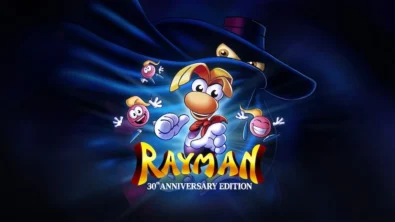
A milestone collection bundles five classic Rayman versions, a first-ever playable SNES prototype, reimagined music, modern assist options, and over 50 minutes of developer interviews.
February 13, 2026
6

Співпраця
Співпраця - текст
TopGame Newsletter!
Unlock exclusive gaming deals, fresh guides, and insider picks — straight to your inbox. No spam, just real content for real players.
