


Popular articles



Code Vein Ii Adds Character Wallpapers and Stream Overlays
Table of Content

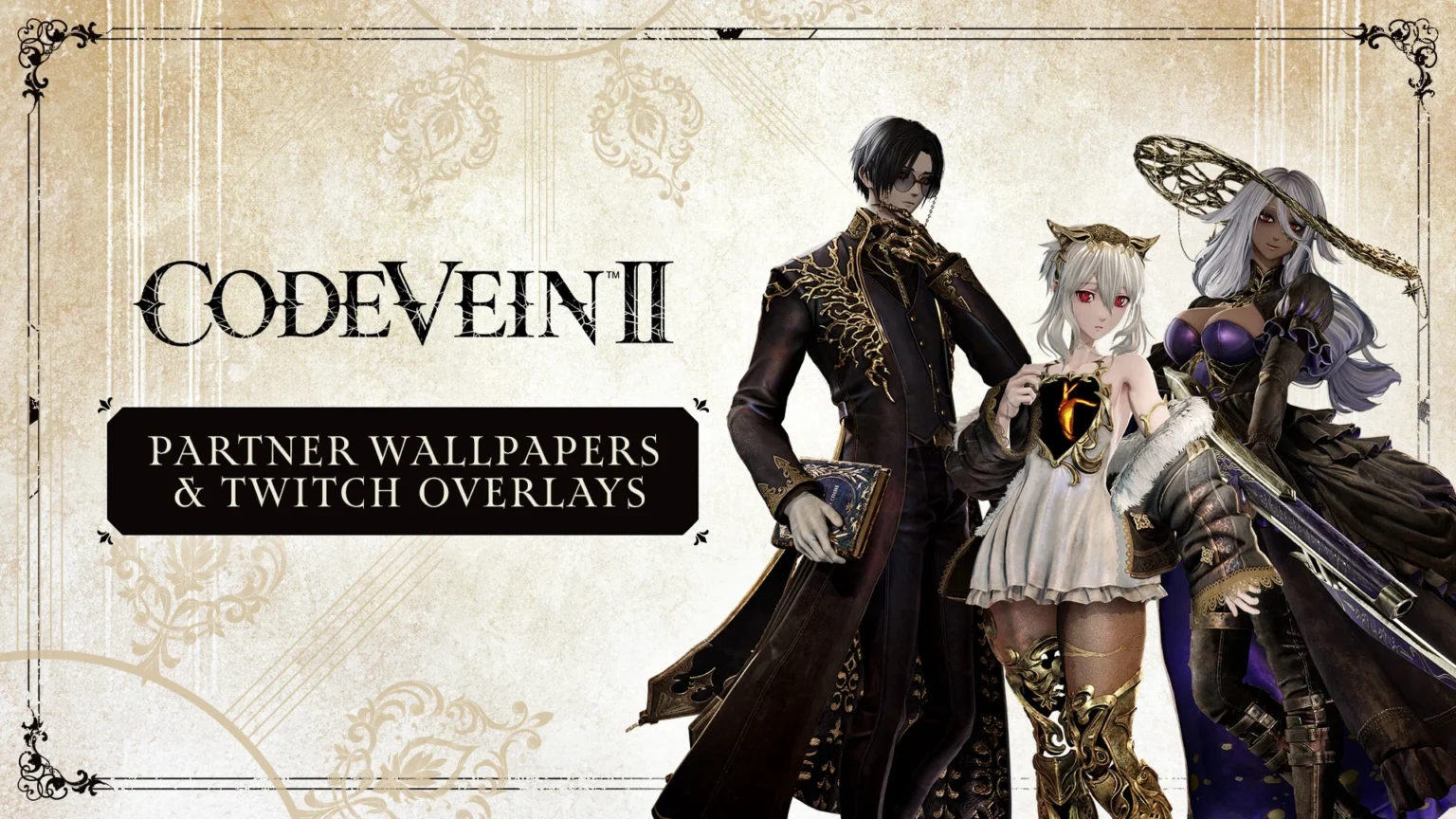
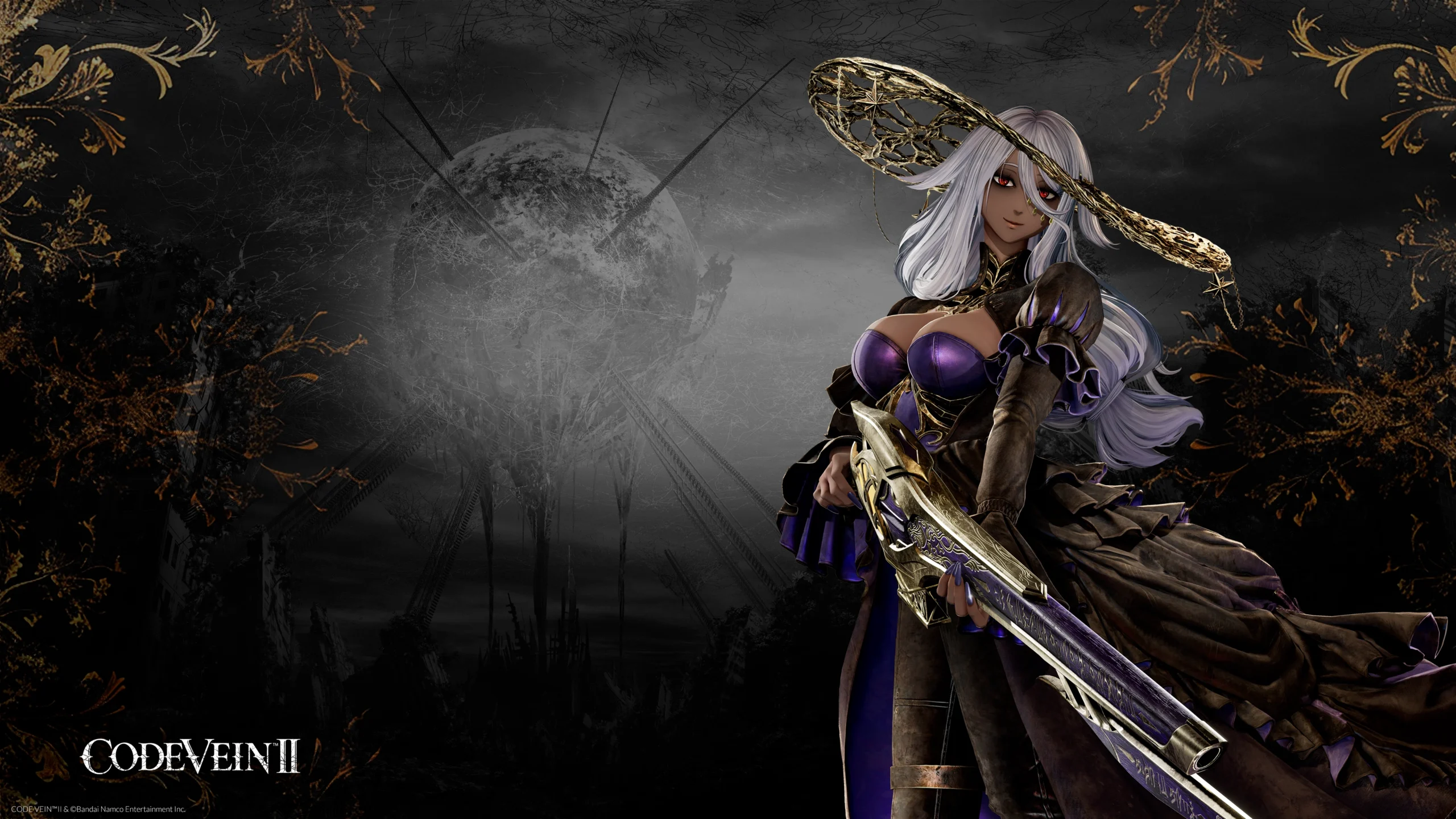
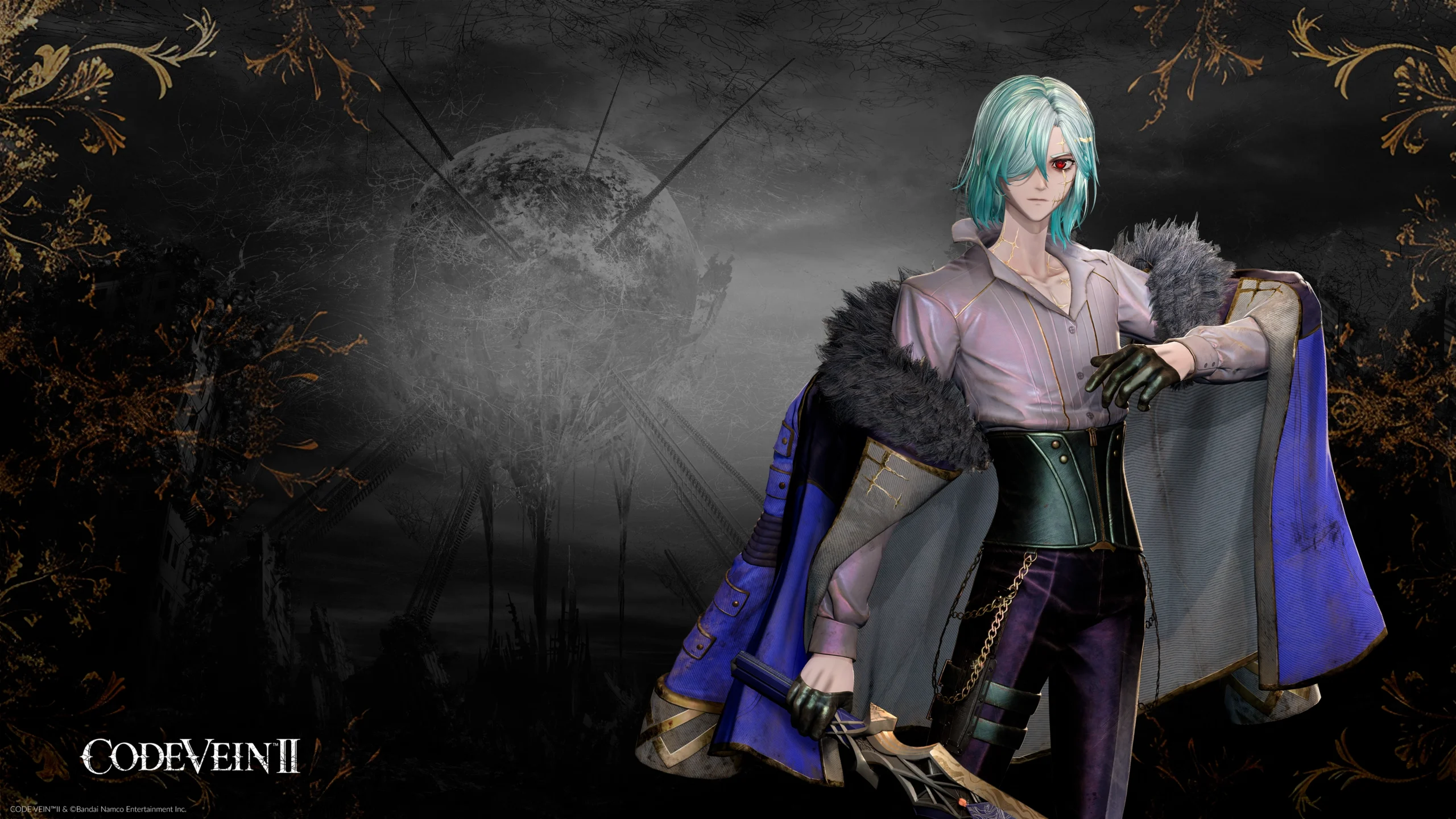
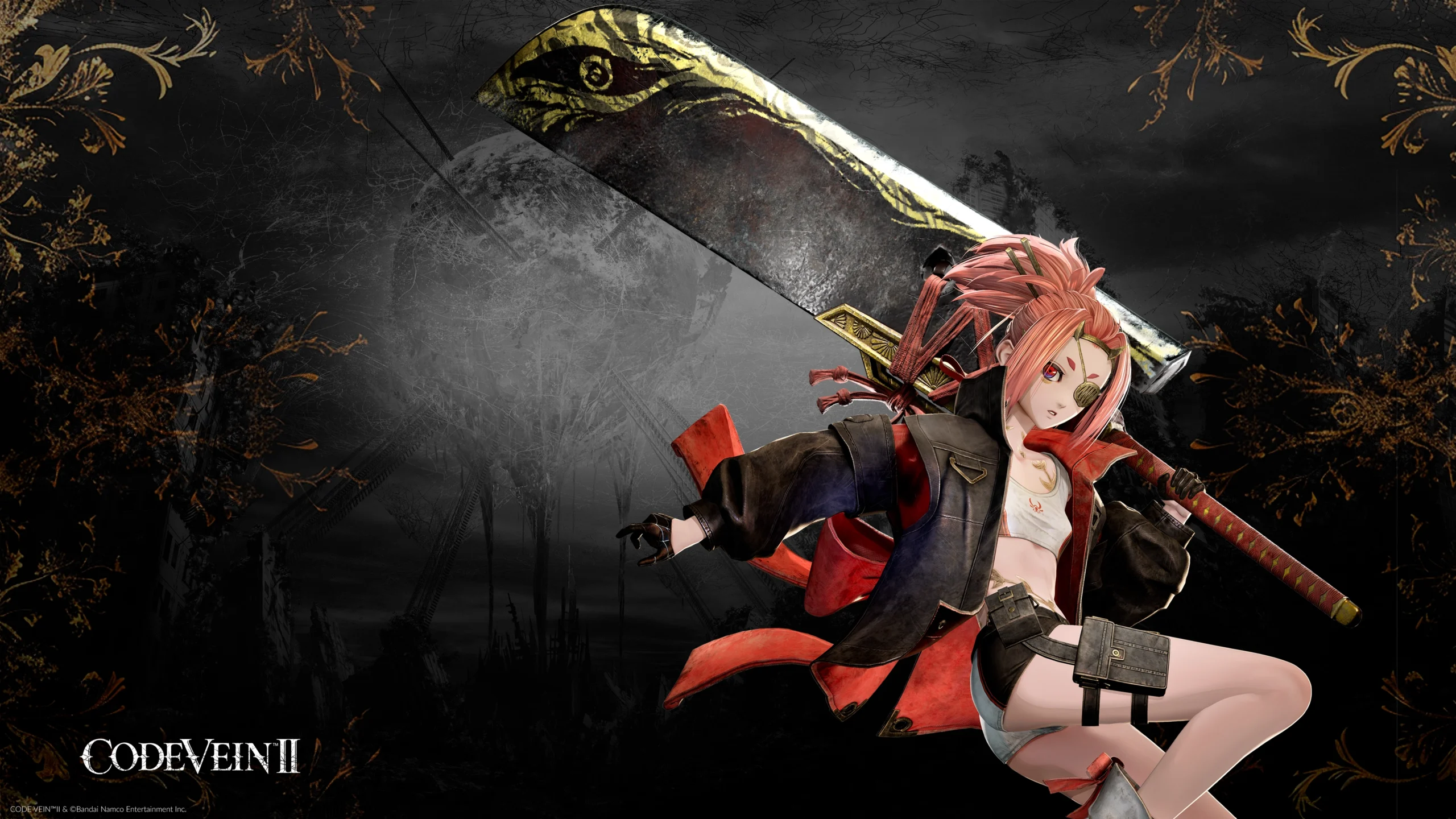
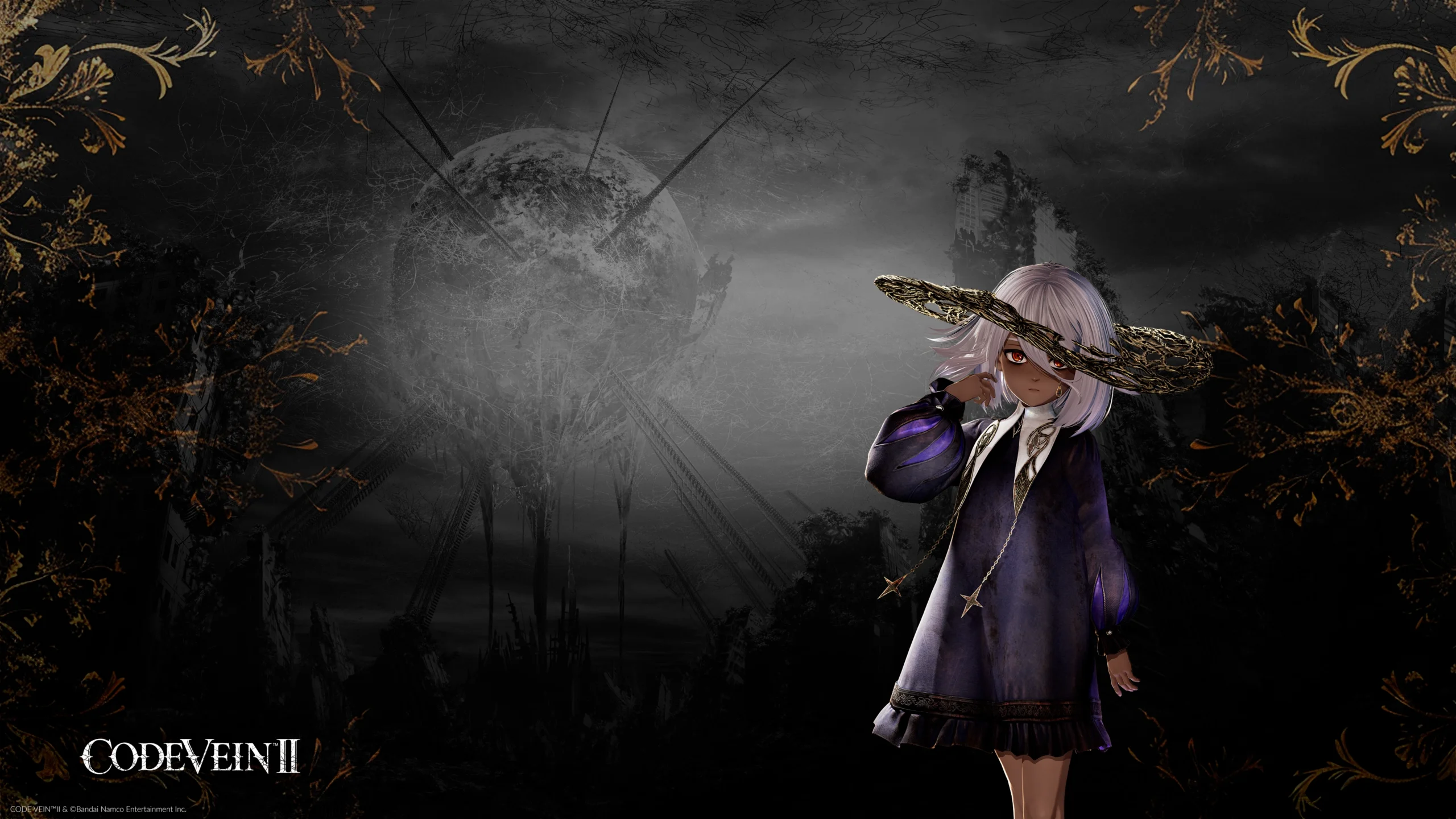
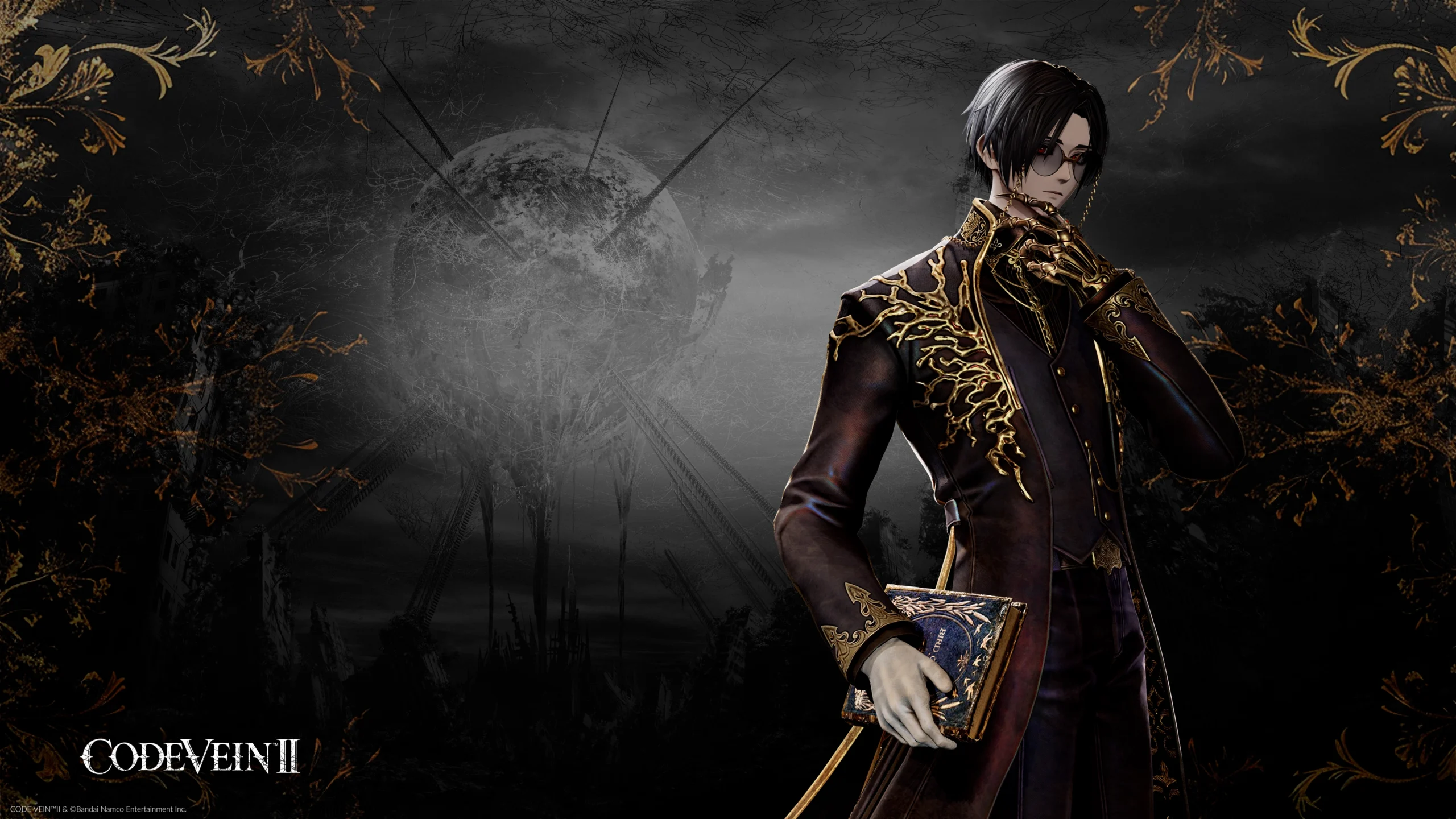
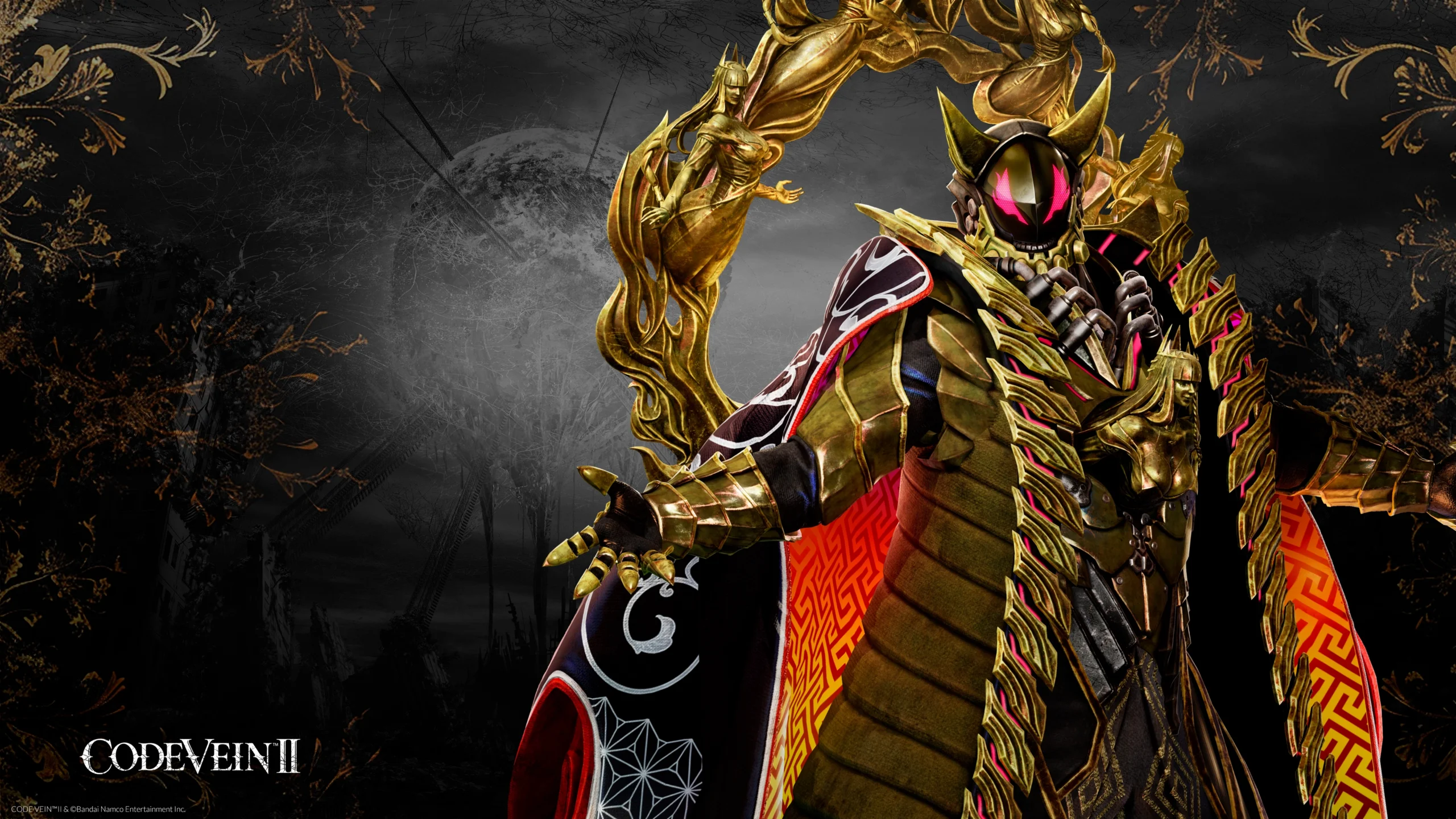
Bandai Namco shared new details tied to CODE VEIN II, focusing on visual assets and streaming tools. The official post confirms the availability of character wallpapers for mobile and desktop, plus an official Twitch overlay for broadcasts. The announcement also recaps partner character profiles featured in the game’s setting. Additionally, the publisher provides a personality quiz intended to help players identify a suitable Revenant partner.
What Was Announced

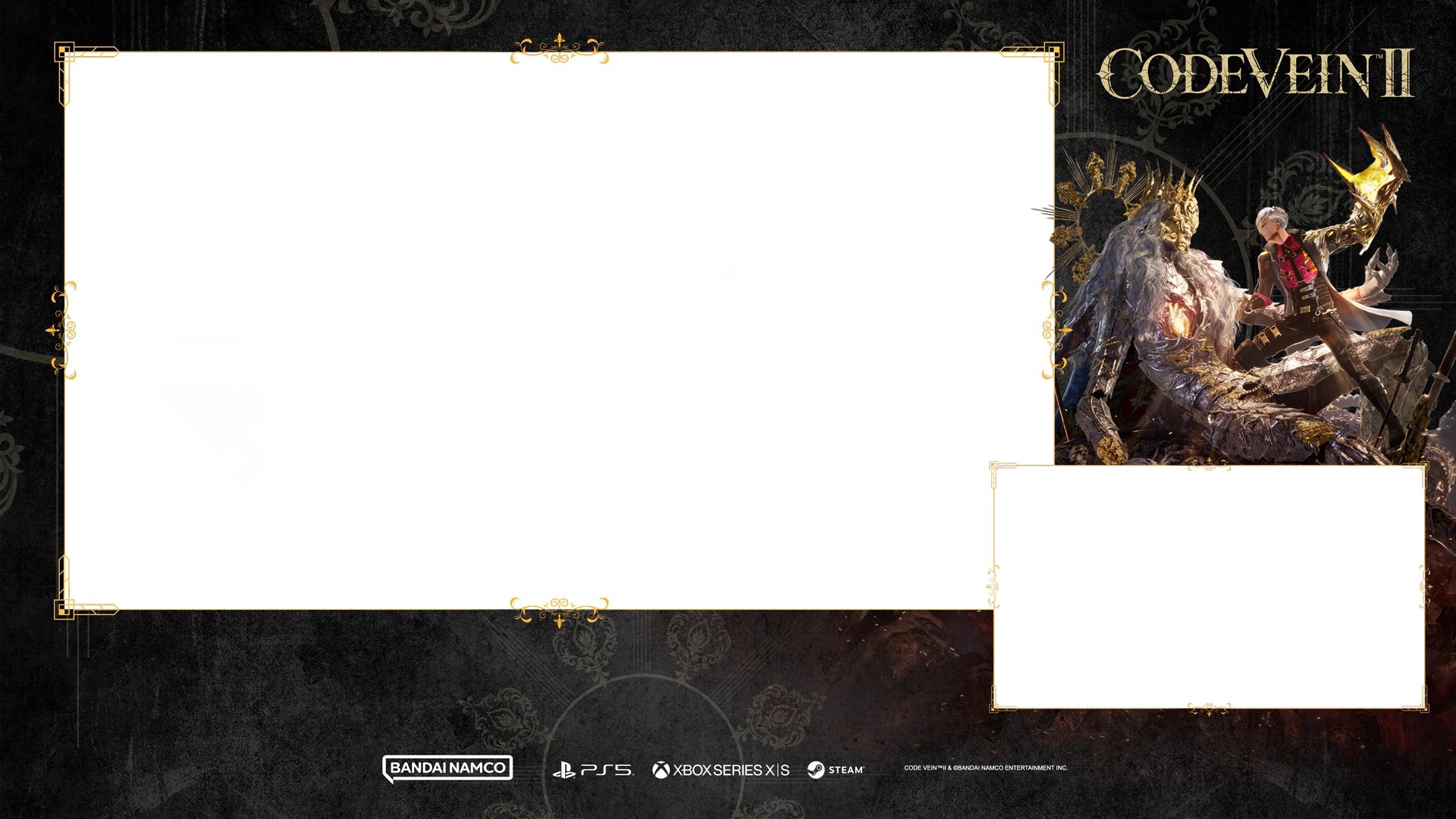
The update centers on two items: a set of CODE VEIN II wallpapers and an overlay for Twitch that aligns with the game’s anime sci‑fi style. The post explains what overlays do for livestreams and outlines a basic setup flow in common software. Alongside the assets, Bandai Namco spotlights partner bios and a quiz designed to match players with one of the companions.
Who’s Who: Partner Snapshots
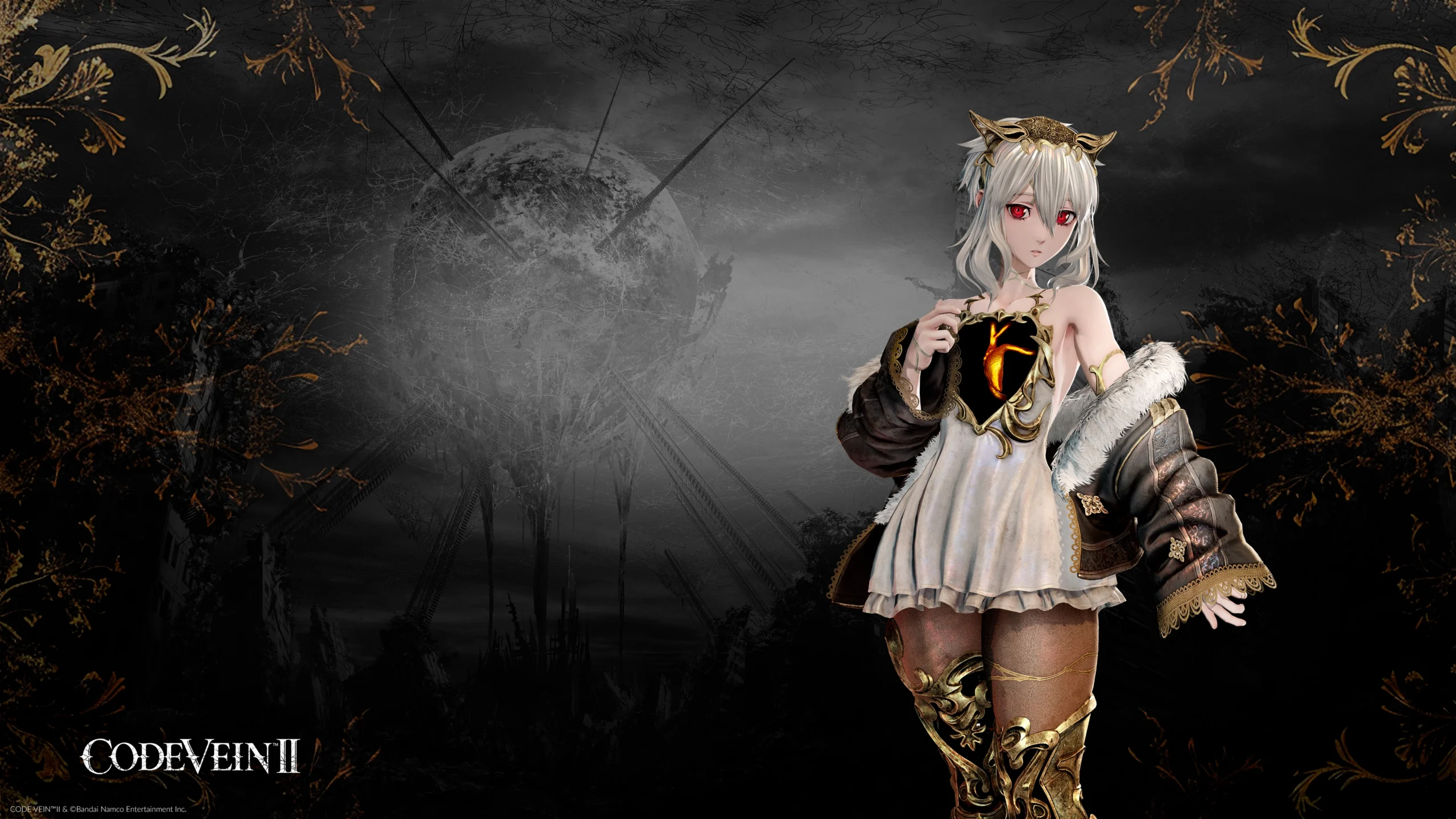
The official blog highlights several partner characters, summarizing their roles in the world of Revenants. Below is a concise look at each profile as described:
- Lou – A mysterious Revenant girl linked to the protagonist, searching across time for a way to secure the future.
- Iris – A researcher with Mag Mell who develops new equipment for Revenants.
- Noah – A determined warrior who often serves as a bodyguard for his closest friend.
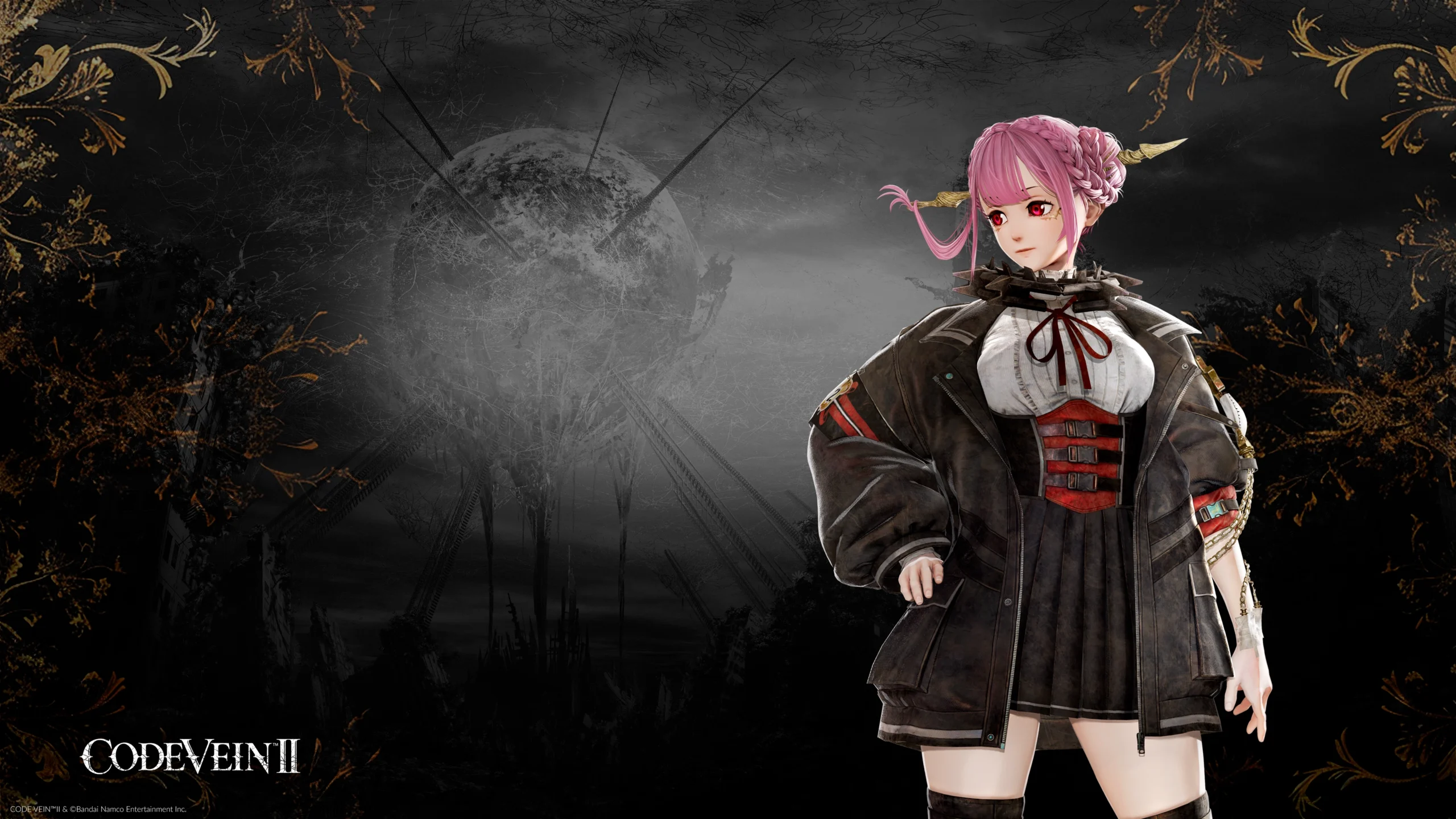
- Holly – A skilled Revenant doctor treating humans and Revenants from a clinic in the Undead Forest.
- Lyle – A master swordsman from the Dawn Chorus, known for taking risks in combat.
- Josée – The Revenant ruler of the Sunken City, burdened by a past failure to prevent disaster.
- Lycoris – An unknown child who appears deep within the Undead Forest, driven by a clear mission.
- Valentin – A researcher and arbiter with the Mag Mell Institute, descended from a notable Revenant lineage.
- Zenon – Dubbed “the scientist who conquered the sun,” a standout intellect with an eccentric personality.
Twitch Overlays Explained
The post defines a Twitch overlay as a visual layer placed over a livestream to structure information and unify a channel’s look. Typical elements include webcam frames, alert boxes, social panels and themed animations. The guidance emphasizes clarity and minimalism so core gameplay remains unobstructed.
Read also our article: Virtual Boy – Nintendo Classics Lands on Switch Online This February
How to Set It Up
Bandai Namco outlines a straightforward process compatible with OBS Studio, Streamlabs or XSplit. The steps are summarized below:
- Prepare the overlay files – Use the provided package in formats such as PNG or WEBM.
- Open your streaming software – Launch OBS or a comparable tool.
- Create a scene – Configure layouts for gameplay, chatting or alerts.
- Add sources – Import overlay images or media as scene elements.
- Arrange the layout – Position frames and panels around camera, game feed and alerts.
- Test the setup – Run a private check to confirm placement and performance before going live.
Final Takeaway – Why It Matters
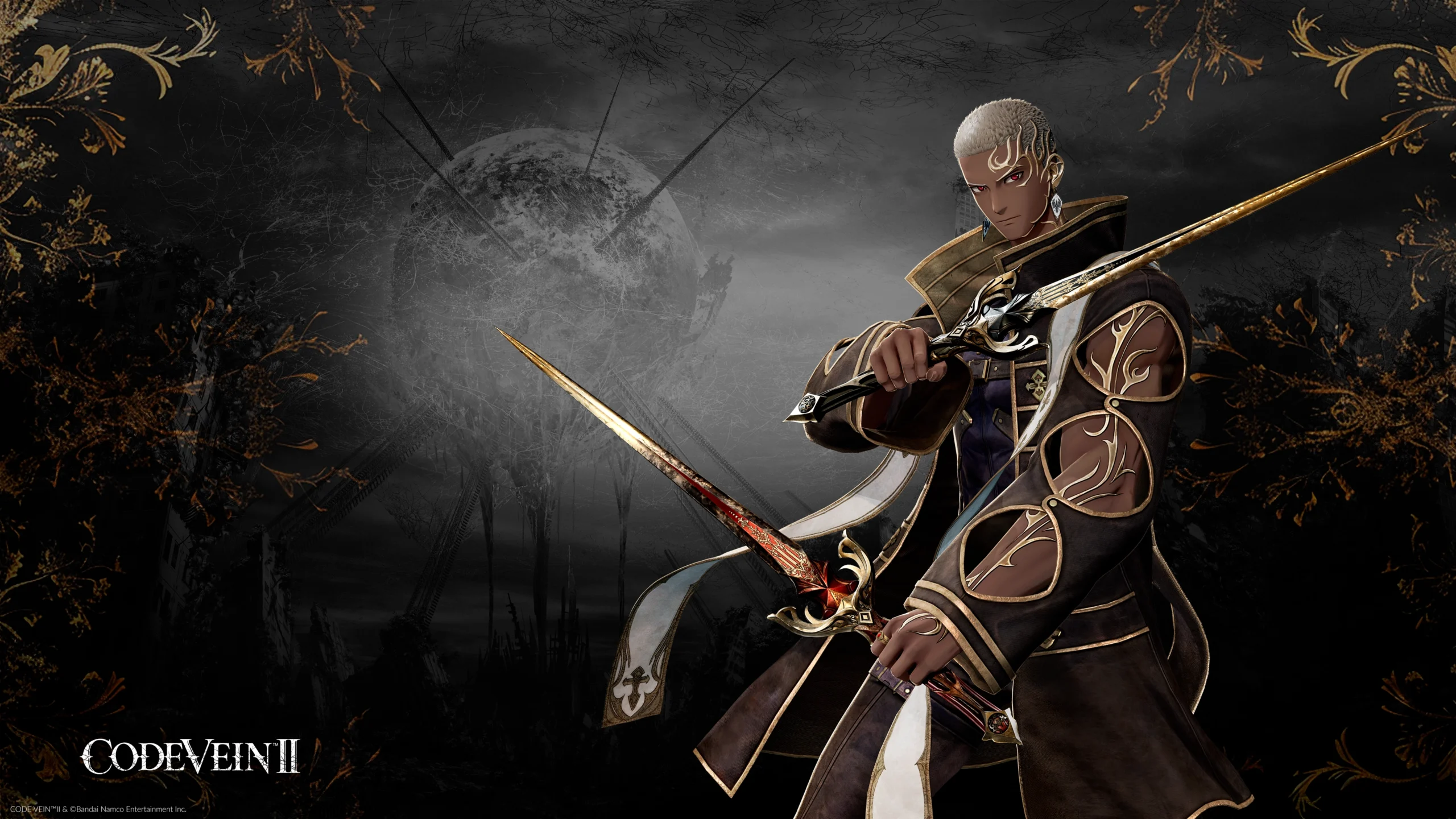
The update gives players and streamers official, cohesive art and layout tools tied to CODE VEIN II’s world, along with quick-reference partner bios. If you plan to showcase the game or follow its characters closely, these assets and explanations streamline both discovery and presentation without adding extra complexity.
Category
Share the news


Meet the Author


Article:
Read all

Solid Snake joins Rainbow Six Siege on March 3 with intel‑driven tools and scavenging gameplay. A few weeks later, a limited‑time 4v4 infiltration mode arrives alongside map and balance updates.
 February 15, 2026
 3
3
Season 1 opens the first chapter with Domina, Emre, Mizuki, Anran, and Jetpack Cat, plus the Conquest meta race between Overwatch and Talon. The world will update in real time as the story unfolds.
February 14, 2026
3
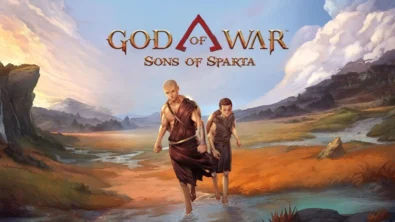
Kratos’ Spartan youth becomes playable in God of War Sons of Sparta – a canon, pixel‑art 2D prequel on PS5 with customizable spear‑and‑shield combat, Gifts of Olympus, and returning voice talent.
February 13, 2026
5
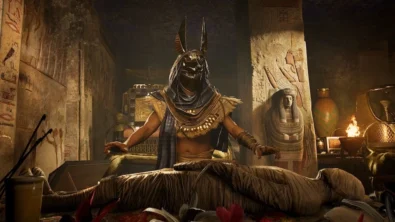
Ancient embalming, step by step – a new museum installation built on Assassin’s Creed Origins’ Discovery Tour lets visitors explore mummification interactively at Musée de l’Homme, open November 2025-May 2026.
February 13, 2026
6
Read also
Season 1 opens the first chapter with Domina, Emre, Mizuki, Anran, and Jetpack Cat, plus the Conquest meta race between Overwatch and Talon. The world will update in real time as the story unfolds.
February 14, 2026
3
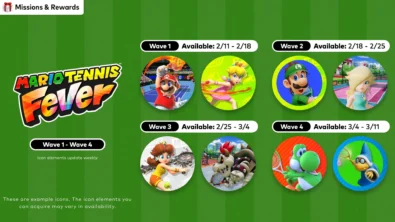
New Mario Tennis Fever-themed icon elements are time-limited and rotate across four waves. Availability runs 2/11-3/11 (PT), with monthly refreshes in the Nintendo Switch Online app.
February 13, 2026
6
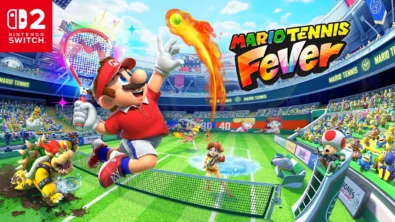
Mario Tennis Fever arrives on Nintendo Switch 2 with 30 Fever Rackets, a 38-strong roster (including new faces), and 8 distinct modes—plus a baby-sized Adventure Mode twist.
February 13, 2026
7
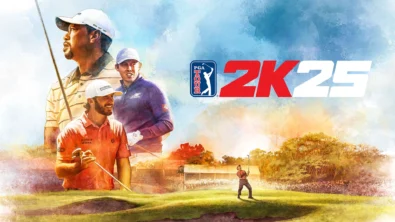
The series brings all three golf majors to Nintendo Switch 2 for the first time, alongside deeper MyCareer tools and cross-platform play — with daily and weekly tournaments to climb.
February 11, 2026
7
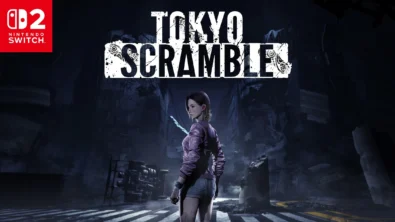
Anne wakes beneath Tokyo with dinosaur-like predators on her trail. TOKYO SCRAMBLE mixes stealth, strategy apps, and heart-rate management, plus co-op for up to four via GameShare on Nintendo Switch 2.
February 11, 2026
7
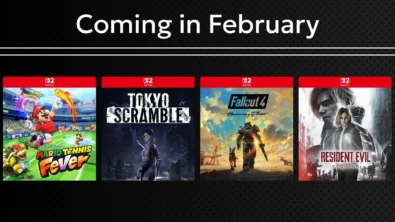
Remakes, horror, sports and sci‑fi strategy headline Nintendo’s February slate. Here are the exact dates, platforms and core features straight from the official roundup—no fluff, just facts.
February 11, 2026
8
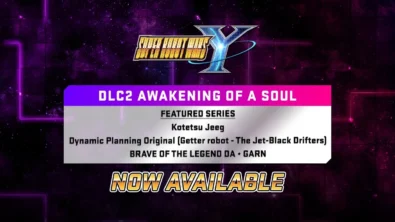
DLC Pack 2 lands for Super Robot Wars Y with new series and 26 missions, while a free update brings Battle Rush 2’s 20-wave challenge and raises progression ceilings for pilots, mechs and weapons.
February 6, 2026
10
Following player feedback, CODE VEIN II is prioritizing frame rate improvements and stability, with ongoing patches planned for the full game on every platform. Balance changes and broader performance fixes are also on the road...
February 6, 2026
12
Square Enix brings DRAGON QUEST VII back on Nintendo Switch and Switch 2 with a diorama look, a leaner story structure, and overhauled combat — including dual vocations and faster, more tactical battles.
February 6, 2026
11

Switch 2 picks up steam as Nintendo details dates for Indiana Jones, Fallout 4, FFVII Rebirth, Resident Evil Requiem and more – plus classic revivals and new exclusives landing as soon as today.
February 6, 2026
15

Співпраця
Співпраця - текст
TopGame Newsletter!
Unlock exclusive gaming deals, fresh guides, and insider picks — straight to your inbox. No spam, just real content for real players.
