


Popular articles



Holiday icon elements hit Nintendo Switch Online in timed waves
Table of Content

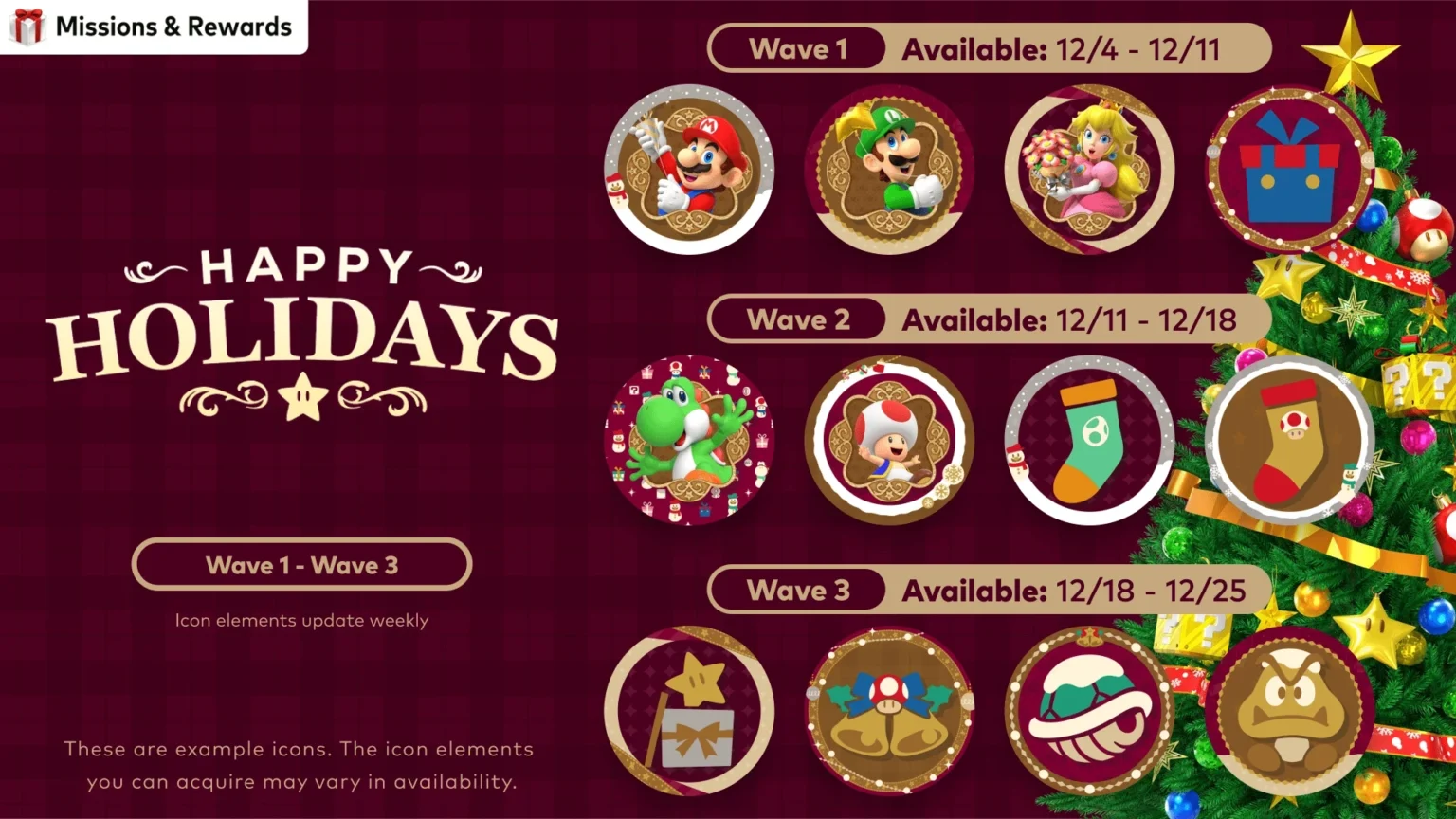
Nintendo has outlined a limited-time rollout of holiday-themed icon elements that can be assembled into custom user icons. The items are available to users who redeem My Nintendo Platinum Points. The drop is split into three time-limited waves running from December 4 through December 25 in Pacific Time. The icon selections are accessed via the Nintendo Switch Online app on Nintendo Switch 2 and Nintendo Switch systems. Nintendo also notes that icon elements refresh monthly, so availability changes over time.
Release schedule – three timed waves
The holiday set is divided into weekly windows with precise start and end times. All dates and times below are listed in Pacific Time. Table: Holiday icon elements schedule (PT).
Access and rotation
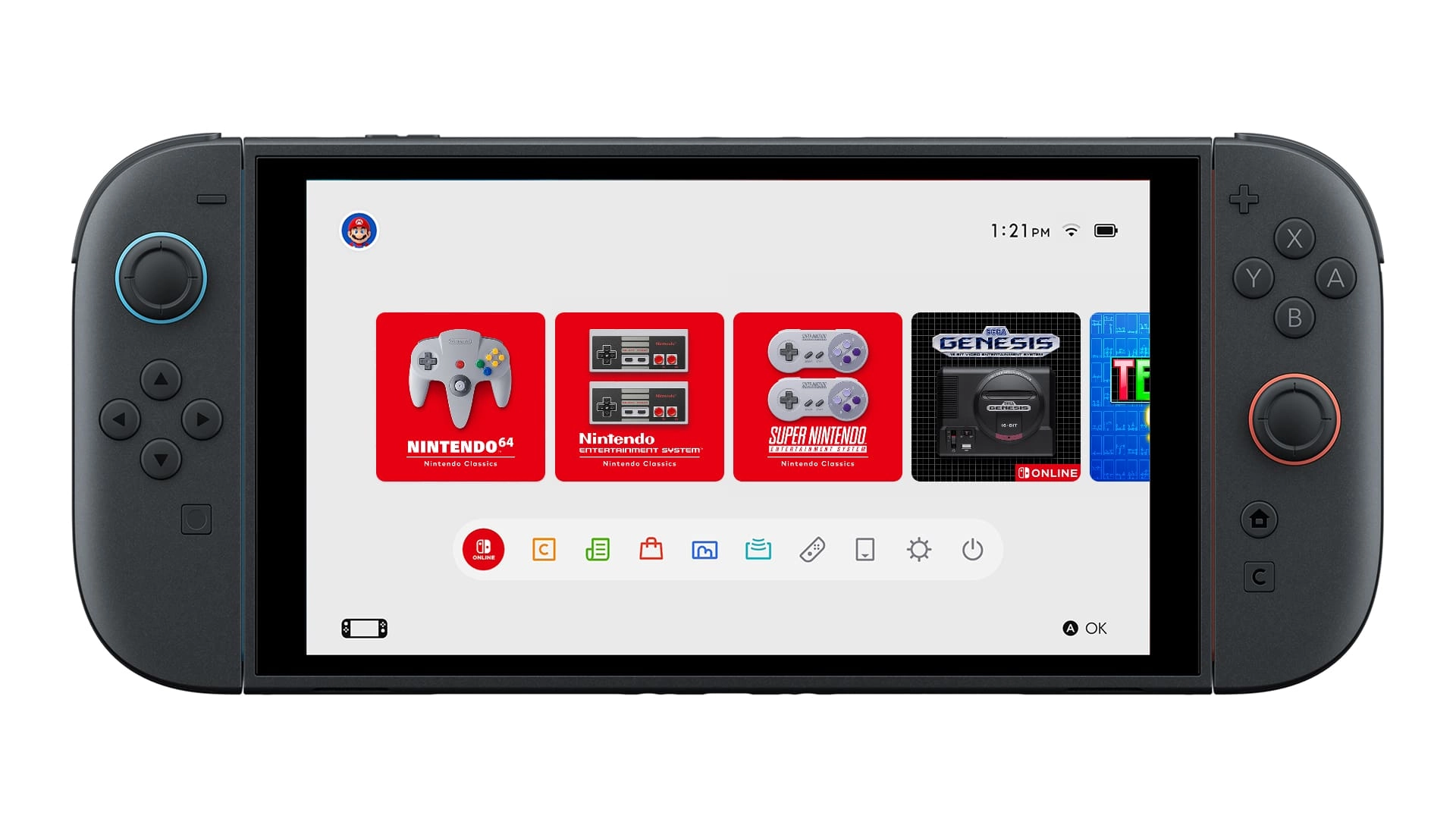
Holiday icon elements are distributed through the Nintendo Switch Online app on Nintendo Switch 2 and Nintendo Switch. The lineup of elements updates each month, meaning specific frames, backgrounds, or character parts may only be available during a given window.
Eligibility and requirements
- My Nintendo Platinum Points are required to redeem icon elements.
- A Nintendo Account is required to receive and redeem points; standard terms apply.
- Online functionality in the app requires a Nintendo Switch Online membership and internet access; availability varies by country.
Read also our article: Nintendo sets up at Union Square Winter Walk: dates, location, schedule
Final takeaway – a rotating, time-limited set
This holiday rollout is structured around short, clearly defined windows, and the catalog changes month-to-month. If customizing your profile is part of your routine, note the PT schedule and the monthly refresh to plan which elements to pick up.
Category
Share the news


Meet the Author


Article:
Read all

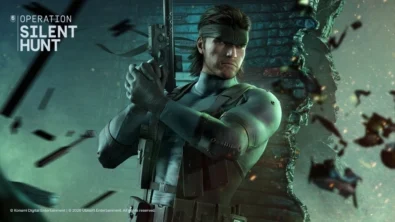
Solid Snake joins Rainbow Six Siege on March 3 with intel‑driven tools and scavenging gameplay. A few weeks later, a limited‑time 4v4 infiltration mode arrives alongside map and balance updates.
 February 15, 2026
 2
2
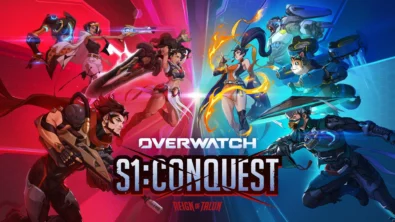
Season 1 opens the first chapter with Domina, Emre, Mizuki, Anran, and Jetpack Cat, plus the Conquest meta race between Overwatch and Talon. The world will update in real time as the story unfolds.
February 14, 2026
3
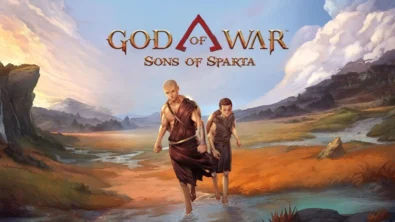
Kratos’ Spartan youth becomes playable in God of War Sons of Sparta – a canon, pixel‑art 2D prequel on PS5 with customizable spear‑and‑shield combat, Gifts of Olympus, and returning voice talent.
February 13, 2026
5
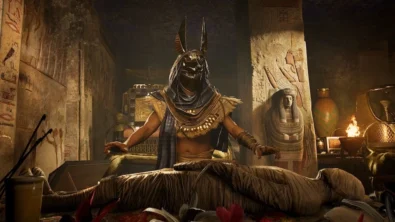
Ancient embalming, step by step – a new museum installation built on Assassin’s Creed Origins’ Discovery Tour lets visitors explore mummification interactively at Musée de l’Homme, open November 2025-May 2026.
February 13, 2026
6
Read also
Season 1 opens the first chapter with Domina, Emre, Mizuki, Anran, and Jetpack Cat, plus the Conquest meta race between Overwatch and Talon. The world will update in real time as the story unfolds.
February 14, 2026
3
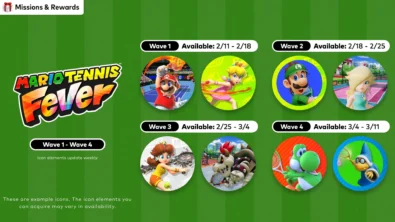
New Mario Tennis Fever-themed icon elements are time-limited and rotate across four waves. Availability runs 2/11-3/11 (PT), with monthly refreshes in the Nintendo Switch Online app.
February 13, 2026
6
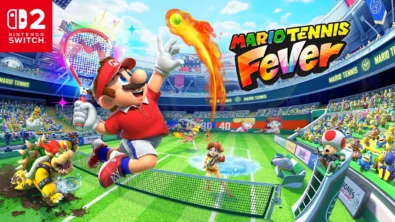
Mario Tennis Fever arrives on Nintendo Switch 2 with 30 Fever Rackets, a 38-strong roster (including new faces), and 8 distinct modes—plus a baby-sized Adventure Mode twist.
February 13, 2026
6
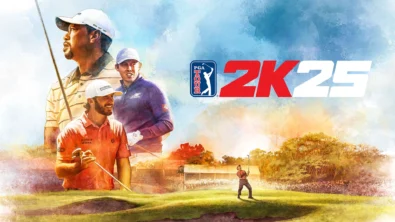
The series brings all three golf majors to Nintendo Switch 2 for the first time, alongside deeper MyCareer tools and cross-platform play — with daily and weekly tournaments to climb.
February 11, 2026
7
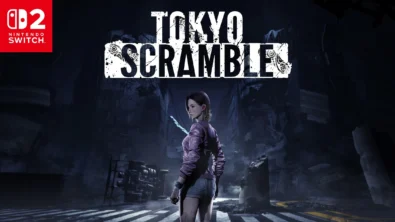
Anne wakes beneath Tokyo with dinosaur-like predators on her trail. TOKYO SCRAMBLE mixes stealth, strategy apps, and heart-rate management, plus co-op for up to four via GameShare on Nintendo Switch 2.
February 11, 2026
7
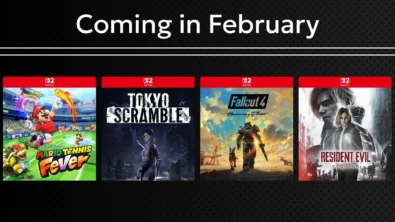
Remakes, horror, sports and sci‑fi strategy headline Nintendo’s February slate. Here are the exact dates, platforms and core features straight from the official roundup—no fluff, just facts.
February 11, 2026
8
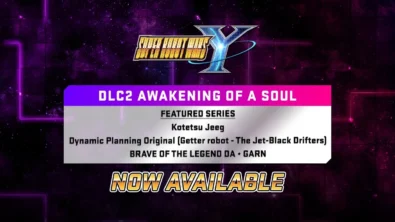
DLC Pack 2 lands for Super Robot Wars Y with new series and 26 missions, while a free update brings Battle Rush 2’s 20-wave challenge and raises progression ceilings for pilots, mechs and weapons.
February 6, 2026
10
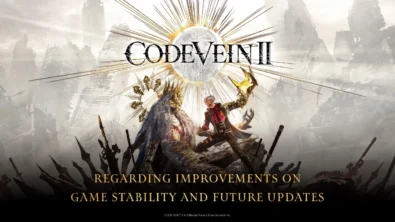
Following player feedback, CODE VEIN II is prioritizing frame rate improvements and stability, with ongoing patches planned for the full game on every platform. Balance changes and broader performance fixes are also on the road...
February 6, 2026
12
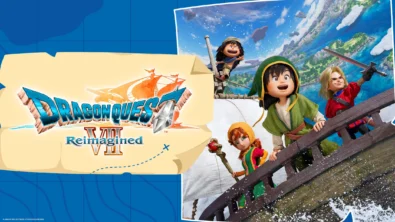
Square Enix brings DRAGON QUEST VII back on Nintendo Switch and Switch 2 with a diorama look, a leaner story structure, and overhauled combat — including dual vocations and faster, more tactical battles.
February 6, 2026
11
Switch 2 picks up steam as Nintendo details dates for Indiana Jones, Fallout 4, FFVII Rebirth, Resident Evil Requiem and more – plus classic revivals and new exclusives landing as soon as today.
February 6, 2026
14

Співпраця
Співпраця - текст
TopGame Newsletter!
Unlock exclusive gaming deals, fresh guides, and insider picks — straight to your inbox. No spam, just real content for real players.
