


Popular articles



Gamechat and Gameshare on Nintendo Switch 2 – What to Play Now
Table of Content

Nintendo has outlined fresh ways to play together on Nintendo Switch 2 using two platform features: GameChat for voice-and-screen social sessions and GameShare for local multiplayer from a single copy. The company named several compatible games and clarified how each feature works. GameChat supports chatting and screen sharing with up to 3 friends, while GameShare lets a Switch 2 share supported titles with nearby systems. Nintendo also set a timeline for online requirements – details below. Compatibility and availability vary by game and region.
Gameshare: Local Multiplayer from One Copy
GameShare enables a Nintendo Switch 2 to share select titles with a nearby Nintendo Switch 2 – and in some cases a Nintendo Switch – so others can jump in without owning the game. Compatibility varies by game. Sessions are temporary: recipients can only play while the share is active, and access ends when the session closes. When using GameShare via online GameChat, each participant needs a Nintendo Switch 2 and GameChat enabled.
Gameshare-Friendly Picks
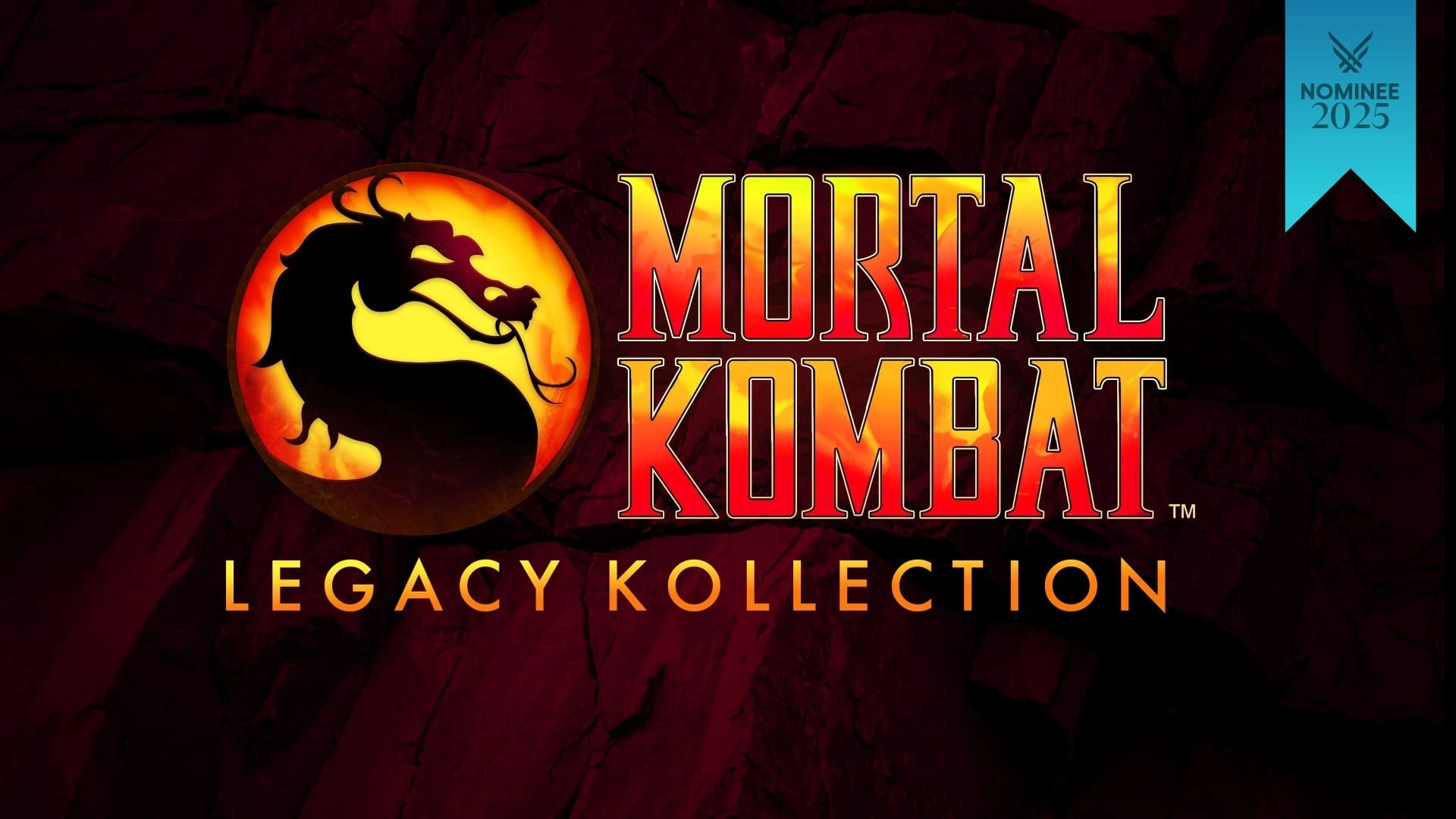
- Mortal Kombat: Legacy Kollection – A compilation focused on the series’ early era. Use local GameShare to stage head‑to‑head bouts on separate systems and explore iconic arcade originals alongside curated home versions and rare fan favorites.
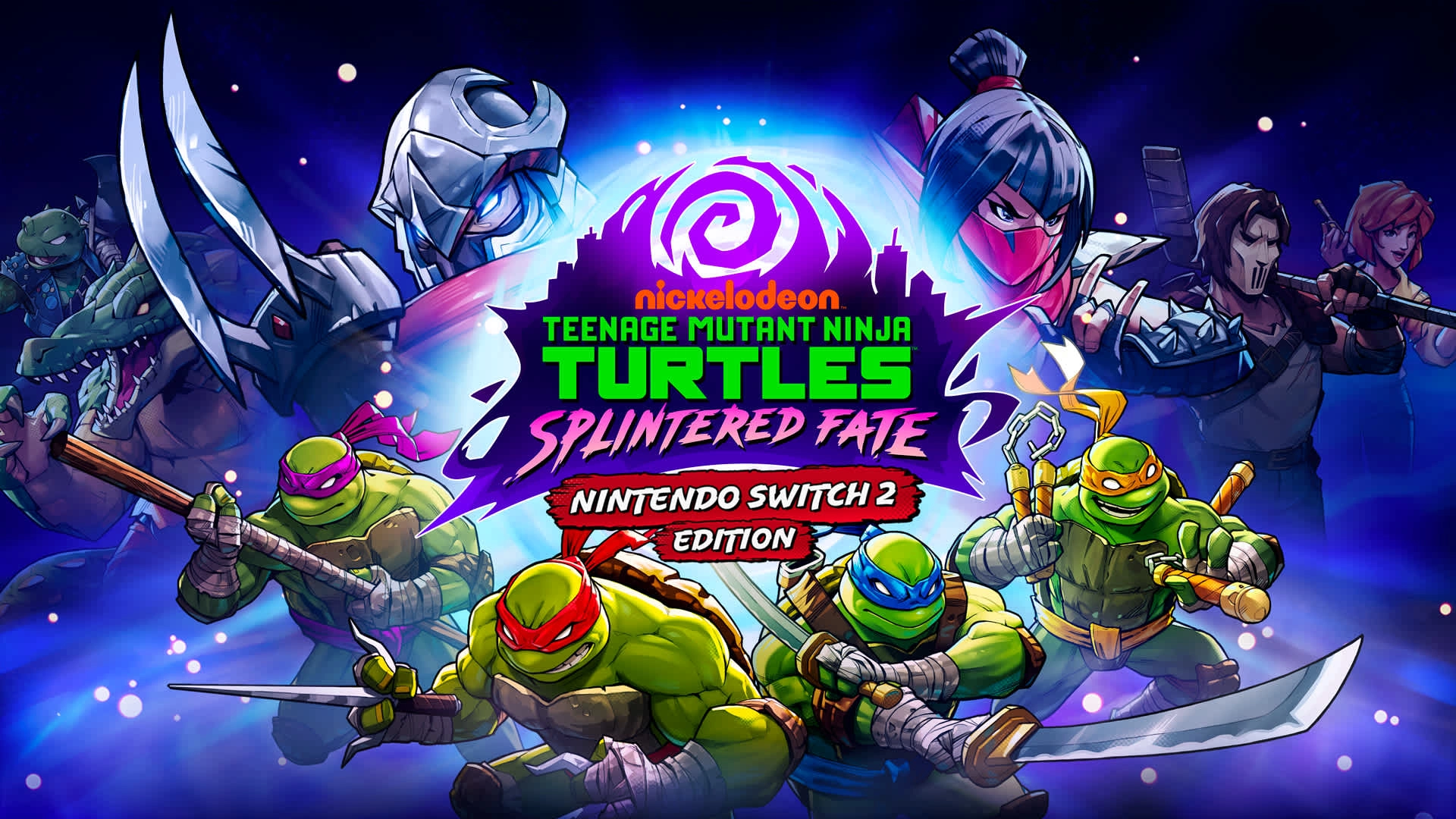
- Teenage Mutant Ninja Turtles: Splintered Fate – Nintendo Switch 2 Edition – A fast roguelike with randomized power‑ups, shuffled room layouts, and boss modifiers. Play as all four Turtles, each with distinct abilities, and co‑op through levels over GameShare.
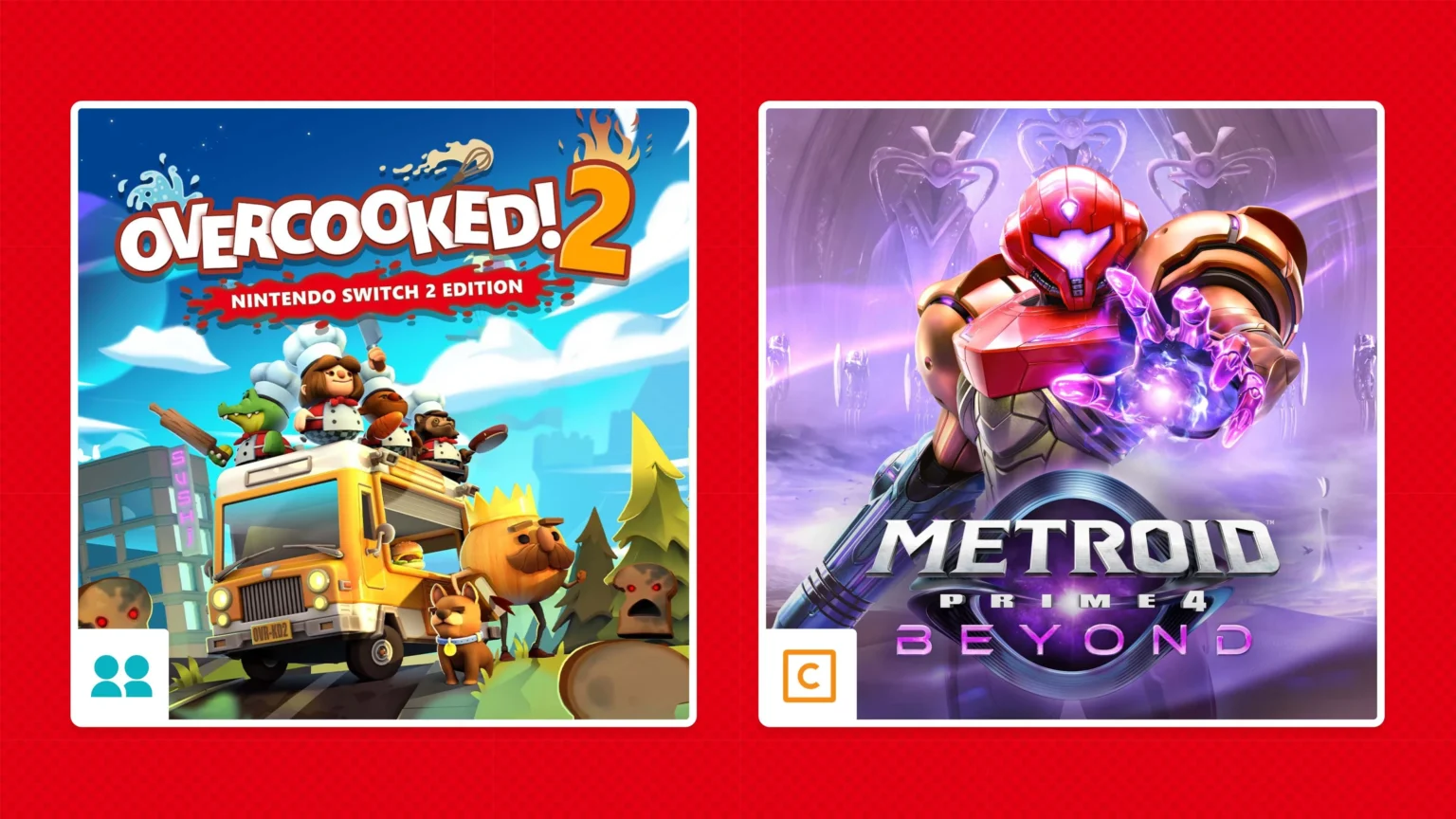
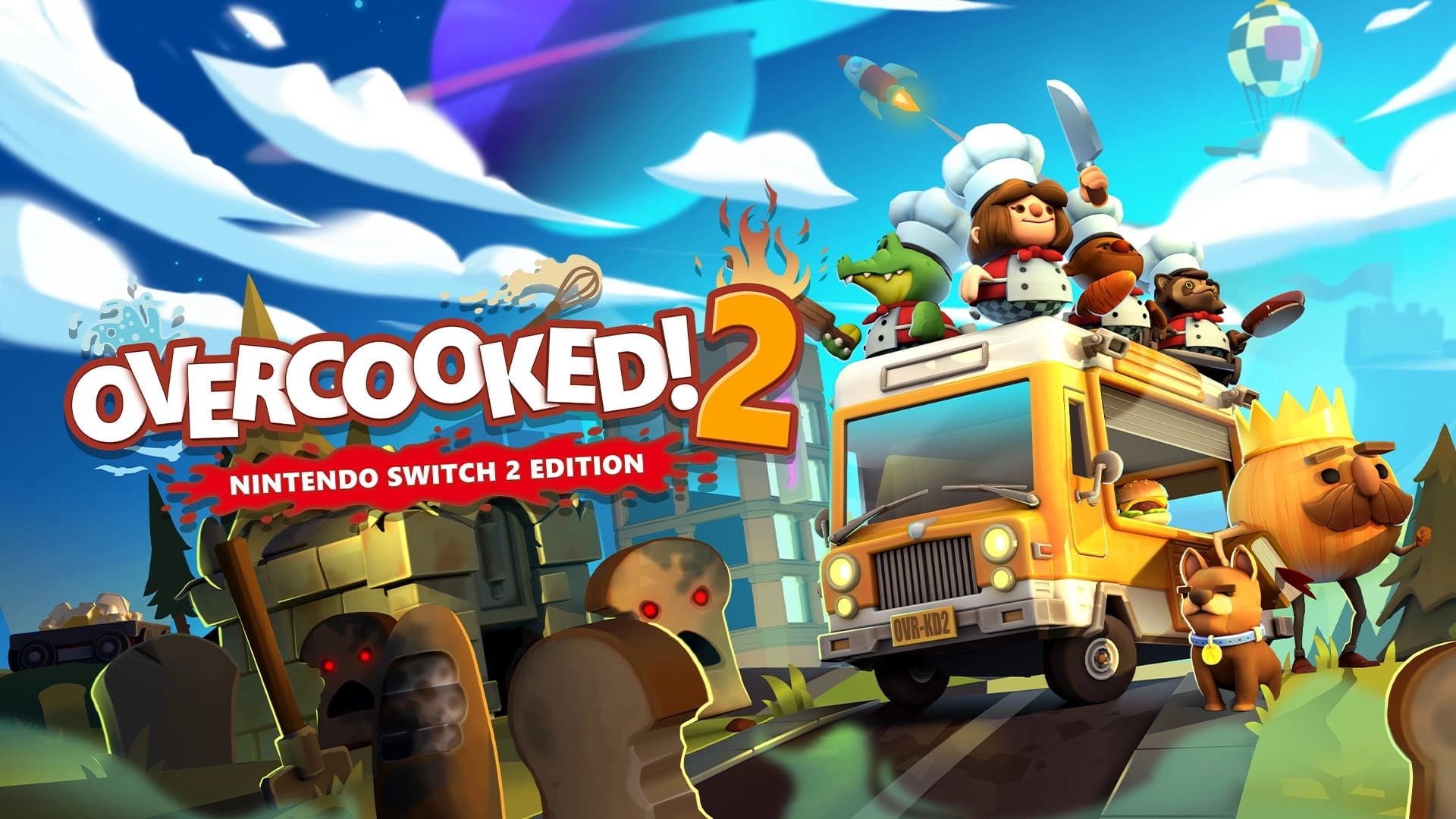
- Overcooked! 2 – Nintendo Switch 2 Edition – Chaotic kitchen co‑op that supports local or online GameShare. Coordinate a crew of up to 4 chefs to fend off the Unbread across frantic, score‑chasing stages.
Gamechat: Talk, Play, and Screen-Share
GameChat on Nintendo Switch 2 supports real‑time voice chat and the ability to share your screen with up to 3 friends. Everyone in a GameChat can do their own thing – you do not have to be in the same game or even playing a game to stay connected.
Metroid Prime 4: Beyond – Nintendo Switch 2 Edition
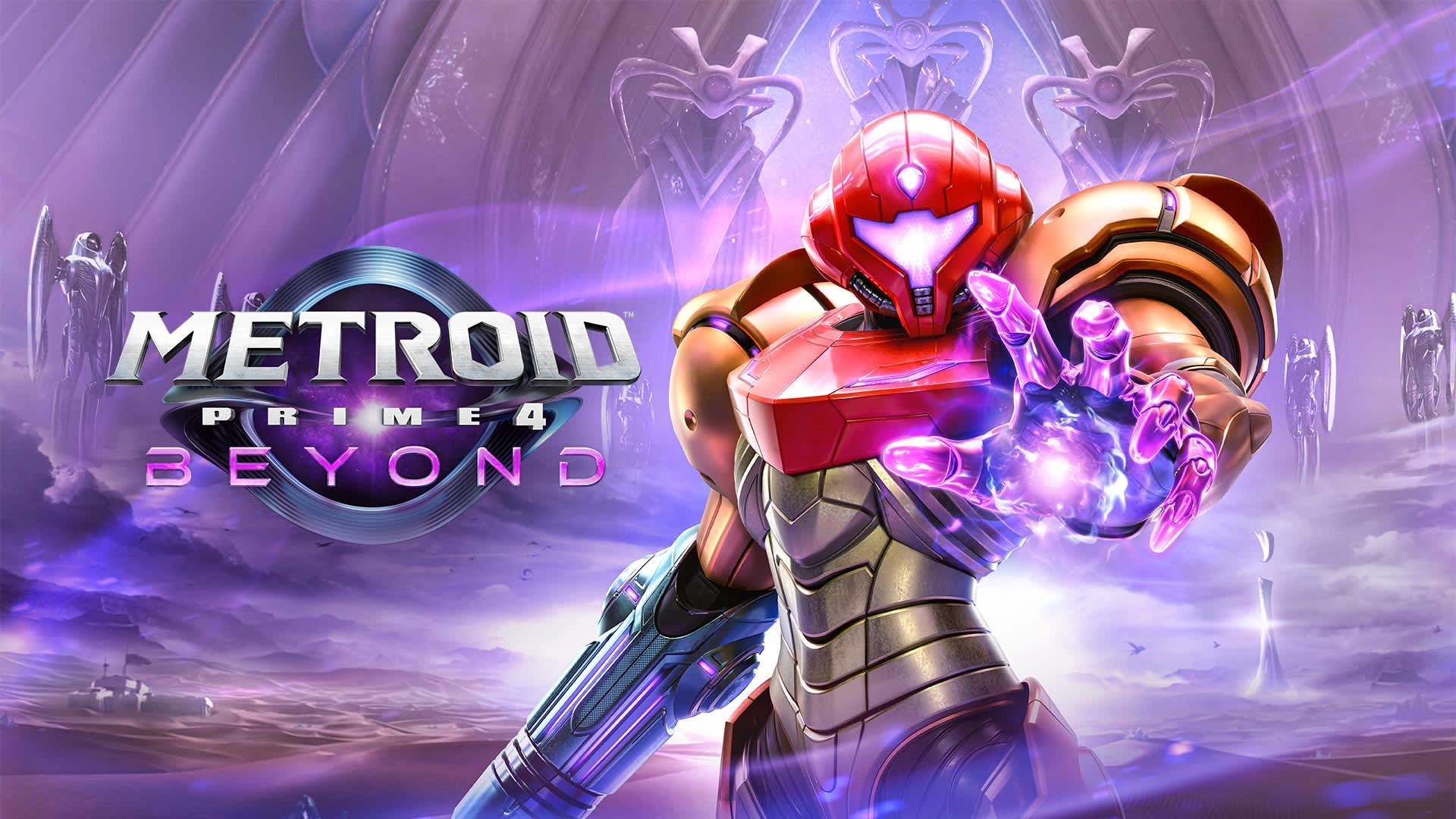
Even though Samus typically operates solo, GameChat makes the discovery loop more social. Share your screen to walk friends through the puzzles and hazards on planet Viewros, showcase new psychic abilities and a high‑tech bike, and – if you choose – demonstrate the game’s optional mouse‑control setup.
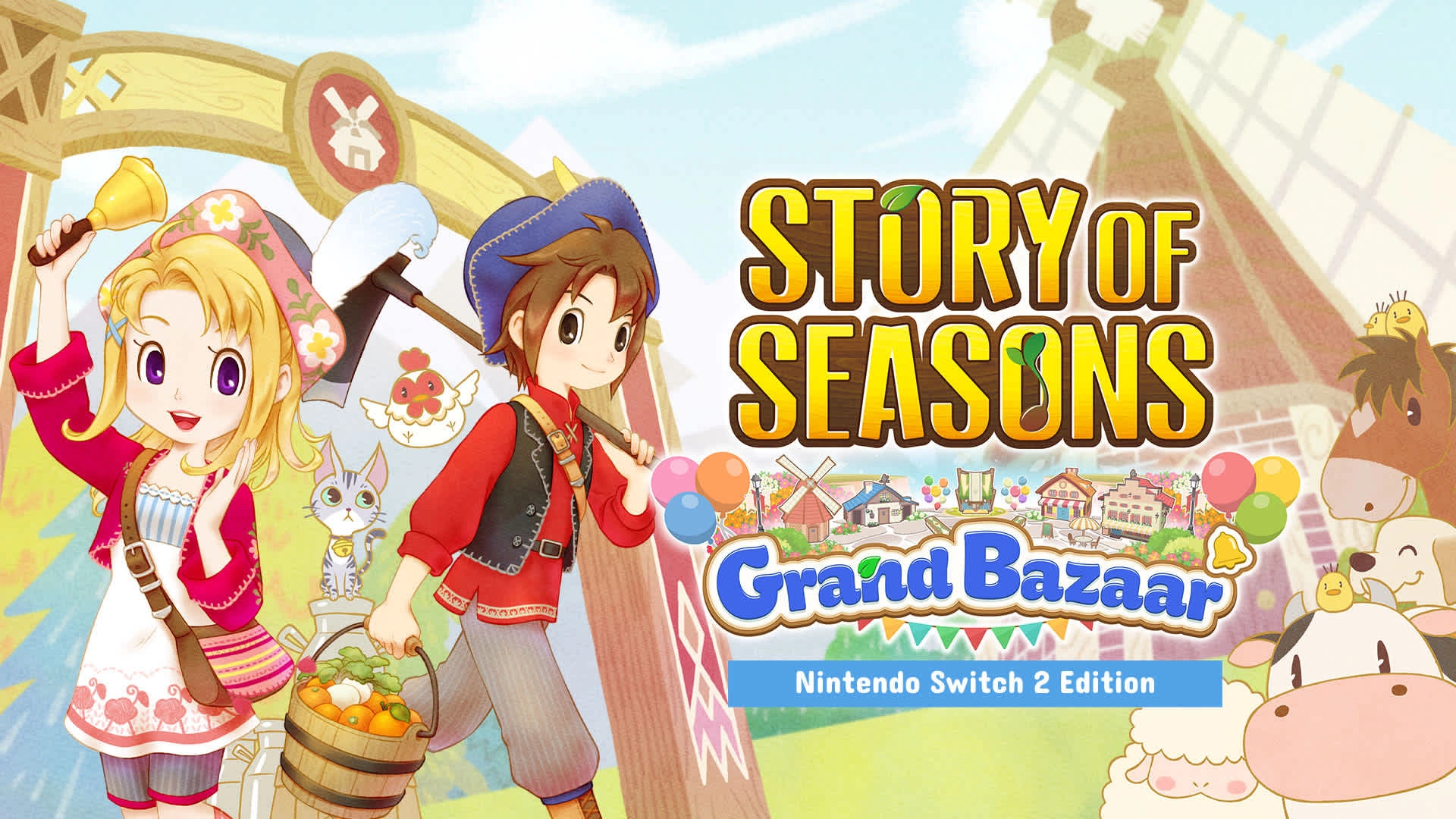
Story of Seasons: Grand Bazaar – Nintendo Switch 2 Edition
Read also our article: All’s Justice Confirms Feb 6 Release – Final Arc, 3V3 Combat, Rising
Farm life works well as a virtual hangout. Rebuild Zephyr Town’s once‑famous bazaar, sell goods from your crops and animals, and meet residents to befriend or romance – then use GameChat screen‑share to show progress, market layouts, and day‑to‑day routines to friends.
Key Availability Notes
- Until March 31, 2026, GameChat can be used without a Nintendo Switch Online membership; afterwards, a membership is required to use GameChat.
- Internet and a Nintendo Account are required for online features, including GameChat.
- GameShare sessions must be initiated from a Nintendo Switch 2. Recipients can only play during the active session; shared software is not playable after it ends.
- When using GameShare via GameChat online, each participant needs a Nintendo Switch 2 and GameChat. Compatibility varies by game; not available in all countries.
Final Takeaway – Why It Matters
Switch 2’s social toolset splits neatly across two needs: GameShare for quick local multiplayer from one copy, and GameChat for low‑friction voice and 3‑person screen‑share. Knowing which games lean into each feature – and the timeline for online requirements – helps you choose how to connect with friends, whether you are coordinating a chaotic kitchen, exploring Viewros, or reviving a small‑town bazaar.
Category
Share the news


Meet the Author


Article:
Read all

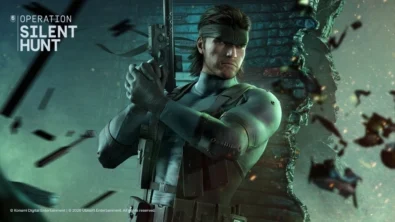
Solid Snake joins Rainbow Six Siege on March 3 with intel‑driven tools and scavenging gameplay. A few weeks later, a limited‑time 4v4 infiltration mode arrives alongside map and balance updates.
 February 15, 2026
 6
6
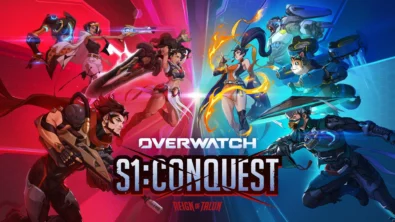
Season 1 opens the first chapter with Domina, Emre, Mizuki, Anran, and Jetpack Cat, plus the Conquest meta race between Overwatch and Talon. The world will update in real time as the story unfolds.
February 14, 2026
6
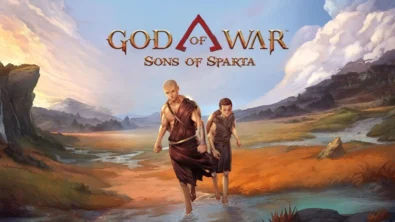
Kratos’ Spartan youth becomes playable in God of War Sons of Sparta – a canon, pixel‑art 2D prequel on PS5 with customizable spear‑and‑shield combat, Gifts of Olympus, and returning voice talent.
February 13, 2026
8
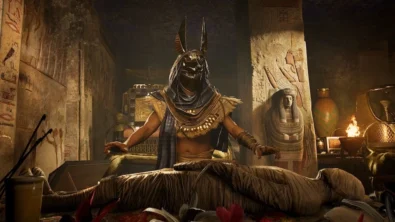
Ancient embalming, step by step – a new museum installation built on Assassin’s Creed Origins’ Discovery Tour lets visitors explore mummification interactively at Musée de l’Homme, open November 2025-May 2026.
February 13, 2026
9
Read also
Season 1 opens the first chapter with Domina, Emre, Mizuki, Anran, and Jetpack Cat, plus the Conquest meta race between Overwatch and Talon. The world will update in real time as the story unfolds.
February 14, 2026
6
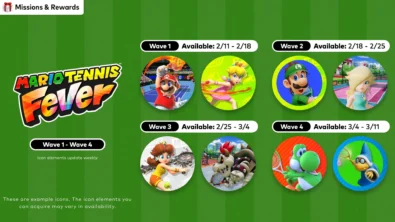
New Mario Tennis Fever-themed icon elements are time-limited and rotate across four waves. Availability runs 2/11-3/11 (PT), with monthly refreshes in the Nintendo Switch Online app.
February 13, 2026
9
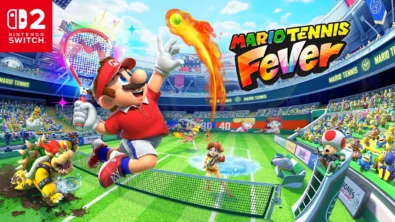
Mario Tennis Fever arrives on Nintendo Switch 2 with 30 Fever Rackets, a 38-strong roster (including new faces), and 8 distinct modes—plus a baby-sized Adventure Mode twist.
February 13, 2026
9
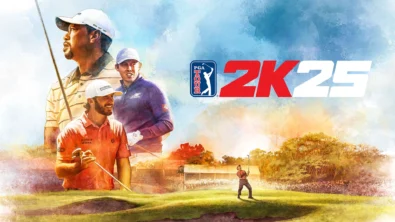
The series brings all three golf majors to Nintendo Switch 2 for the first time, alongside deeper MyCareer tools and cross-platform play — with daily and weekly tournaments to climb.
February 11, 2026
9
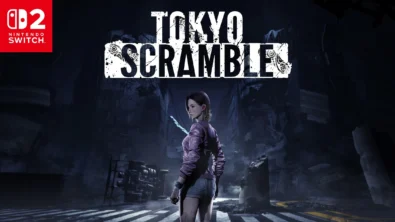
Anne wakes beneath Tokyo with dinosaur-like predators on her trail. TOKYO SCRAMBLE mixes stealth, strategy apps, and heart-rate management, plus co-op for up to four via GameShare on Nintendo Switch 2.
February 11, 2026
10
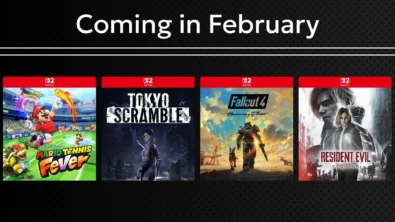
Remakes, horror, sports and sci‑fi strategy headline Nintendo’s February slate. Here are the exact dates, platforms and core features straight from the official roundup—no fluff, just facts.
February 11, 2026
11
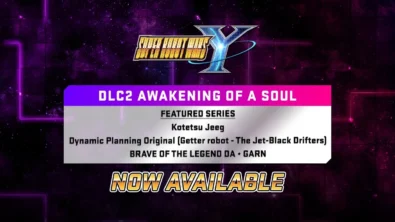
DLC Pack 2 lands for Super Robot Wars Y with new series and 26 missions, while a free update brings Battle Rush 2’s 20-wave challenge and raises progression ceilings for pilots, mechs and weapons.
February 6, 2026
11
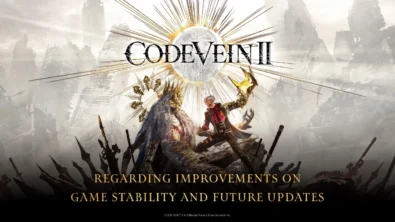
Following player feedback, CODE VEIN II is prioritizing frame rate improvements and stability, with ongoing patches planned for the full game on every platform. Balance changes and broader performance fixes are also on the road...
February 6, 2026
15
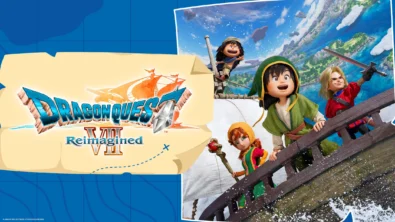
Square Enix brings DRAGON QUEST VII back on Nintendo Switch and Switch 2 with a diorama look, a leaner story structure, and overhauled combat — including dual vocations and faster, more tactical battles.
February 6, 2026
14
Switch 2 picks up steam as Nintendo details dates for Indiana Jones, Fallout 4, FFVII Rebirth, Resident Evil Requiem and more – plus classic revivals and new exclusives landing as soon as today.
February 6, 2026
17

Співпраця
Співпраця - текст
TopGame Newsletter!
Unlock exclusive gaming deals, fresh guides, and insider picks — straight to your inbox. No spam, just real content for real players.
